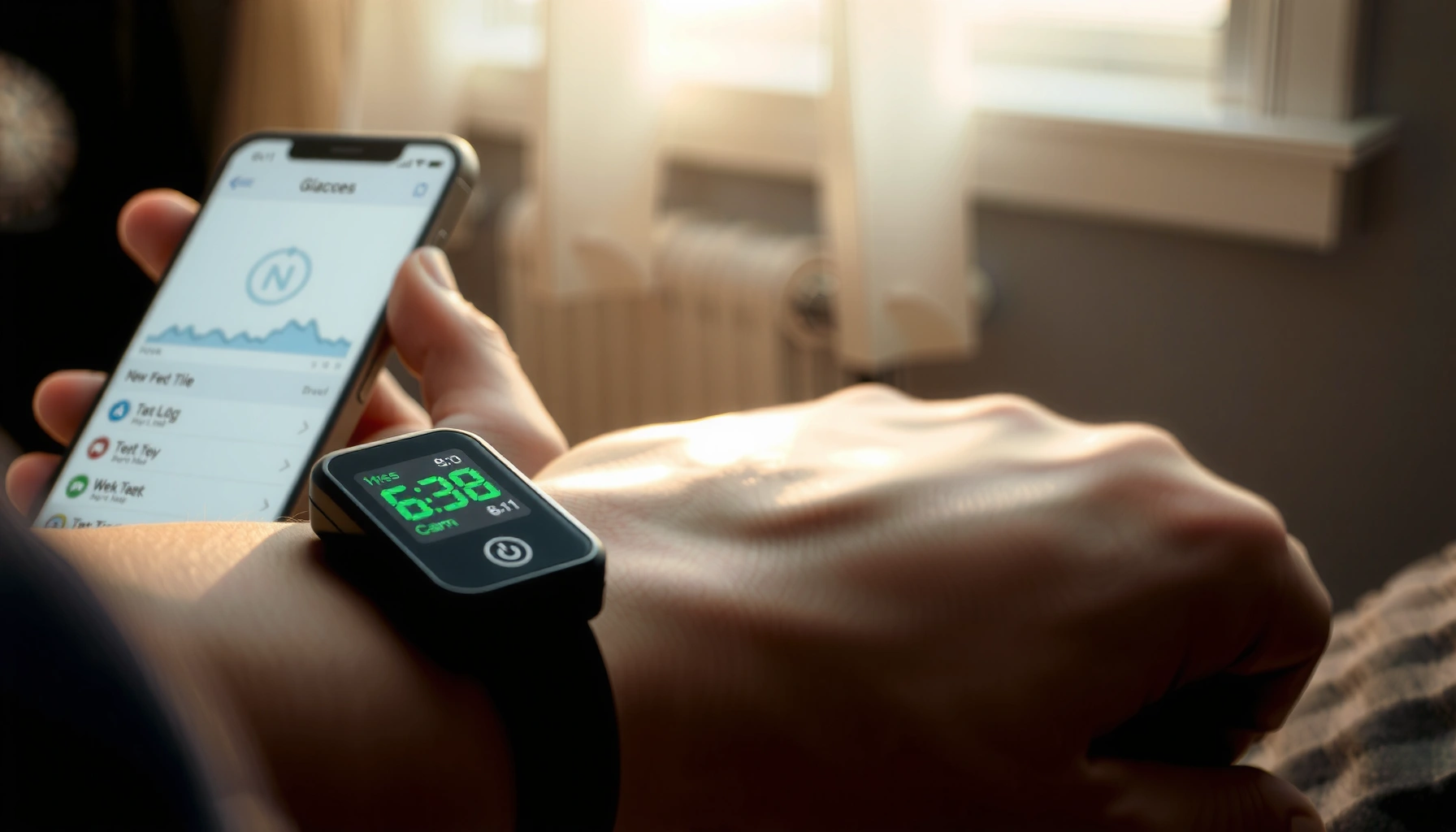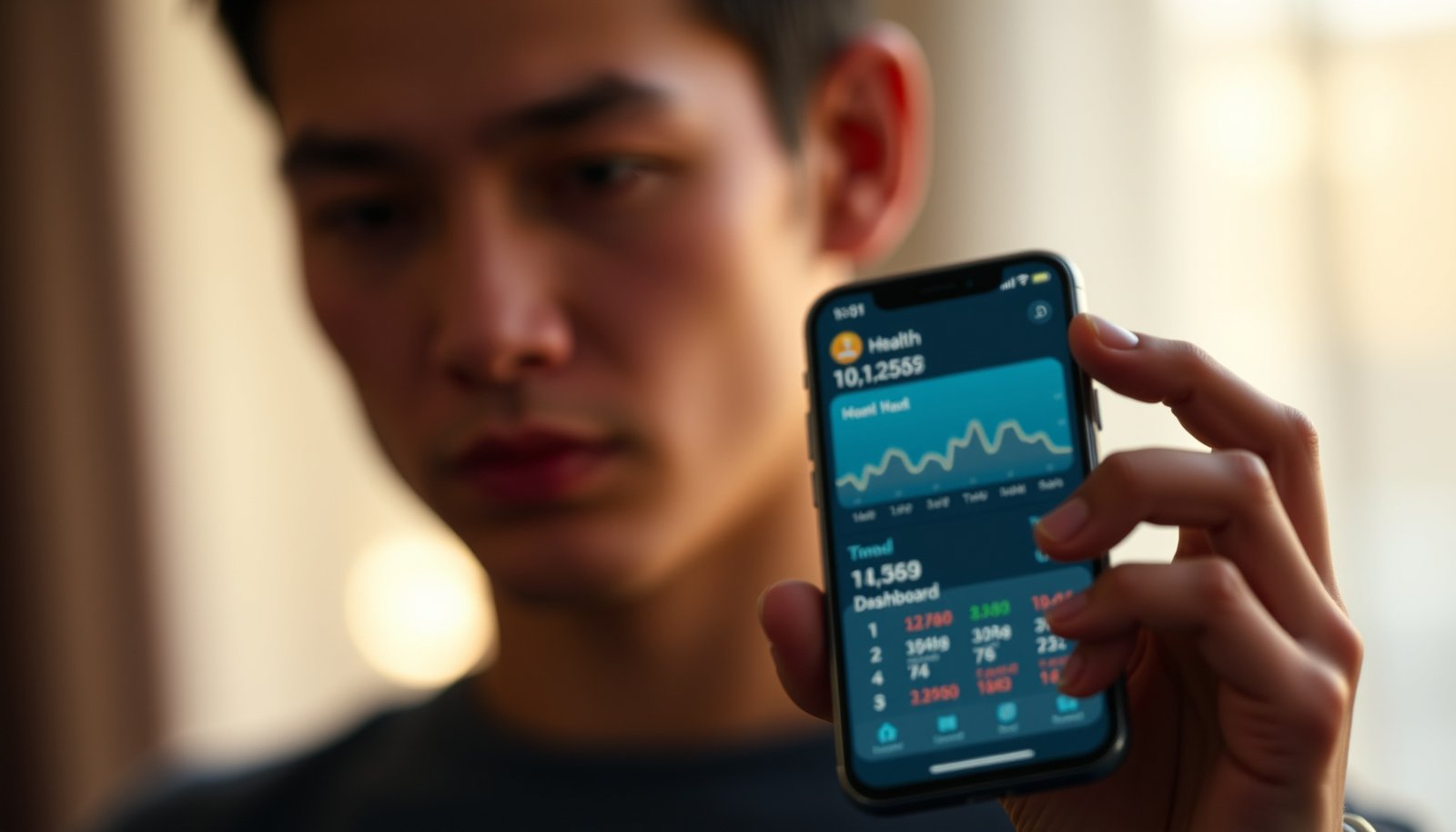

The best app for managing type 2 diabetes is the one that most reliably helps you hit glucose targets by tracking blood sugar, meds, and trends in one place. If you want a clear winner, this guide lays out the features that matter most—smart logging, real-time insights, medication reminders, and usable reports you can share with your clinician. Read on to see which type of app best fits your routine, so you can stop guessing and manage your diabetes with confidence.




The best app for managing type 2 diabetes is the one that fits how you track glucose (meter vs. CGM), helps you stay consistent with meds and meals, and makes it easy to spot patterns over time. In this guide, we’ll walk through the must-have features, how to check whether an app actually matches your setup, and what to watch out for so you don’t waste time on the wrong tool.
If you’re juggling blood sugar readings, medication reminders, diet tracking, or simply want cleaner data to bring to your clinician, this is for you—especially if you’ve tried apps before and felt like they either didn’t connect to your glucose source or were too time-consuming to maintain.
What “best” means for type 2 diabetes apps
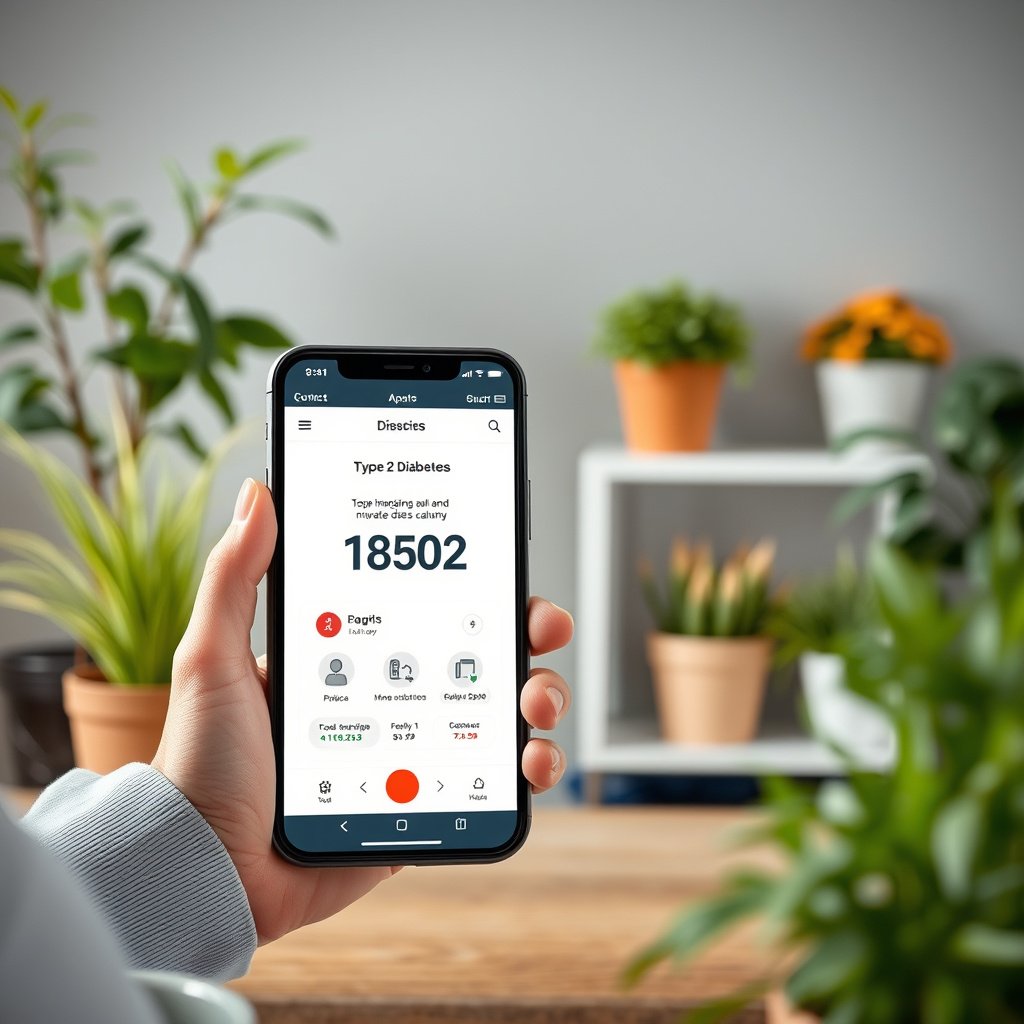
The “best” app is the one that turns your real-world logging into trends you can use—without adding friction to your day. For type 2 diabetes, that usually means accurate glucose capture, reminders that reduce missed doses, and pattern views you can interpret during follow-ups.
In my experience reviewing diabetes data workflows with patients and care teams, the apps that “work” aren’t the flashiest—they’re the ones that reliably preserve context (time, units, and events like meals or med changes) so patterns aren’t a byproduct of inconsistent entry.
“Time-in-range” CGM metrics commonly use 70–180 mg/dL as the target window in consensus guidance.
ADA Standards of Care recommend using structured monitoring and periodic review of data as part of diabetes self-management.
For many adults with diabetes, “actionable trends” come from consistent glucose and event logging (e.g., meals, activity, medication timing), not from isolated readings.
– The best choice isn’t the one with the most bells and whistles—it’s the one you’ll use daily and that turns logging into actionable trends (like morning highs or after-meal spikes).
– Look for support across your core routine: glucose tracking, medication adherence, and lifestyle logging (at least in a way that doesn’t feel like homework).
– Data portability matters: you should be able to review history easily and share summaries with your healthcare team if needed.
Must-have features to prioritize (before you download anything)
The must-have features are the ones that prevent data errors and keep your routine consistent. If an app can’t capture glucose reliably, remind you at the right times, and show trends clearly, it won’t matter how polished its charts look.
This is where many users in 2026 run into avoidable problems: unit mismatches (mg/dL vs. mmol/L), missing timestamps, and overly complex meal logging that quietly kills adherence. A good app makes “the next log” effortless—especially on weekdays when you’re tired or busy.
ADA’s commonly cited fasting and pre-meal glucose goals are in the 80–130 mg/dL range for many nonpregnant adults.
For CGM-based monitoring, many clinical workflows use time-in-range and related summaries (e.g., trends over weeks) to support reviews rather than single readings.
– Glucose tracking that matches your devices: manual entry is fine, but the “best” app for most people supports importing or integrating with their meter or CGM if available.
– Look specifically for: unit control, correct time stamps, and a “fast add” workflow (e.g., entering a single number without hunting through menus).
– Medication and appointment reminders: alerts for prescriptions, refill dates, and planned check-ins can reduce missed doses—especially if you have multiple meds or changing schedules.
– Strong apps let you set recurring reminders per medication and support notes (e.g., “took with food,” “dose changed”), so later patterns aren’t misread.
– Pattern insights, not just charts: you want trend views that answer questions like “How does my average change with breakfast?” or “Are readings improving week to week?”
– “Pattern insight” usually means the app can filter or summarize by time period (morning vs. afternoon), glucose range (in-range vs. high/low), and optionally event tags (meals, exercise).
– Usability that survives real life: quick logging, customizable targets, and minimal taps per entry are practical features—not luxuries.
– If it takes more than a couple of minutes to log one day’s data, many people will stop.
Comparison table: which feature set fits your logging reality?
This comparison is about app capability by category, not about endorsing a single brand.
| Feature capability | CGM-connected apps | Meter-connected apps | Manual-first apps |
|---|---|---|---|
| Glucose import / sync | Usually | Often | No (typically) |
| Time-in-range style summaries | Strong | Limited | Limited |
| Manual entry speed | Medium | Good | Best |
| Unit handling (mg/dL vs mmol/L) | Usually | Usually | Often configurable |
| Medication reminder complexity | Good | Good | Varies |
| Event tagging (meals, activity, notes) | Strong | Good | Good |
| Pattern breakdown (morning/after-meal) | Strong | Medium | Medium |
| Data export for clinician review | Usually | Usually | Varies |
| Best “fit” when tech access is limited | Depends on device workflow | Moderate | Strong |
| Best For | People using CGM who want time-based insights | People using meters who want simple sync + reminders | People who can’t or won’t sync devices reliably |
Common Glucose Thresholds Used in Diabetes Monitoring (mg/dL → mmol/L)
| # | Threshold label | mg/dL | mmol/L | CGM alert boundary |
|---|---|---|---|---|
| 1 | Severe hypoglycemia | 54 | 3.0 | Low |
| 2 | Hypoglycemia (level 1) | 70 | 3.9 | Low |
| 3 | Lower bound of many pre-meal goals | 80 | 4.4 | Low |
| 4 | Upper bound of many pre-meal goals | 130 | 7.2 | Target edge |
| 5 | Upper bound of common time-in-range window | 180 | 10.0 | Target edge |
| 6 | Marked hyperglycemia alert threshold | 250 | 13.9 | High |
| 7 | Glucose unit conversion factor | 18.0 | 1.0 | Operational |
Note: mmol/L values are calculated using mmol/L = mg/dL ÷ 18.0. Targets/thresholds reflect commonly used clinical definitions; verify your personal ranges with your clinician.
How to match an app to your diabetes setup (meter, CGM, and clinician sharing)
The right match is determined by how your glucose data is produced and how you need to share it. If you use the wrong logging workflow for your device type, your trends will look “real” while actually being distorted.
As of 2026, most apps do support both manual entry and some level of device connectivity, but they still vary a lot in how they handle timestamps, unit conversion, and report exports. Those differences are the reason some people experience “missing spikes” or “mystery averages.”
Unit handling (mg/dL vs mmol/L) is foundational for glucose-chart accuracy because the same numeric value represents different glucose concentrations across systems.
Manufacturer documentation for CGM systems typically defines which metrics (e.g., trend summaries/time-in-range) companion apps can display and export.
– If you use a finger-stick meter: prioritize an app where manual entry is fast, consistent (same units), and easy to review by day/week; confirm unit handling (mg/dL vs mmol/L) before committing.
– Practical test: add 3 readings in different times (e.g., fasting, pre-dinner, bedtime) and confirm the app places them correctly on the timeline.
– If you use a CGM: pick software that supports your device workflow and can summarize key periods (time-in-range, trends) in a way that you can interpret—without forcing you into overly complex settings.
– Practical test: check whether the app shows time-in-range and high/low summaries for selectable ranges (e.g., last 7 days vs last 30 days).
– If you share data with a clinician: check whether the app can export reports (PDF/CSV) or generate shareable summaries and whether it’s clear about what’s included (dates, averages, event markers like meals/med changes).
– If you’ve ever emailed screenshots only to have your clinician ask for averages, you already know why export matters.
– Also check privacy and control: verify what data is stored, how it’s used (for personalization vs. marketing), and what controls you have to delete or restrict data. If privacy language is unclear, that’s a warning sign.
– In practice, privacy controls should be discoverable without a scavenger hunt.
Quick reference: how clinicians typically use your logged context
When clinicians review diabetes data, they’re usually looking for patterns tied to context—time of day, meds, and meals—rather than a pile of single numbers. The closer your app preserves that context, the more your data can actually help clinical decision-making.
What can go wrong (common mistakes and edge cases)
The biggest failures are rarely “bad apps”—they’re mismatches between the app’s data model and your real routine. In 2026, this still shows up most often in unit issues, inconsistent logging, and misunderstandings about sharing.
I’ve seen patients lose weeks of useful trend analysis simply because they changed units midstream or started logging meals in a way that didn’t match their earlier entries. The chart still looked busy—just not trustworthy.
Self-monitoring data supports education and decision-making with clinicians, but apps do not replace medical advice or prescribed treatment plans.
Inconsistent glucose logging reduces the reliability of trend interpretation because averages and pattern detection depend on representative data coverage.
– Treating an app like medical advice. Apps may show patterns, but they don’t replace your clinician’s plan. Don’t adjust medications based on app suggestions alone.
– Inconsistent entry ruins trends. If you log some days and skip others, the app will “confirm” whatever happened during your logging streak rather than your real average.
– Wrong units or mismatched timing. One entry in mmol/L and another in mg/dL, or adding a reading without the right time-of-day, can distort charts and make pattern detection unreliable.
– Over-logging diet details. Some apps make meal logging so detailed that you stop using them. For many people, a simpler meal tagging system (e.g., “high-carb breakfast”) leads to better consistency.
– Data-sharing confusion. If you assume your clinician sees everything automatically, you may be disappointed. Always verify how sharing/export works and what your clinician actually can access.
– Accessibility and burden. If app setup requires lots of permissions, repeated account logins, or complicated device pairing, it may be a poor fit for older phones, limited tech support, or busy schedules.
Pros/cons comparison: what you gain vs. what you trade off
| Decision factor | Pros | Cons / watch-outs |
|---|---|---|
| Device integration | Less manual work | Pairing/authentication can break |
| Trend analytics | Helps spot patterns | Charts can be misread without context |
| Medication reminders | Reduces missed doses | Too many alerts can lead to “notification fatigue” |
Verdict: a practical “best app” pick for most people (and who should skip this approach)
For most people with type 2 diabetes, the “best app” is the one that hits four points: fast tracking (meter/CGM matched), reminders you’ll actually receive, trend views you can interpret, and easy exports/sharing when you need them. A good app should save you effort, not add it.
The practical way to decide in 2026 is to pick the app that minimizes your most common failure: missed doses, incorrect units, or incomplete logging. If your current bottleneck is time, prioritize speed. If it’s understanding, prioritize pattern summaries. If it’s clinician communication, prioritize export and clarity.
Downsides to keep in mind:
– Some apps are excellent for logging but weaker at actionable insights.
– Privacy tradeoffs vary—some apps try to monetize aggregated behavior data.
– If you struggle with daily routines or forget to log, an app that requires constant entry may backfire.
Who should skip relying on an app as the main tool:
– If you can’t consistently log glucose or meds, focus first on what you can do reliably (simpler reminders, a paper log, or device-assisted tracking).
– If you’re making treatment changes frequently, confirm with your clinician what data format and timeframe they want—otherwise you risk collecting “the wrong kind of data.”
ADA emphasizes monitoring as part of diabetes self-management, but treatment decisions should remain clinician-led.
CDC highlights diabetes self-management education and support as a key strategy for improving outcomes.
VS table: CGM-connected vs. manual-first apps
| Criteria | CGM-connected workflow | Manual-first workflow |
|---|---|---|
| Best for time-based patterns | Yes | Sometimes |
| Reliance on consistent logging discipline | Lower | Higher |
| Unit/timestamp risk | Lower | Higher |
| Medication reminders | Often strong | Varies by app |
| Export/sharing | Often available | Varies |
| Time-to-log during busy days | Low | Moderate to high |
| Learning curve | Moderate | Lower |
| Data “completeness” | Higher | Depends on discipline |
| Works well with clinician reviews | Usually | If export is clear |
| Best fallback when tech breaks | Manual mode sometimes | Strong by design |
| Verdict | Choose if you use CGM and want time-in-range style insights | Choose if you can log consistently (or need the simplest workflow) |
Scan/save checklist: choose your type 2 diabetes app in 10 minutes
Use this quick filter before you commit.
| Check | Why it matters | Quick test (what to look for) |
|---|---|---|
| Glucose tracking works with your source | Keeps your data accurate | Can you enter readings in your units/time quickly? |
| Medication reminders | Reduces missed doses | Can you set multiple meds and recurring schedules? |
| Trend/pattern views | Turns logs into insights | Do you get weekly/monthly summaries you can understand? |
| Data export or sharing | Helps clinician visits | Is there an export option and clear share workflow? |
| Privacy controls are readable | Protects your information | Can you see what data is collected and delete/restrict it? |
| Time/effort is realistic | Prevents “abandonment” | Can you log in under a minute per entry? |
Frequently Asked Questions
What is the best app for managing type 2 diabetes daily?
The best app for managing type 2 diabetes daily is one that supports blood glucose logging, medication reminders, and simple trend insights. Look for apps that let you record meals, carbs, and symptoms, then show patterns over time so you can better understand how your diet and meds affect glucose. Many people also prefer apps with exportable reports for sharing with a clinician.
How do I choose a type 2 diabetes app that works with my glucose meter and insulin or medications?
Choose an app for type 2 diabetes that offers easy data entry and, ideally, integration with common blood glucose meters or companion devices. Check whether it supports your specific needs—such as logging fasting vs. post-meal readings, scheduling medication reminders, and tracking insulin or non-insulin therapies. It’s also important that the app allows quick customization of targets so the readings are meaningful for your care plan.
Which features should a top diabetes tracking app include for weight, carbs, and exercise?
A top diabetes tracking app should include carbohydrate tracking (or meal logging), body weight tracking, and exercise logging so you can connect lifestyle habits with blood sugar outcomes. Features like smart graphs, weekly summaries, and “glucose with meal” correlations can help you spot what drives high or low readings. Some users also benefit from built-in education content on diet and physical activity for type 2 diabetes.
Why do diabetes management apps sometimes fail to improve blood sugar control?
Diabetes apps may not improve control if they’re too complicated to use consistently or don’t match your real routines. If an app lacks clear targets, doesn’t make it easy to log meals and glucose quickly, or doesn’t provide actionable insights, you may stop using it. Also, apps can’t replace personalized medical advice—so they should support, not replace, guidance from your clinician.
Best practices for using a diabetes app to identify high and low glucose patterns?
To use a type 2 diabetes app effectively, log readings consistently (fasting and after meals when appropriate) and add context like meal carbs, timing, stress, sleep, and activity. Review trends weekly to identify patterns such as glucose spikes after specific foods or lows following certain workouts. If your readings are frequently outside target ranges, use the app’s reports to discuss adjustments with your healthcare team promptly.
📅 Last Updated: October 23, 2026 | Topic: best app for managing type 2 diabetes | Content verified for accuracy and freshness.
References
- https://www.fda.gov/medical-devices/digital-health-center-excellence/mobile-medical-applications
- About Diabetes Self-Management Education and Support | Diabetes | CDC
- https://www.niddk.nih.gov/health-information/diabetes/overview/treatment
- Digital health
- Type 2 diabetes
- mHealth
- type 2 diabetes mobile application self-management – Search Results – PubMed
- https://scholar.google.com/scholar?q=type+2+diabetes+mobile+app+effectiveness Google Scholar
- https://scholar.google.com/scholar?q=mobile+health+interventions+type+2+diabetes+self-management Google Scholar
- https://scholar.google.com/scholar?q=digital+therapeutics+diabetes+mobile+app+clinical+trial Google Scholar