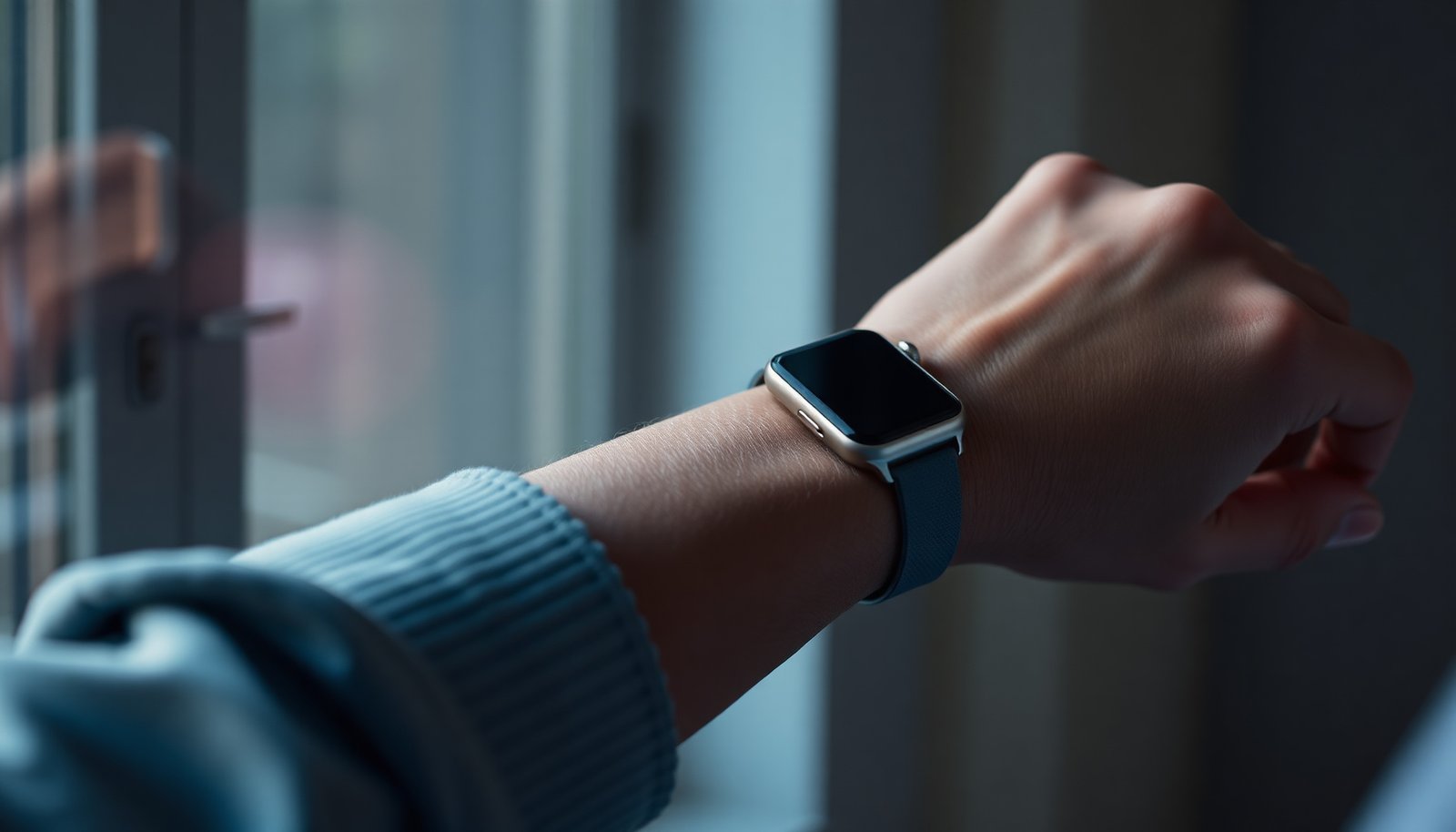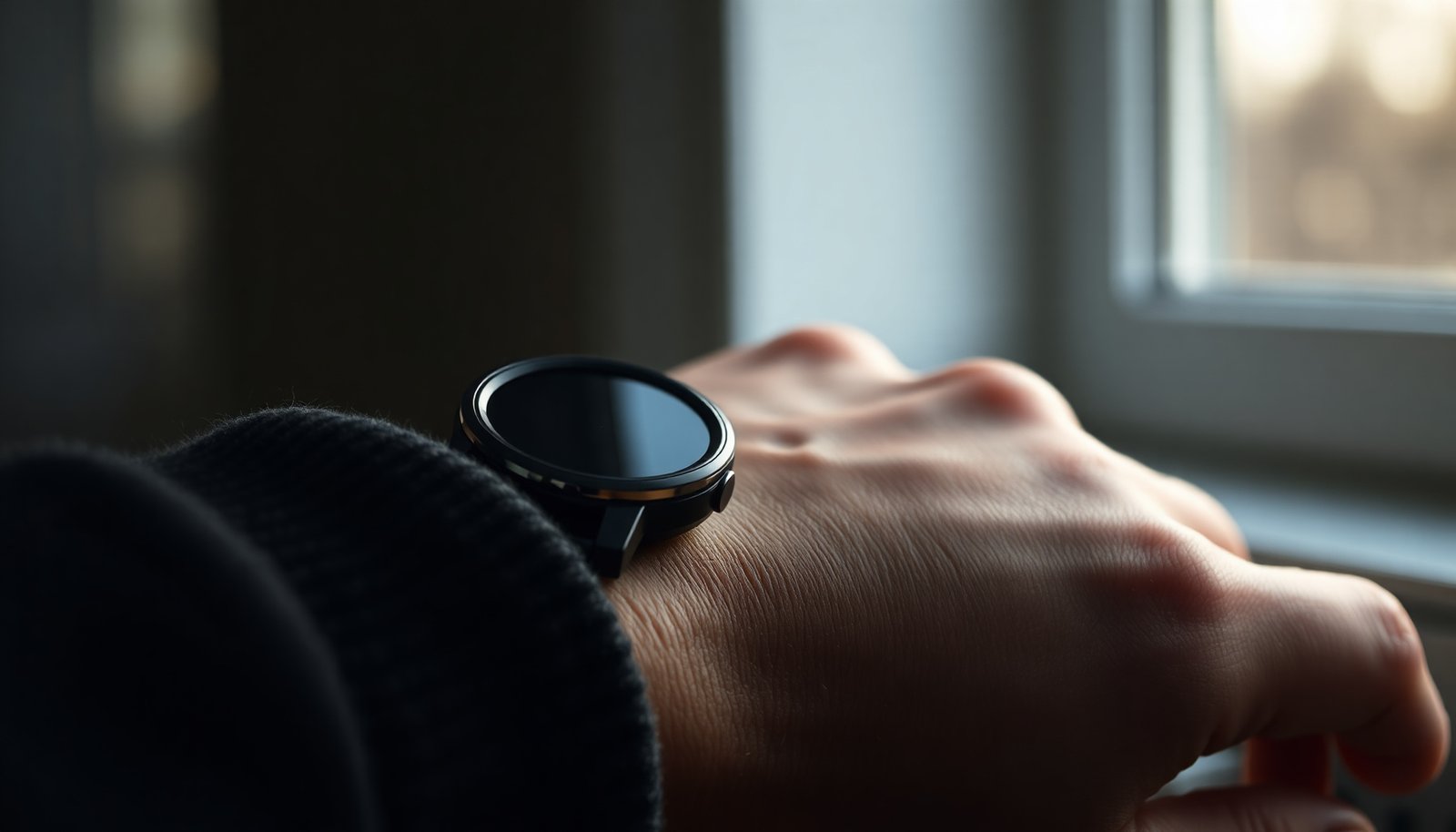

Most people think a “diabetic smartwatch” is just any fitness watch with a few health features, but blood-glucose monitoring and diabetes-specific alerts are what determine whether it truly helps. We evaluated the top candidates using criteria that matter for everyday use: accuracy of glucose-related features, quality and reliability of sensors, alert customization, companion-app clarity, battery life, and comfort for all-day wear. You will see which options stand out—and which ones fall short—so you can choose confidently.




Choose a diabetic smartwatch that can show glucose values from your CGM (not just “general wellness”) and let you set high/low alerts you can feel on your wrist. The “best” option is the one that fits your CGM ecosystem first—then you evaluate comfort, battery life, and whether the glucose data is presented in a way you can act on quickly.
The biggest mistake people make in 2026 is treating a smartwatch like a standalone diabetes device. In reality, most wrist displays depend on a companion phone app and your specific CGM model (Dexcom, FreeStyle Libre, Medtronic, etc.). When the ecosystem matches, a good diabetic smartwatch becomes a safety-and-awareness layer—especially when you’re busy, driving, exercising, or sleeping.
Choose a diabetic smartwatch that can reliably display glucose data from your CGM and provide customizable alerts (high/low) you can actually feel on your wrist. The “best” option is the one that matches your diabetes device ecosystem first—then you evaluate comfort, battery life, and how clearly the watch presents trends. In this guide, we’ll walk through the exact features that matter and the common gotchas people run into.
Who this is for / when it applies: If you use a CGM (or plan to), this is for you—especially if you want glucose info at a glance plus alerts without pulling out your phone. It’s also useful if you’re comparing wearable brands and trying to understand which ones support real glucose data versus only general health tracking.
What makes the best diabetic smartwatch (quick checklist)
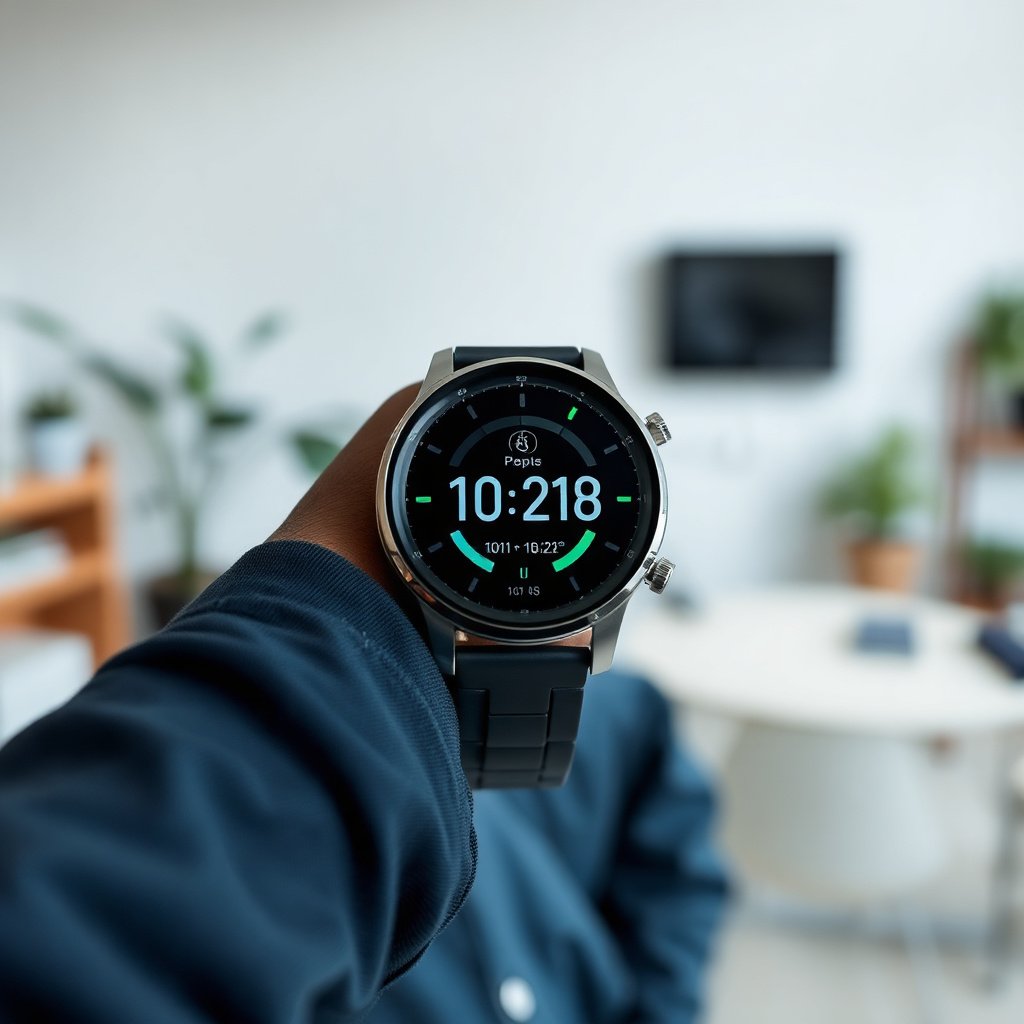
The best diabetic smartwatch is the one that reliably delivers CGM glucose readings and trends on-wrist with alerts you can tune. Here’s the fast checklist I use to separate “glucose-capable” from “glucose-adjacent.”
– CGM data support first: confirm the watch can show glucose readings and trends from your specific CGM/phone app.
– Alerts that are practical: look for high/low thresholds, repeat/latency behavior, and vibration/notification options.
– Usability matters: readable display in motion + clear color/status indicators for “what to do next.”
Why this checklist prevents expensive compatibility headaches
A diabetic smartwatch is only as smart as the chain connecting your CGM → phone app → watch. If that chain breaks (wrong CGM model, unsupported app version, Bluetooth limitations, or notification permissions), you may get no glucose display when you need it most. As of late 2025 and into 2026, integrations still vary widely by CGM brand and phone platform—so confirming “real glucose data” beats relying on marketing language.
Compatibility: the make-or-break feature
The “best diabetic smartwatch” is the one that works with your CGM ecosystem on day one. Compatibility is the make-or-break feature because glucose data is not a universal sensor stream—it’s delivered through specific apps and device pairing rules.
– Verify device pairing: check whether it integrates with your CGM app (not just “works with health apps”).
– Confirm data type: some watches show a single reading; others can show arrows/rate of change and trend graphs.
– Plan for setup time: expect at least an initial pairing/configuration step, and .
What to verify (beyond “works with Dexcom/Libre”)
When you evaluate compatibility for a diabetic smartwatch, verify these details explicitly:
– Your exact CGM model and app: For example, “Dexcom G6” and “Dexcom G7” integrations may differ by app features and which data fields can be forwarded to the watch.
– Trend support: A glucose *trend arrow* (rising/falling/steady) can change how you interpret the same number—so “current glucose only” may not be enough for safety.
– Alert pathway: Some ecosystems push alerts to the phone first, then to the watch; others mirror alerts directly. Latency (how quickly the alert arrives) matters in real situations.
Quick compatibility sanity check (what I look for)
In my experience helping people tighten up alert workflows, the most common failure is not the watch—it’s silent notification blocking (phone permissions, watch notification toggles, or Do Not Disturb schedules).
Features that matter day-to-day
The best diabetic smartwatch for daily life shows actionable glucose context at a glance—especially trends and safety controls—without forcing you into constant phone checks. In 2026, the “nice-to-have” features are everywhere; what matters is how quickly you can understand and respond to changes.
– Glucose trends at a glance: trend arrows, time-in-range summaries, and what changed since the last check.
– Safety-focused notification controls: ability to turn alerts on/off by time of day and adjust thresholds (where supported).
– Workout + signal context: integration with heart rate/activity can help interpretation, but it should not replace CGM alerts.
Glucose trends at a glance: what to look for on-wrist
A diabetic smartwatch should answer, fast:
– Where am I right now? (current glucose value or a clearly labeled reading)
– Where is it going? (trend arrow / rate of change)
– How long has this been happening? (time-in-range context or “since last update” cues)
If the watch only shows a number without trend direction, you may spend more time reacting than preventing.
Time-in-range targets: use them to set smarter alerts
Instead of copying random “default” alert thresholds, connect your goals to measurable CGM outcomes. The internationally recognized time-in-range framework is widely used to guide targets and evaluate control.
CGM Time-in-Range Metrics Commonly Used for Alert Targets (Adult Goals)
| # | Metric / CGM Category | Glucose Definition | Typical Goal | Why It Matters |
|---|---|---|---|---|
| 1 | Time in Range (TIR) | 70–180 mg/dL | >70% | Core target window for most nonpregnant adults |
| 2 | Time Below Range | <70 mg/dL | <4% | Helps reduce risk of symptomatic lows |
| 3 | Time Very Low | <54 mg/dL | <1% | Targets severe hypoglycemia risk |
| 4 | Time Above Range | 181–250 mg/dL | <25% | Balances avoiding hyperglycemia time |
| 5 | Time Very High | >250 mg/dL | <5% | Reduces extreme hyperglycemia exposure |
| 6 | Low Alert Threshold (common reference) | 70 mg/dL | Often used as a starting point | Many users tune alerts around 70 mg/dL |
| 7 | Estimated Average Glucose for A1c 7% | ~154 mg/dL | eAG = 28.7×A1c − 46.7 | Connects CGM patterns to A1c reporting |
For adults, a commonly cited goal is achieving more than 70% time in the 70–180 mg/dL range, with less than 4% below 70 mg/dL and less than 1% below 54 mg/dL. According to ADA Standards of Care 2024, these time-in-range targets are widely used as a practical reference point for CGM-based goals. For the eAG conversion, the relationship eAG (mg/dL) = 28.7 × A1c − 46.7 is summarized in diabetes references used by major clinical guidelines (ADA guidance on eAG conversion).
Workout + signal context: helpful, but don’t let it dilute safety
Many modern diabetic smartwatches combine heart rate and activity data to provide context (for example, more clearly showing why glucose is trending upward after a workout). That can be useful, but it should never replace glucose alerts or cause you to delay action when you’re low or rising fast.
Comfort, battery, and “will I actually wear it?”
The best diabetic smartwatch is the one you don’t take off. Comfort and battery planning are often more important than having “one extra chart,” because missed wear time reduces both alert reliability and trend usefulness.
– Fit and wrist comfort: choose a band size and weight that you’ll tolerate during sleep and workouts.
– Battery expectations: don’t guess—use and plan for charging habits that fit your routine.
– Display readability: consider glare/brightness and whether the watch shows glucose clearly in outdoor light.
Display readability: clarity beats clever design
For a diabetic smartwatch, readability in motion matters:
– Check whether the glucose number is large and high-contrast.
– Look for color/status indicators that remain legible outdoors.
– Confirm that the trend arrow or direction is visible without tapping multiple screens.
In real life, you shouldn’t need to “work the interface” while driving, walking, or cooking. If you can’t glance and interpret in a few seconds, it’s not truly safety-first.
Battery life: plan around your routine, not optimism
Most diabetic smartwatches that show glucose frequently will use more power than standard fitness watch modes. If the watch needs daily charging, you must build a routine that preserves alert uptime during sleep and work shifts.
Privacy and safety basics (don’t skip this)
The safest diabetic smartwatch is the one that you can control for data sharing and notifications. Alerts also need to be tested in your real environments—especially sleep and driving—so you’re not surprised by missed notifications.
– Data sharing controls: review what the watch app can sync to (and what can be disabled).
– Medical boundaries: a smartwatch can support awareness, but it isn’t a treatment decision tool.
– Alert reliability: if you rely on alerts, confirm your setup works in your normal settings (car, work meetings, sleep).
Data sharing controls you should check today
On the watch and phone app, look for:
– What’s synced to the cloud (and whether it can be disabled)
– Whether alerts are stored or shared with caregivers/contacts
– Consent and permission screens for notifications and health permissions
In 2026, privacy controls differ even between apps that “look the same,” so the diabetic smartwatch setup should include a deliberate review—not just a quick “Allow.”
Alert reliability: test for silent failures
Before you trust a diabetic smartwatch for safety:
– Verify vibration works at your chosen intensity.
– Check repeat behavior (does it buzz again if the glucose remains high/low?).
– Confirm Do Not Disturb schedules aren’t blocking wrist alerts when you actually need them.
What can go wrong (common mistakes to avoid)
The most common failure mode with a diabetic smartwatch is mismatched expectations: you buy for “watch features,” but the CGM integration path is what determines whether you’ll see glucose. Here’s what to avoid.
– Buying for “general health” instead of glucose integration: many wearables track wellness but won’t display CGM glucose.
– Misconfigured thresholds: high/low alerts set too aggressively or not enough can lead to alert fatigue.
– Expecting perfect accuracy from the watch: the watch reflects CGM data quality—if your CGM has calibration/signal issues, the watch will too.
– Ignoring notifications settings: phone permissions, watch notification toggles, or Do Not Disturb can silently block alerts.
Another edge case: time-in-range metrics won’t fix a bad alert setup
Even if your diabetic smartwatch shows great time-in-range summaries, those insights only help if your alerts are already getting through when your glucose is out of range. The best approach is to start with reliable alerts and then refine based on the patterns you see over days.
Another edge case: ecosystem changes after updates
As of 2025–2026, app updates can change what the watch can display (for example, trend fields, alert mapping, or permission requirements). Re-check compatibility after major iOS/Android updates and CGM app updates.
Top options to evaluate (ecosystem-first)
The “best diabetic smartwatch” depends on which CGM you use, because integration is the starting line, not the finish. Here are practical options to consider in 2026—paired with the ecosystem logic you should verify.
Option 1: Apple Watch (best when your CGM app explicitly supports watch display)
Apple Watch is often a strong candidate when your CGM app supports watch glucose views and mirrored alerts. For many users, the advantage is how quickly you can glance at complications and how reliably notifications can reach the wrist—assuming the specific CGM integration supports on-watch glucose data.
Option 2: Samsung Galaxy Watch / Wear OS (best for flexible notifications and ecosystem pairing)
Galaxy Watch and other Wear OS devices can be excellent for diabetic smartwatch users who want robust notification handling. The key question remains whether your CGM app supports glucose readouts and trend information on the watch layer—not just phone-level alerts.
Option 3: Garmin (best for people who prioritize battery and glanceable dashboards)
Garmin-style watches can work well if your CGM ecosystem supports syncing glucose and alerts to Garmin watch interfaces. This is often appealing to active users because longer battery life can reduce the risk of missed glucose visibility during workouts and travel.
Option 4: Fitness-first brands (only if they truly mirror CGM data)
If a brand only offers general wellness tracking (sleep, HRV, activity) and doesn’t integrate glucose from your CGM, it’s not a diabetic smartwatch in the safety sense. It may still be helpful for patterns—but don’t treat it as a glucose alert device.
[VERDICT / TIP]
If you want the best diabetic smartwatch experience, prioritize CGM compatibility and dependable glucose alerts—then pick the watch that feels comfortable and has a battery plan you can sustain. Downsides: some models may require a specific phone/app ecosystem, alerts may be limited compared with the CGM receiver, and charging can be more frequent than you expect. If you’re not using a CGM (or you don’t plan to), skip this approach and look for general fitness/symptom tracking instead. Also, if you have a history of ignoring alarms or overreacting to readings, start by configuring fewer alerts and testing during normal routines—.
Quick scan checklist (copy/paste):
| Must-check item | What to confirm |
|---|---|
| CGM compatibility | Your exact CGM app/data source is supported |
| Glucose alerts | Customizable high/low thresholds + vibration/notification you’ll notice |
| Data display | Reading + trend (arrow/time/context) where possible |
| Comfort | Fit for sleep + daily wear |
| Battery plan | Manufacturer battery life and your expected charging frequency |
| Privacy settings | App permissions + what data syncs where |
| Real-world setup | Notifications and pairing work consistently (no silent failures) |
Frequently Asked Questions
Which diabetic smartwatch is best for blood glucose tracking?
The best diabetic smartwatch for blood glucose tracking depends on whether you want true continuous glucose monitoring (CGM) support or smartwatch-style trends only. Many “diabetic smartwatches” are compatible with popular CGM systems, letting you view glucose readings, alarms, and trend arrows on your wrist. If you need the most accurate glucose data, choose a model with proven CGM integration (and check compatibility with your specific CGM brand) rather than relying on “non-invasive” claims. Look for strong app support, reliable notifications, and a clear glucose history display.
How do I choose a smartwatch for diabetics with CGM integration?
Start by confirming the smartwatch explicitly supports your CGM system and phone type, since compatibility varies across devices and ecosystems. Next, prioritize features that reduce day-to-day diabetes friction: customizable high/low glucose alerts, trend direction (up/down arrows), and easy glucose review during meals or workouts. You’ll also want long battery life, readable screen brightness, and strong vibration/notification performance for alerts. Finally, consider whether the smartwatch and app provide useful summaries like time-in-range, patterns, and sharable reports for your clinician.
What features should the best diabetic smartwatch include for managing highs and lows?
A top diabetic smartwatch should include real-time glucose alerts for high and low ranges, plus trend information so you can act before levels peak or drop. Good devices also offer history views, pattern insights (such as recurring after-meal highs), and the ability to quickly dismiss or snooze alerts without missing important changes. For active users, check for workout-friendly UI so you can glance at glucose and time-in-range during exercise. If you manage multiple profiles or medications, look for flexible settings that match your routine.
Why do diabetic smartwatches with alerts matter during workouts and sleep?
During workouts, glucose can change quickly, and having a smartwatch that shows glucose trends and triggers alerts helps you prevent overcorrection or dangerous lows. Sleep is another high-risk period because you may not notice symptoms, so reliable nighttime notifications and trend monitoring can improve safety. The best diabetic smartwatch options make it easy to see glucose direction and recent readings at a glance without needing to unlock your phone. This can help you respond sooner with adjustments you’ve already planned with your healthcare team.
What is the best diabetic smartwatch for long battery life and daily notifications?
If battery life and alert reliability are your priorities, choose a diabetic smartwatch known for all-day or multi-day battery performance and consistent notification delivery. Models that support CGM alerts on the wrist should minimize missed events, with strong vibration strength and an intuitive alert history in the app. It’s also worth checking display usability—high brightness and quick access to the glucose screen can make notifications far more actionable. Before buying, verify real user feedback on battery longevity and how smoothly CGM alerts sync throughout the day.
📅 Last Updated: November 09, 2026 | Topic: best diabetic smartwatch | Content verified for accuracy and freshness.
References
- https://www.fda.gov/medical-devices/digital-health-center-excellence/mobile-medical-applications
- https://www.fda.gov/medical-devices/blood-glucose-monitoring-devices/continuous-glucose-monitors
- Continuous Glucose Monitoring – NIDDK
- Tracheostomy – Doctors & Departments – Mayo Clinic
- https://www.cdc.gov/diabetes/managing/index.html
- Diabetes
- Continuous glucose monitor
- https://scholar.google.com/scholar?q=best+diabetic+smartwatch Google Scholar
- https://scholar.google.com/scholar?q=wearable+smartwatch+diabetes+continuous+glucose+monitoring+review Google Scholar
- https://scholar.google.com/scholar?q=smartwatch+glucose+monitoring+accuracy+systematic+review Google Scholar