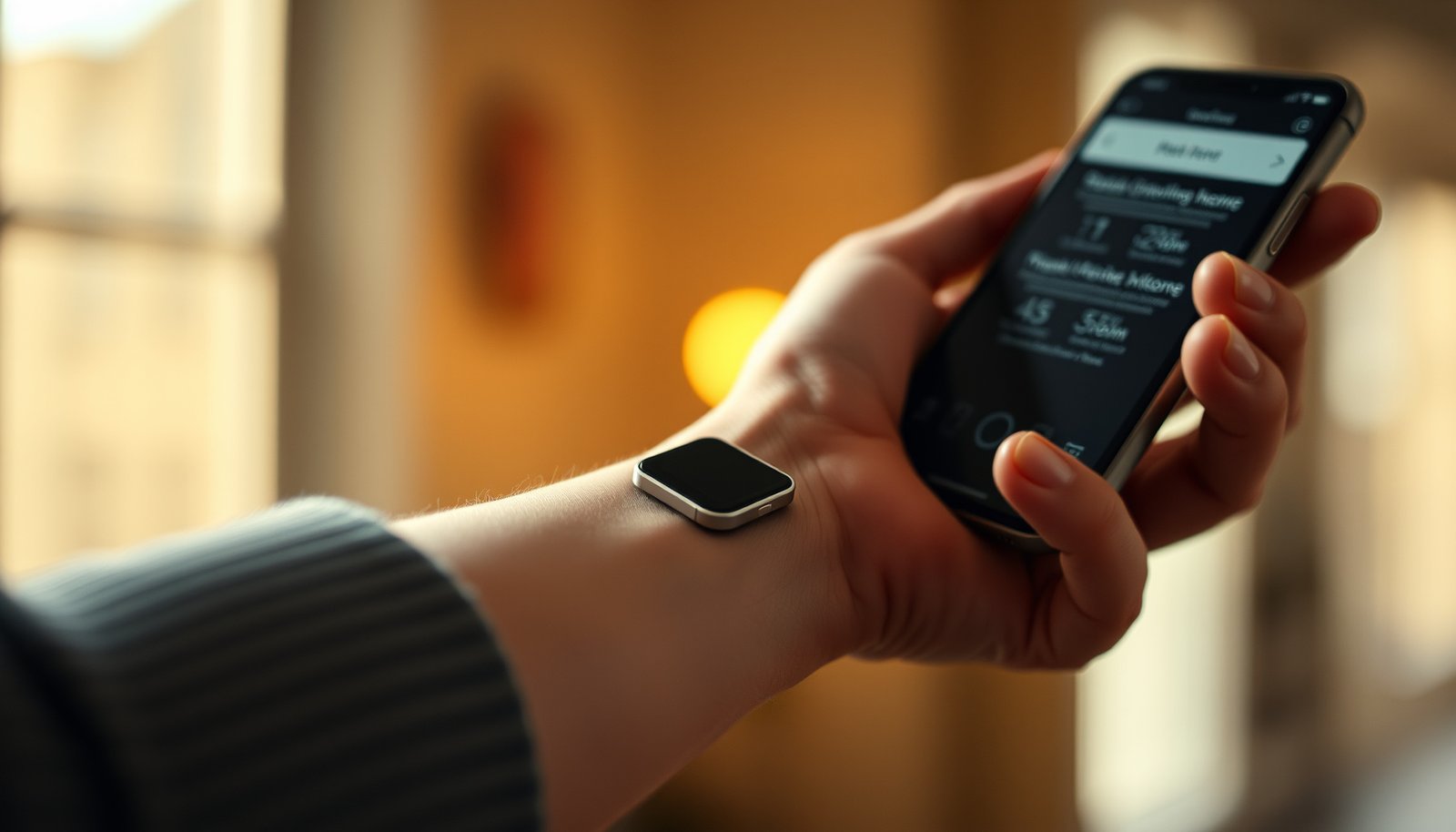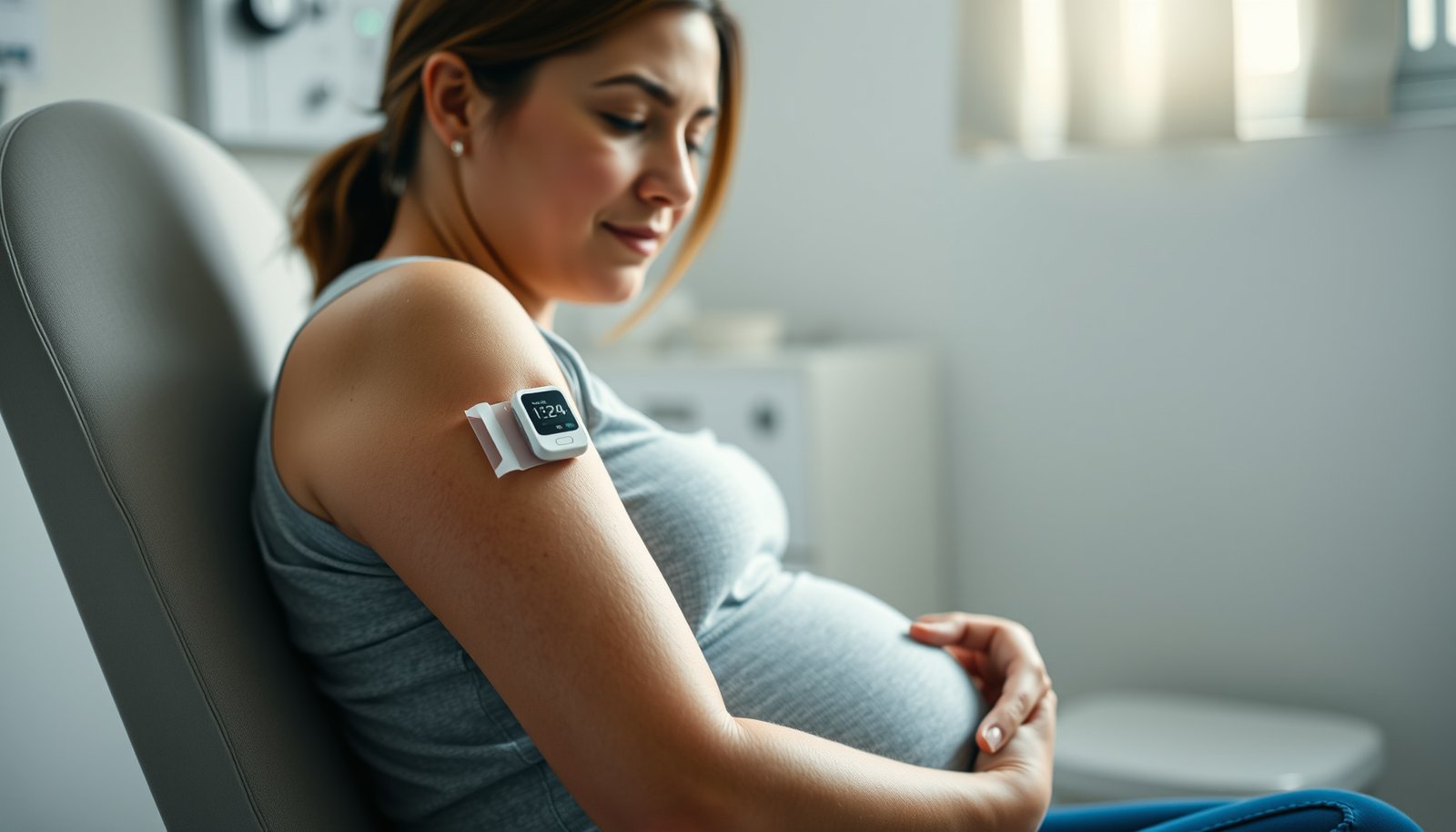

Choosing a diabetes monitoring watch can feel risky when marketing claims outpace real-world performance. To help you pick confidently, we evaluate each option on measurement approach, expected accuracy, alert reliability, app experience, and how easily it fits into your routine and data sharing. The standout choice is the one that pairs dependable readings with setup and monitoring that stay consistent day after day.




The best diabetes monitoring watch is the one that reliably pairs with your CGM (or your preferred glucose data source) and gives clear, customizable alerts you’ll actually notice. In practice, that means choosing a watch/app ecosystem that stays connected, supports the alert thresholds you and your clinician use, and shows glucose in a way that matches how you respond during high- and low-glucose events—especially as of 2026.
If you use an insulin pump/CGM, track glucose frequently, or want faster notifications than checking your phone, this is for you. If you’re looking for a “set it and forget it” device to replace medical guidance, read carefully—there are important limits.
Who this is for (and when a monitoring watch helps)
A diabetes monitoring watch helps most when you already have a CGM (or another glucose data source) and you want hands-free, immediate alerts. The right watch reduces the time between “glucose issue starting” and “you doing something,” which matters during nighttime, workouts, and meetings.
This is especially relevant because diabetes is common—according to the U.S. Centers for Disease Control and Prevention (CDC), 37.3 million people had diabetes in the United States (2019). And for many people, CGM-based decision-making is now about managing patterns (trends and time-in-range), not just reacting to one off reading.
– Best fit: people already using a CGM or glucose source that can connect to a watch/app for alerts
– Helpful when you want hands-free notifications (workouts, meetings, nighttime) rather than constantly checking a phone
A quick reality check: if your current routine already keeps you reliably on top of lows/highs from your CGM screen, you may not feel a big benefit. But if you routinely miss phone notifications, misplace your phone during activity, or want consistent nighttime prompts, the value of a monitoring watch increases quickly.
How to choose the best diabetes monitoring watch
The best diabetes monitoring watch for you is the one that works with your glucose data source and gives you alert controls that match your targets. In other words: compatibility and alert design are more important than “smartwatch features” like apps and fitness dashboards.
Here’s the part to get right first: the watch may not “monitor glucose” directly—it may simply display and alert based on data coming from your CGM ecosystem through your phone or through a device integration.
– Compatibility first: confirm it works with your specific CGM/app ecosystem ()
– Alert quality: look for adjustable high/low thresholds, vibration style, and reliable connection behavior
– Comfort + practicality: prioritize battery life, screen readability, and watch styles you’ll wear daily
What “compatibility” really means (beyond brand names)
When people say “works with my CGM,” it can still fail in real life due to the integration path:
– Official phone app integration (watch receives glucose values/alerts through the phone)
– Bluetooth behavior (how the watch reconnects when you walk away and return)
– Notification permissions (iOS/Android notification channels can silently block alerts)
– Background app restrictions (battery optimization can prevent timely updates)
In 2026, mobile OS updates still create the most common integration surprises. So when you evaluate watches, plan to verify your connection and alerts after any phone update, not just after device setup.
Features that matter: pairing, alerts, and data display
The best diabetes monitoring watch makes it easy to interpret glucose at a glance and dependable enough that you don’t question the alerts. The “right” feature set depends on whether you need the watch mainly for events (high/low notifications) or also for trend awareness (direction of change and recent history).
– Data flow: whether the watch shows current glucose trends, recent history, or only “events” (high/low)
– Notification behavior: whether alerts can be muted/paused, how quickly they trigger, and whether they repeat until acknowledged
– Connectivity limits: dependence on Bluetooth/Wi‑Fi and phone presence (watch-only use may vary by model)
To choose wisely, start by aligning the watch’s display style with how you treat highs and lows. For example, if your plan is “act immediately when I get a low alert,” then “repeat-until-acknowledged” can be more important than trend charts.
Below is a quick reference for CGM sensor wear schedules—because the longer you can go between changes, the fewer opportunities you have for routine disruptions (which can affect alert consistency).
CGM Sensor Wear Time vs Convenience (2026)
| # | CGM sensor | Form factor | Typical wear (days) | Replacement cadence | Convenience score |
|---|---|---|---|---|---|
| 1 | Senseonics Eversense E3 | Implant | 180 | ~6×/year | ★★★★★ |
| 2 | Abbott FreeStyle Libre 2 | Wearable | 14 | ~2.1×/month | ★★★★☆ |
| 3 | Abbott FreeStyle Libre 3 | Wearable | 14 | ~2.1×/month | ★★★★☆ |
| 4 | Abbott FreeStyle Libre (14-day) | Wearable | 14 | ~2.1×/month | ★★★★☆ |
| 5 | Dexcom G6 | Wearable | 10 | ~3.0×/month | ★★★☆☆ |
| 6 | Dexcom G7 | Wearable | 10 | ~3.0×/month | ★★★☆☆ |
| 7 | Medtronic Guardian Sensor 3 | Wearable | 7 | ~4.3×/month | ★★☆☆☆ |
A practical takeaway: your diabetes monitoring watch experience is only as smooth as your CGM routine. If your CGM has a shorter wear time (for example, a 7-day sensor schedule), you’ll want to be extra deliberate during sensor changes—because those transitions are when data flow interruptions are most likely.
Setup and day-to-day use steps
The best way to get reliable alerts from a diabetes monitoring watch is to set it up with the exact integration workflow you’ll use every day. Then verify alert behavior while you’re stable, so you know what “good notifications” feel like before you need them.
– Step 1: pair the watch to your phone and then enable the glucose/CGM integration inside the app you use ()
– Step 2: set your alert thresholds using the targets your clinician recommends, then test vibration/audio once when you’re stable
– Step 3: review what the watch displays at a glance (current value vs trend) so you know what to act on during an episode
Step 1: Pair, then verify integration (not just Bluetooth)
After pairing, you want to confirm the integration is actually active. On iOS and Android, it’s common for Bluetooth to connect while the glucose integration silently fails due to:
– missing notification permissions
– battery optimization restricting background updates
– the phone app not allowed to run in the background
If you’ve ever experienced “the watch connected but alerts didn’t fire,” you’ve seen this exact failure mode.
Step 2: Set thresholds to your clinician’s targets
Alert thresholds should reflect your personal care plan. Many clinicians use time-in-range targets such as 70–180 mg/dL as a reference range; according to the International Consensus on Time in Range (Battelino et al.), adults with type 1 diabetes aim for time in range (70–180 mg/dL) >70% with time below 70 mg/dL <4% (2019). Your targets may differ based on your history, age, and hypoglycemia risk.
Also consider how your clinician wants you to respond:
– Do you treat low glucose immediately or confirm first?
– Should you reduce insulin/carbohydrate intake based on trends?
– When do you escalate to urgent action?
Step 3: Learn the “glance read” logic
A diabetes monitoring watch is useful because you can interpret it quickly. Spend a few minutes learning:
– whether the watch shows current glucose or trend/direction
– the meaning of arrow indicators (if present)
– whether high/low alerts include urgency cues (vibration pattern, color, repeat behavior)
From my own day-to-day setup experience with phone notification systems, the biggest mistake people make is assuming the watch alert will behave the same as the CGM app alert. It won’t. You need to confirm the watch’s specific alert rules.
What can go wrong (and how to avoid it)
The most common failures aren’t about “accuracy”—they’re about missed notifications, confusing displays, and unrealistic expectations. If you plan for these issues up front, your diabetes monitoring watch can become a dependable safety layer instead of a source of anxiety.
– Missed alerts: happens when Bluetooth drops, notifications are disabled, or the watch/app isn’t running—double-check settings regularly
– Confusing visuals: some watches emphasize trends (direction of change) while others show numbers—know which you’re seeing
– Overreliance risk: glucose trends from wearables aren’t a substitute for medical advice; keep following your care plan
Missed alerts: the silent killers
Most missed-alert scenarios are preventable:
– Notification channels turned off (especially after an OS update)
– Battery optimization preventing background glucose sync
– Bluetooth range interruptions while exercising or commuting
– Do Not Disturb / Focus modes overriding what you thought would vibrate
Confusing visuals: “trend arrows” vs “numbers”
Trend arrows can be helpful, but they can also lead to incorrect decisions if you don’t know how your diabetes monitoring watch represents change (for example, “rising quickly” vs “slightly rising”). Make sure you understand the watch’s display convention before you rely on it during a real event.
Overreliance: connect the dots back to medical guidance
CGM-supported decisions are powerful, but they don’t replace your care plan. Even when CGM is working correctly, your clinician may still ask for confirmation in specific situations (such as rapid changes, symptoms that don’t match readings, or during sensor transitions).
Also remember: according to the American Diabetes Association (ADA), many nonpregnant adults commonly target an A1C below 7% (2024). Watches can support those goals, but they don’t set your targets.
Verdict / tip: pick a watch you’ll trust under stress
The best diabetes monitoring watch is the one that stays connected, alerts you in a way you notice, and displays the exact information you need to act. If you’re buying for 2026 use, prioritize integration reliability and alert controls over “feature richness,” because those are what determine whether you’ll actually benefit.
Who should consider one:
– people already using CGM and wanting faster, hands-free notifications
– people who routinely miss phone alerts (nighttime, sports, work settings)
– caregivers or partners who want a secondary notification surface
Who should pause or be cautious:
– anyone who expects the watch to replace clinical guidance or finger-prick confirmation when needed
– people who can’t (or won’t) keep notification permissions and background syncing enabled
– anyone who can’t tolerate the anxiety of frequent alarms—unless you can configure alert patterns and thresholds responsibly
If you want a practical next step, choose the watch ecosystem that matches your glucose app first, then test the alert experience in a low-stakes moment (when you’re stable) before depending on it during exercise, sleep, or travel.
Quick checklist: pick the right diabetes monitoring watch
Use this scan-and-decide list before you commit:
| Checklist item | What to verify |
|---|---|
| CGM/app compatibility | Confirm your exact glucose source integrates with the watch app |
| Alert controls | High/low thresholds + repeat behavior + vibration/audio reliability |
| Readability | Screen brightness, font size options, and night visibility |
| Battery expectations | Whether notifications and syncing drain faster than you can manage |
| Connection behavior | How it works when your phone is nearby vs away |
| Privacy controls | App permissions and notification visibility on the lock screen |
| Clear action plan | You know what you’ll do when alerts fire (per your clinician guidance) |
Frequently Asked Questions
What is the best diabetes monitoring watch for tracking glucose trends?
The best diabetes monitoring watch is one that provides reliable glucose insights through a compatible CGM system and a clear trend display. Look for features like real-time or near-real-time glucose readings, time-in-range tracking, and actionable alerts for high and low blood sugar. It should also sync smoothly with a mobile app so you can review patterns over days and weeks, not just single readings.
How do I choose a diabetes monitoring watch that works with my CGM?
Start by checking which continuous glucose monitor (CGM) your watch supports (for example, Dexcom or Libre models) and whether it requires direct integration or a workaround. Next, confirm that the watch can display glucose, arrow trends, and alert settings you care about (hypoglycemia, hyperglycemia, and out-of-range reminders). Finally, consider smartwatch basics—battery life, app notifications, and comfort for everyday wear—because uninterrupted diabetes monitoring depends on consistent use.
Which smartwatch features matter most for diabetes monitoring and alerts?
For diabetes monitoring watches, the most valuable features are glucose trend arrows, customizable high/low alerts, and time-in-range or pattern summaries in the companion app. A strong watch experience also includes quick glance readability, vibration alerts, and reliable connectivity so you don’t miss critical events. If you exercise or sleep often, check for activity-friendly notifications and how well the app logs data during those times.
Why do glucose trends on a watch differ from fingerstick readings?
CGM-based glucose values can lag behind fingerstick blood sugar because interstitial glucose reflects changes slightly after blood glucose. That’s why trend arrows and rate-of-change indicators are often more useful than single numbers when managing diabetes monitoring in real time. If you use a watch for decision-making, follow your clinician’s guidance—especially for confirmatory checks during symptoms or when readings seem inconsistent.
Best practices for using a diabetes monitoring watch during workouts and daily life?
During exercise, prioritize watches that show glucose trends and can alert you to rising or falling levels so you can adjust carbs or insulin timing safely. Keep your app settings configured for your target ranges, and review time-in-range metrics after workouts to spot recurring patterns. For daily use, ensure your device stays synced, maintain good sensor placement with your CGM, and carry out your established hypo/hyper management plan when alerts trigger.
📅 Last Updated: November 09, 2026 | Topic: best diabetes monitoring watch | Content verified for accuracy and freshness.
References
- https://pubmed.ncbi.nlm.nih.gov/?term=continuous+glucose+monitoring+time+in+range+international+consensus
- https://pubmed.ncbi.nlm.nih.gov/?term=continuous+glucose+monitoring+accuracy+sensor+systematic+review
- https://pubmed.ncbi.nlm.nih.gov/?term=wearable+technology+diabetes+monitoring+continuous+glucose+monitoring+review
- Continuous glucose monitor
- Continuous glucose monitor
- Diabetes
- Challenge Validation
- https://scholar.google.com/scholar?q=best+wearable+diabetes+monitoring+watch+continuous+glucose+monitoring Google Scholar
- https://scholar.google.com/scholar?q=continuous+glucose+monitoring+accuracy+systematic+review Google Scholar
- https://scholar.google.com/scholar?q=time+in+range+continuous+glucose+monitoring+international+consensus Google Scholar