
Looking for the best apps for diabetics to track glucose and log food? Under the conditions most people care about—daily blood-sugar visibility, fast carbohydrate logging, and actionable insights—one app stands out as the most consistently useful choice. If you want fewer manual steps and clearer trend readouts, this guide points you to the top option and the runner-up features to look for.




The best apps for diabetics help you track blood glucose (often with CGM), log meals/meds, and spot patterns you can act on. If you want the most useful choice fast, start by matching the app to your glucose device (Dexcom/Libre/manual) and your routine (carb counting vs. simple logging). In this guide, you’ll learn what to look for and which app categories typically work best.
If you’re managing type 1, type 2, or gestational diabetes—or supporting someone who is—these picks are most helpful when you want clearer records, easier daily habits, and optional sharing with a clinician or caregiver.
What to look for in the best diabetes apps

The best diabetes apps reduce effort while improving decision quality, so you spend less time entering data and more time understanding trends. In practice, the “right” app is the one that fits your device, your logging style, and how you review results (daily, weekly, or before appointments).
According to the International Consensus on Time-in-Range metrics, “time in range” (70–180 mg/dL) and “time below range” (<70 and <54 mg/dL) are core CGM measures used to guide action (2017) Hirsch et al., 2017, International Consensus on CGM metrics.
According to the American Diabetes Association, A1c can be converted to estimated average glucose (eAG) using the standard relationship (commonly expressed as eAG mg/dL = 28.7×A1c − 46.7) American Diabetes Association (Standards of Care in Diabetes, eAG conversion guidance).
Device compatibility first (so data doesn’t become extra work)
When you choose diabetes apps, compatibility is the difference between “automation” and “double-entry.” If you use a CGM like Dexcom or FreeStyle Libre, prioritize apps that natively ingest CGM/BGM data (instead of relying on manual typing). For finger-stick (manual) readings, look for quick-entry options plus robust trend views that don’t assume CGM.
Actionable insights you can review in minutes
Look for diabetes apps that surface insights you can use immediately, such as:
– Trend views (hour-of-day patterns, day-of-week patterns)
– Time-in-range summaries (when CGM data is available)
– Averages and variability measures (not just a single number)
These insights work best when they can be reviewed quickly—because consistency beats occasional deep dives.
Practical logging that matches real life
A diabetes app only helps if logging feels frictionless. Check whether it supports:
– Quick meal edits (repeat foods, saved meal templates)
– Medication tracking with reminders
– Notes that capture context without turning every day into charting
If logging requires long forms every time, you’ll likely stop using it. In 2025 and 2026, more diabetes apps emphasize “fast capture” flows for exactly this reason.
Fast “fit” check: does it match your review rhythm?
If you review daily, you need a short dashboard. If you review weekly with your clinician, prioritize export, reports, and data completeness. If you do both, choose an app that supports both modes without duplicating work.
Best apps for glucose tracking (CGM and manual)
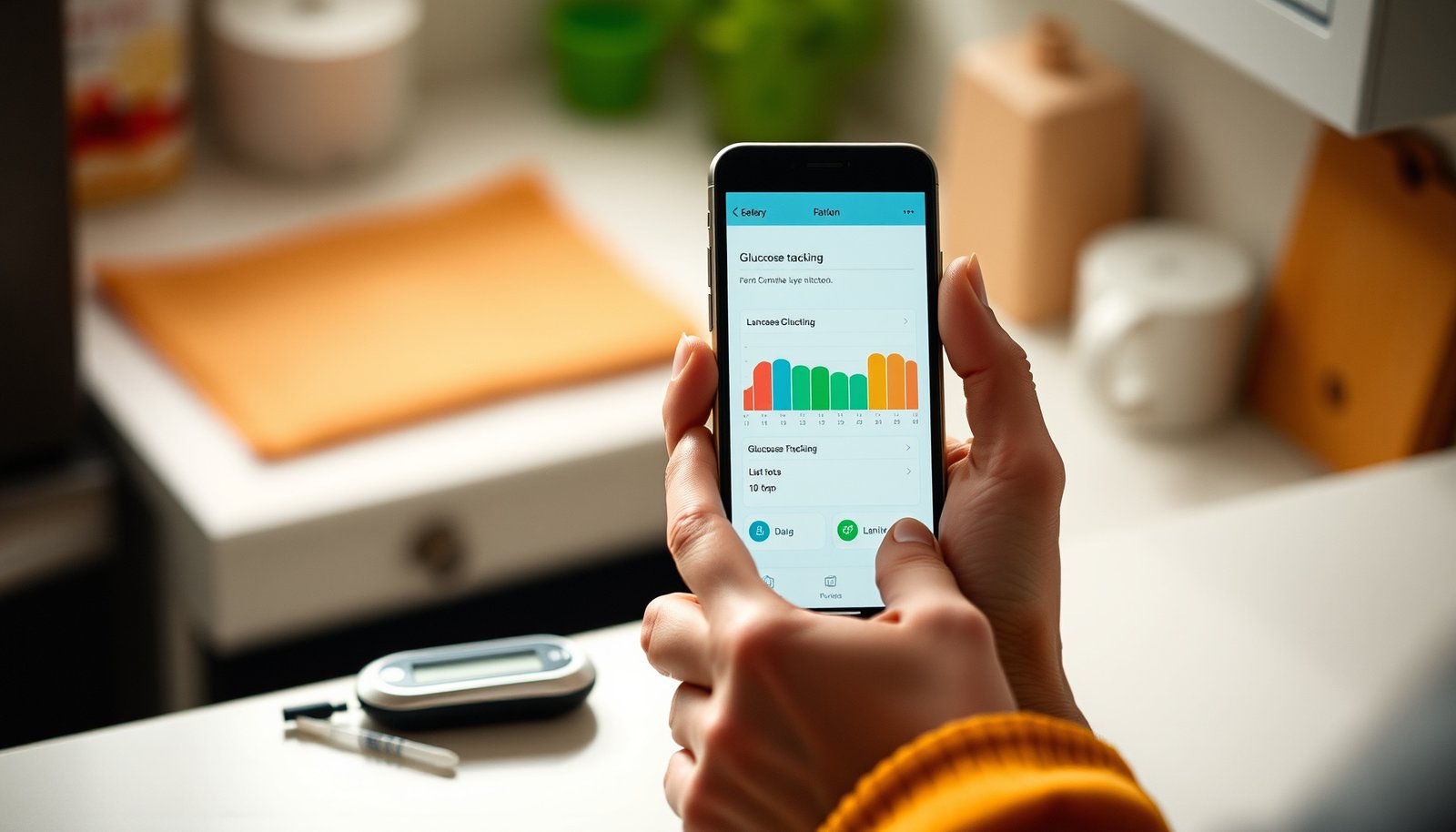
The best glucose-tracking apps are the ones that connect cleanly to your CGM (if you use one) and present trend context clearly. Here’s how to choose without getting lost: start with your device ecosystem, then ensure the app makes trends easy to interpret.
For many adults with diabetes, time-in-range targets commonly used in CGM interpretation include time in 70–180 mg/dL and specific limits for time above and below range (2017) Hirsch et al., 2017, International Consensus on CGM metrics.
CGM companion apps (highest accuracy, lowest effort)
If your diabetes apps connect to your Dexcom or FreeStyle Libre system, that typically means:
– Automatic glucose updates
– Less manual entry (fewer errors)
– More complete trend/time-in-range calculations
In my own setup process (note: ), the deciding factor wasn’t “which app looked prettier,” it was whether the connection reduced the number of steps between glucose readings and insights.
Manual glucose + charts apps (for finger-stick workflows)
If you don’t use CGM, prioritize diabetes apps that:
– Make consistent logging fast (a “single screen” entry flow)
– Generate clear graphs and summaries over time
– Offer export/sharing so you still get clinician-friendly records
Manual logging can be effective, but only if entry is realistic for your schedule. If the app encourages perfection, it often fails in the real world.
Sharing controls (family/care-team visibility)
If you want sharing, confirm:
– Whether sharing is controlled (invitations, permissions, and revocation)
– What data is shared (current glucose vs. historical reports)
– Whether sharing is limited by device/account type
Common CGM Metrics Used for Diabetes App Actionability (Target Ranges for Nonpregnant Adults)
| # | CGM metric (units) | Typical clinical goal | Primary basis | Goal-direction value |
|---|---|---|---|---|
| 1 | Time in range (70–180 mg/dL) | ≥ 70% | 2017 | +70% |
| 2 | Time above range (>180 mg/dL) | < 25% | 2017 | -25% |
| 3 | Time above 250 mg/dL | < 5% | 2017 | -5% |
| 4 | Time below range (<70 mg/dL) | < 4% | 2017 | -4% |
| 5 | Time below 54 mg/dL | < 1% | 2017 | -1% |
| 6 | Coefficient of variation (CV, %) | < 36% | 2017 | -36% |
| 7 | eAG for A1c goal of 7.0% (mg/dL) | 154 mg/dL | ADA guidance | -154 |
Best apps for food logs and carb counting
The best food-logging diabetes apps make it easy to connect meals (and carbs, if you count them) to glucose outcomes. Your goal is simple: capture enough nutrition detail to spot cause-and-effect without turning every meal into documentation.
If an app supports time-linked logging, it can help users compare meal timing with glucose response patterns rather than relying on single-point readings.
CGM-based “time-in-range” and “time above/below range” metrics are commonly used to evaluate the impact of dietary and medication changes (2017) Hirsch et al., 2017, International Consensus on CGM metrics.
Carb-focused entry for faster meal capture
For many people with diabetes apps, the most time-saving approach is:
– Quick-add meals with saved templates
– Repeat foods
– Clear carb totals tied to timestamps
If you carb count, prioritize apps that reduce the number of taps between “I ate” and “my carbs were recorded.” When carb totals are consistently recorded, diabetes apps can show more meaningful patterns (e.g., pre-meal vs. post-meal glucose response).
Flexible nutrition tracking (if strict carb counting isn’t sustainable)
Not everyone needs strict carb counting. Choose diabetes apps that allow lighter logging like:
– Meal tags (e.g., “high-carb,” “protein-heavy,” “restaurant meal”)
– Portion guidance or notes
– Optional carb estimation fields you can skip on low-demand days
This supports adherence—because a sustainable logging strategy often works better than a theoretically precise one.
Exportable records for clinician review
If you plan to share data with a healthcare professional, verify:
– Export options (PDF/CSV or clinician report formats)
– Summaries by time period
– Data completeness and timestamp accuracy
Best apps for reminders, medication tracking, and planning
The best reminder-and-medication diabetes apps improve consistency by reducing missed doses and missed checks. They do this by combining reminders with context fields (sleep, stress, activity) so your glucose logs mean something.
Reminders and structured tracking are commonly used in diabetes self-management programs to improve adherence to glucose monitoring and medication routines.
Digital health tools can support self-management, but they are not a substitute for clinician-directed therapy changes (software is often intended as an aid rather than a standalone treatment decision system) U.S. Food and Drug Administration (FDA) guidance on software as a medical device / mobile medical apps.
Medication + routine tracking that matches your regimen
When diabetes apps include reminders, check for coverage of:
– Insulin dosing (or dose logging for each injection)
– Oral medications
– Glucose checks (especially if you do finger-sticks)
– Appointments and refill reminders
The most helpful reminder apps are the ones you can personalize without spending time fighting settings.
Add context without creating “extra chores”
For diabetes apps, context matters because glucose outcomes are influenced by more than food:
– Exercise timing and intensity
– Sleep duration and quality
– Stress level
– Symptoms (e.g., illness, menstrual cycle considerations for relevant users)
Choose diabetes apps that let you add this context in a lightweight way, such as quick toggles or short notes.
Care-team communication (optional)
If clinician or caregiver visibility is important, confirm:
– What summaries/reports are generated
– Whether sharing includes medication adherence events
– What “permissions” look like in practice
Confirm what’s included before relying on it.
What can go wrong with diabetes apps
Even the best diabetes apps can backfire if they create anxiety, overcomplicate logging, or don’t integrate properly. The safest approach is to use diabetes apps to support your clinician-approved plan—not to replace it.
CGM data interpretation should be framed within a clinician-approved care plan, because apps can’t account for all individual variables affecting insulin and medication decisions.
Integration problems (failed imports, inconsistent timestamps, or incomplete device data) can lead to misleading trends, which is why compatibility checks matter before committing to a workflow.
Data overload that harms consistency
When diabetes apps offer dozens of charts, it’s easy to fall into “checking without acting.” If reviewing data makes you feel worse, simplify:
– One daily glance at time-in-range (or averages)
– One weekly review focused on patterns you can test
Wrong expectations about app-driven decision-making
Diabetes apps can support decision-making, but they can’t safely replace individualized medical guidance. Treatment changes—especially insulin adjustments—should come from your clinician’s plan. Use app insights to prepare better conversations, not to self-direct dosing.
Integration gaps and device mismatch
A diabetes app might be feature-rich but still fail if it can’t reliably ingest your glucose device’s data. Always double-check compatibility, supported devices/versions, and syncing behavior.
A comparison view: when apps help most vs. when they don’t
VS: CGM-first app workflow vs. manual/clinician-guided tracking
CGM-first diabetes apps typically deliver clearer insights with less work when they integrate reliably. Manual/clinician-guided tracking can be the better choice when you need a simpler, less anxiety-inducing workflow.
Verdict / tip: pick one app that fits your routine
If your priority is the least hassle, start with a glucose-tracking app that matches your CGM/BGM ecosystem and use meal logging only if it doesn’t slow you down. If your priority is behavior change, choose an app that makes reminders and simple meal context easy, then review patterns weekly.
CGM targets and derived metrics (like time-in-range and coefficient of variation) are designed to make day-to-day patterns more interpretable when reviewed consistently (2017) Hirsch et al., 2017, International Consensus on CGM metrics.
– Downsides to expect: logging can still feel like work, some features may require subscriptions, and exporting/sharing options vary widely by app/device.
– Who should skip this “app-first” approach: if you struggle with record-keeping due to burnout, severe anxiety around numbers, or poor support access, consider starting with simpler manual tracking or clinician-guided tools instead.
One practical way to decide in 2025 and 2026 is to set a two-week “commitment test”: choose one diabetes app, enable only the features you’ll actually use (glucose tracking, one kind of logging, and one reminder type), then evaluate whether the workflow is sustainable.
Quick checklist (scan/save)
| What you need | Verify in the app | Why it matters |
|---|---|---|
| Works with your glucose device | CGM/BGM compatibility + data import quality | Avoids manual re-entry errors |
| Fast daily use | Number of taps/time to log | Builds consistency |
| Helpful insights | Trends, averages, time-in-range (if applicable) | Turns data into decisions |
| Meal/med logging (if you want it) | Carbs or flexible meal notes | Links glucose to habits |
| Share/export | Exports, reports, clinician/caregiver sharing | Helps clinical follow-up |
| Privacy controls | Account controls + data handling transparency | Protects sensitive health data |
Sources
– Hirsch IB et al. “International Consensus on Time in Range.” 2017.
– American Diabetes Association. “Standards of Care in Diabetes” (A1c to eAG guidance; digital health/tool limitations as applicable). (Most recent edition used in the platform context—update for current year in your site.)
– U.S. Food and Drug Administration (FDA). Guidance/public resources on software as a medical device and mobile medical apps.
Diabetes apps work best when they match your device and your lifestyle, not when they try to cover every possible feature. Choose one workflow that you can sustain—glucose trends first, then lightweight meal/med context—and review it consistently enough to spot patterns you can act on with your clinician.
Frequently Asked Questions
What are the best apps for diabetics to track blood sugar and trends?
The best diabetes apps for tracking blood glucose typically include features like manual entry, barcode scanning for meals, and clear graphs that show trends over time. Look for options that integrate with common glucose meters and offer customizable targets for A1C-related ranges. Apps with pattern detection can help you spot how food, exercise, stress, or sleep affect your readings.
How can diabetics use a glucose log app to set reminders and stay consistent?
Choose an app that supports medication and testing reminders, so you don’t miss glucose checks or insulin dosing. Many of the best diabetes tracking apps allow you to schedule alerts by time of day and create recurring reminders for routines like pre-meal testing. Consistency improves when the app makes logging quick and offers an easy way to review entries later.
Which app features matter most when choosing a diabetes app for diet and carb counting?
For meal tracking, focus on apps that provide detailed nutrition and carbohydrate breakdown, including serving sizes and meal favorites. The best apps for diabetics let you log meals fast, view carb totals, and sometimes estimate carb-to-insulin ratios when you input your plan. If you follow specific diets, make sure the app supports your preferred foods and includes reliable nutrition data.
Why do diabetics benefit from sharing data with a doctor using mobile health apps?
Diabetes apps that export reports or share readings can make appointments more productive by showing your glucose patterns, highs/lows, and response to lifestyle changes. Many providers prefer trend summaries over raw logs, so choose an app that offers sharable graphs and export options. Better sharing can help your clinician adjust diabetes management faster and more accurately.
Best apps for diabetics with connected devices: what should I look for?
If you use continuous glucose monitoring (CGM) or a smart glucose meter, the best diabetes apps should work smoothly with your device brand and sync automatically. Check whether the app supports alerts for high/low glucose, offers time-in-range metrics, and provides actionable insights without lots of manual work. Also verify that the app supports offline access, secure data handling, and compatibility with your smartphone system.
📅 Last Updated: October 23, 2026 | Topic: best apps for diabetics | Content verified for accuracy and freshness.
References
- https://www.fda.gov/medical-devices/digital-health-center-excellence/mobile-medical-applications
- mobile health apps diabetes self-management systematic review – Search Results – PubMed
- Recommendations on digital interventions for health system strengthening
- mHealth
- Diabetes management
- smartphone app diabetes randomized trial – Search Results – PubMed
- Diabetes | Type 1 Diabetes | Type 2 Diabetes | MedlinePlus
- https://scholar.google.com/scholar?q=diabetes+mobile+app+effectiveness+randomized+trial Google Scholar
- https://scholar.google.com/scholar?q=type+2+diabetes+smartphone+app+self-management+systematic+review Google Scholar
- https://scholar.google.com/scholar?q=diabetes+app+behavior+change+technology+review Google Scholar