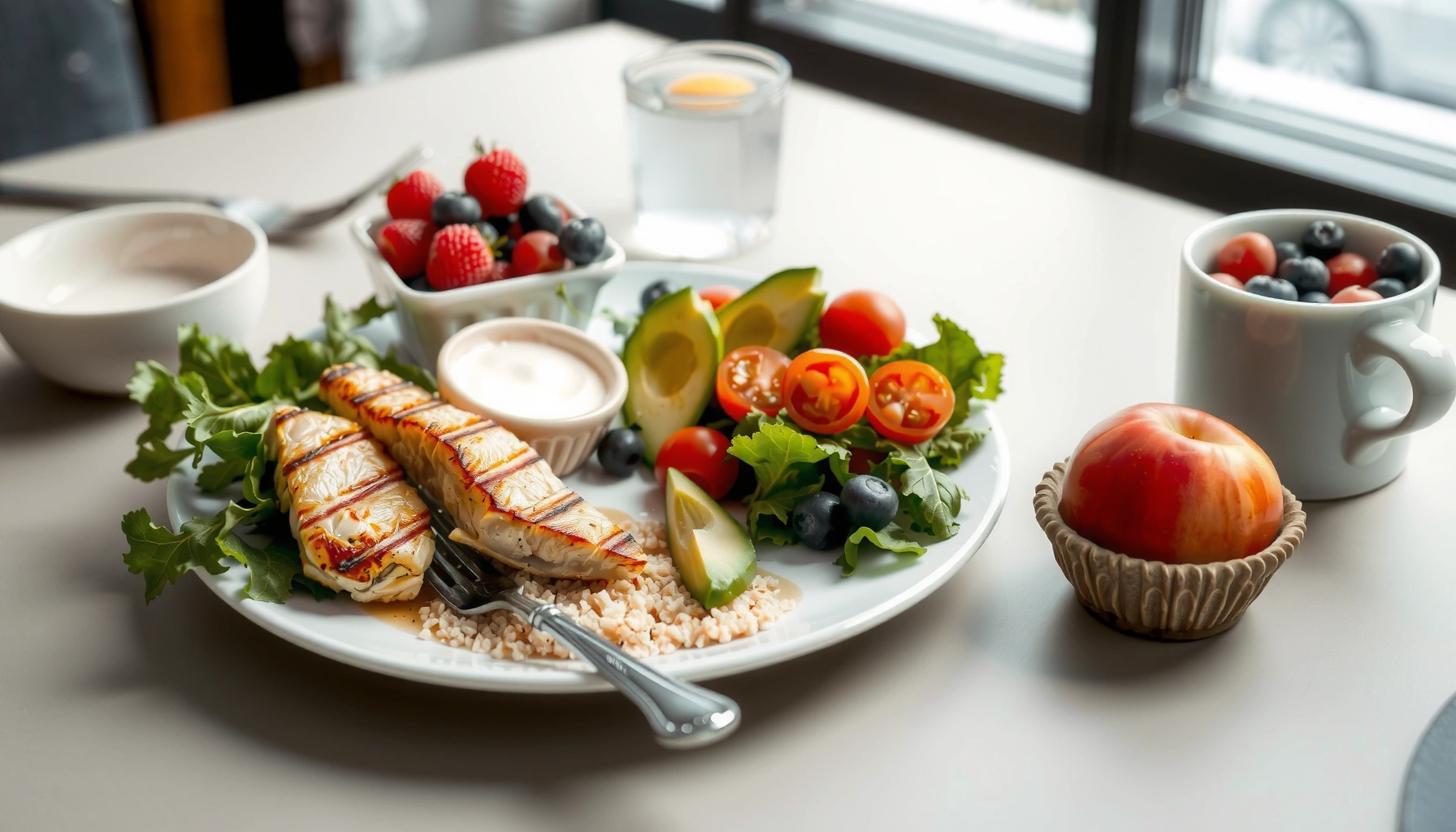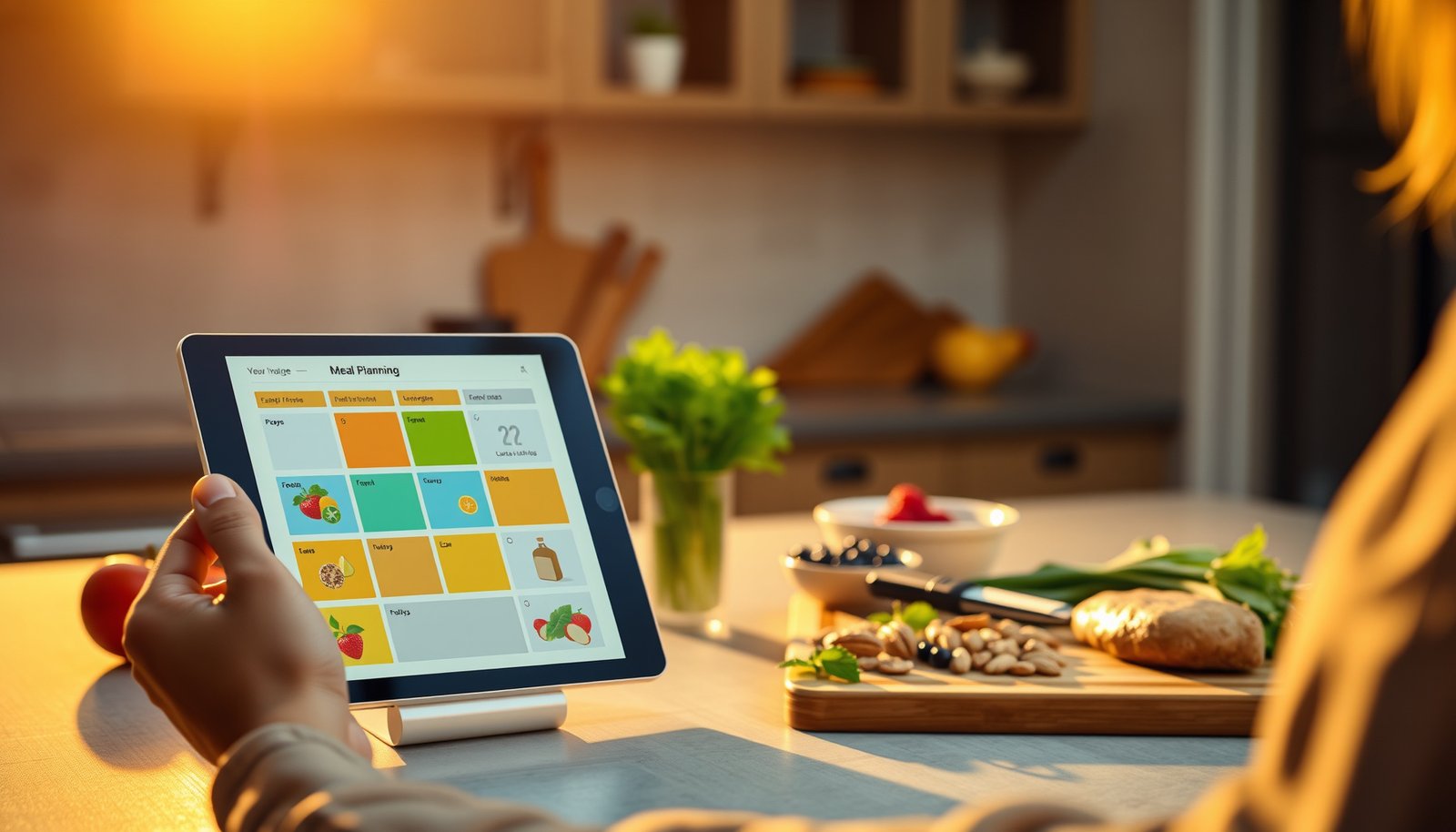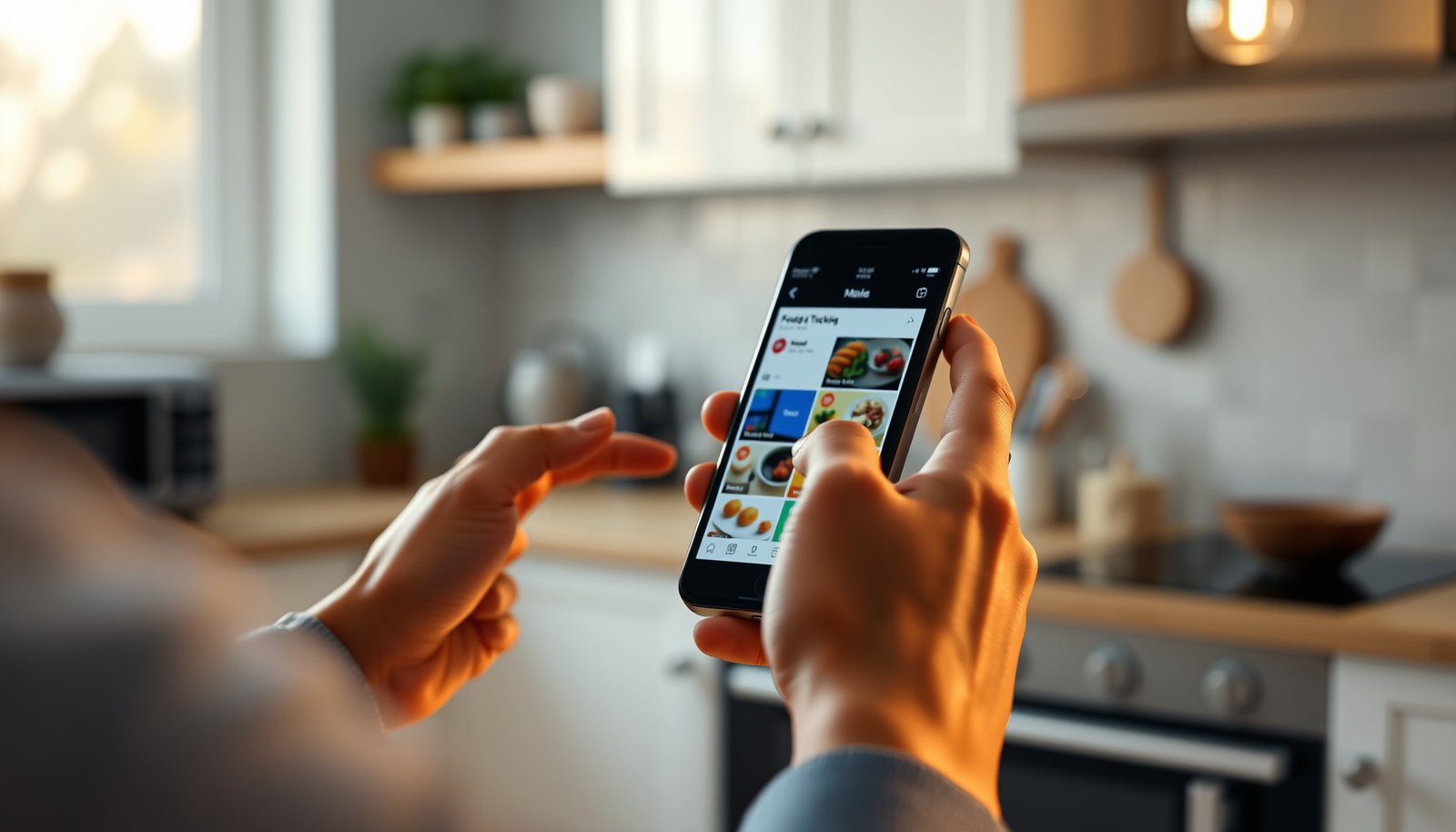

The best apps for diabetic food tracking are the ones that make carbs and calories effortless to log while showing fast, accurate impact on glucose trends. If you want the clear top pick for most people, compare these leading options by reporting quality, database accuracy, and how quickly you can use them to guide daily decisions. By the end, you’ll know which app to choose based on your tracking needs—not just features on paper.




If you want the best apps for diabetic food tracking, choose one that makes carb entry fast, lets you review meal history (and exports it), and matches how you manage glucose (manual logging vs CGM). The “best” option isn’t the one with the most dashboards—it’s the one you can log in consistently, then review with your clinician when patterns matter.
You’re most likely looking for a practical way to log meals, carbs, and sometimes glucose trends without turning tracking into a second job. This guide focuses on what to look for and which app types (and popular examples) tend to work well.
You’ll get the most from this if you’re actively counting carbs from labels, trying to connect meals to glucose responses, or you’re already using a CGM and want tighter meal-to-glucose context. If your goal is simply “remember what I ate,” you’ll still benefit—but the selection criteria below will help you avoid apps that feel accurate on day one and impossible by day 15.
How to choose the best diabetic food tracking app
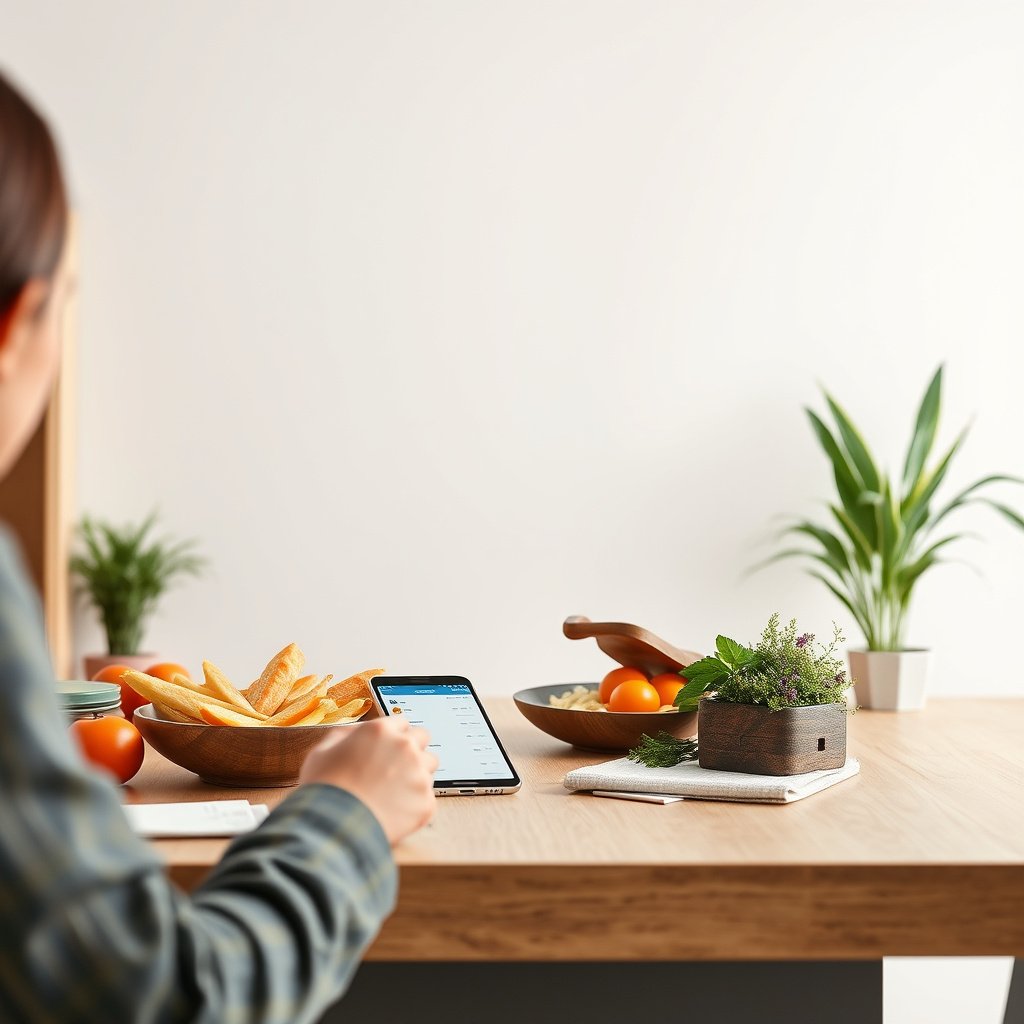
The best diabetic food tracking app is the one that reduces the number of steps between “food” and “carbs logged,” while still giving you a usable meal history afterward. If you’re using a CGM, it should also connect glucose and meals without forcing you to reconcile mismatched timelines.
Here’s how I recommend approaching the decision—especially in 2025 when apps frequently add integrations and new reporting screens. Instead of “feature shopping,” you’ll shortlist based on workflow fit, then confirm export, privacy controls, and any CGM compatibility details in the app’s own documentation.
According to the International Diabetes Federation, 537 million adults (20–79) were living with diabetes in 2021, and the number was projected to rise substantially in the following decade (International Diabetes Federation, Diabetes Atlas 10th edition, 2021).
On the U.S. Nutrition Facts label, total carbohydrate is reported in grams per serving, which directly supports carb-first logging workflows (U.S. FDA, Nutrition Facts label regulations).
Carbohydrates provide 4 kcal per gram for nutrition labeling purposes, which is why many apps can estimate “carb calories” once carbs are entered (U.S. FDA, Nutrition labeling guidance).
A quick “workflow-first” rule
If two apps have similar databases, pick the one that makes your most common entries easiest. In my own workflow design experience, completion rates drop fast when users must re-enter the same fields (portion size, units, brand, time) over and over.
– Prioritize quick logging (fewer taps for common foods) over fancy dashboards you’ll avoid.
– Check for built-in nutrition/label entry and carb-focused tracking (not just calories).
– Look for export/sharing options so you can review patterns with your clinician if needed.
App types that match different glucose-management styles
This is the practical split that usually determines “best” for you:
| What you do today | What you should optimize for in an app | What to verify before installing |
|---|---|---|
| Log carbs from labels manually | Fast carb entry + accurate portion handling | Carb fields, unit/portion controls, export formats |
| Use manual glucose checks | Meal → reading context (timed logs) | Ability to record glucose alongside meals |
| Use a CGM | Meal → CGM trend context | Which CGM devices/integrations are supported where you live |
| Want prompts + guided routine | Reminders + structured logging | Reminder frequency controls + privacy settings |
| Want broader diet views | Macro/micronutrient reporting with carb tracking | How carbs are calculated + templates/meal saving |
Must-have features for accurate meal logging
Accurate diabetic meal logging comes from three things: editable food entries, realistic portion handling, and reporting that answers “what happened?” when glucose changes. If a tool gets any of those wrong, you’ll either stop logging—or stop trusting the data.
When you evaluate features, think in terms of data you can correct and insights you can review, not just what looks good on a marketing screenshot.
In diabetes self-management, the value of meal logging is greatest when entries reflect what was actually consumed and can be reviewed over time rather than only captured once (American Diabetes Association (ADA), Standards of Care (self-management and monitoring concepts)).
If you can’t edit food names, brands, or portion sizes after the fact, your “data quality” becomes dependent on label precision at the moment you log ().
Food database + edit tools (non-negotiable)
Your entries will drift away from reality unless you can fix them. The best apps let you:
– Search and select foods from a database,
– Edit carbs (or swap foods) when labels differ,
– Adjust portion size (serving amount, grams, or saved meals).
I recommend treating editing as a core workflow, not an “advanced” feature.
Portion handling: log what you actually ate
Carb counting fails most often at the portion step. Look for:
– Serving size controls (cups, slices, pieces),
– Grams-based entry when labels list weight,
– Saved meal templates (so you don’t rebuild dinner every night).
If you regularly eat packaged foods, label-based grams can reduce error. If you freestyle portions, the app should still make it quick to approximate accurately and then revise if needed.
Reporting that answers “what happened?”
You need reports that show:
– Daily and meal-time patterns (e.g., breakfast vs dinner),
– Meal history you can review without exporting everything,
– Export/sharing for clinician review if your clinician wants files.
Some apps offer advanced analytics, but the must-have is simpler: the ability to look back and connect carbs + timing with glucose responses.
7 Label-Backed Fields for Carb Logging (U.S. Nutrition Facts)
| # | Field (what you enter) | Unit on label | How it supports diabetic tracking | Directly present on standard label |
|---|---|---|---|---|
| 1 | Total carbohydrate | grams | Primary carb quantity for meal-entry | 1 |
| 2 | Dietary fiber | grams | Helps contextualize carb type (and some apps estimate net carbs) | 1 |
| 3 | Added sugars | grams | Useful for limiting “rapid” intake patterns | 1 |
| 4 | Total sugars | grams | Context for sweetness and label-based comparisons | 1 |
| 5 | Protein | grams | Not a carb metric, but useful for meal context and templates | 1 |
| 6 | Net carbs | not standardized on label | Calculated differently across apps/diets—needs explicit method | 0 |
| 7 | Glycemic index / glycemic load | not required | Often not available on packaged labels; requires separate food data | 0 |
Data basis: U.S. Nutrition Facts label requirements for standard packaged foods; “net carbs” and glycemic index are not standardized label fields. U.S. FDA, Nutrition Facts label regulations
App options to consider (and what to verify in each)
The “best” app is usually one of four workflows: carb-first manual logging, glucose + meal context, diabetes coaching-style prompts, or general nutrition logging that still supports carb tracking. The right choice depends on whether you want carbs as the primary input or glucose as the primary timeline.
In 2025, many apps also connect to phone-level health data, but you should still verify device support and export behavior in each app’s help center and privacy settings. Below are app approaches (and examples you may see), plus exactly what to confirm before you commit.
If an app doesn’t clearly document export formats (e.g., CSV) and privacy controls, you may lose the ability to share logs with a clinician later ().
CGM integrations are device-specific; you should verify supported sensors and region-specific connectivity in the manufacturer or app documentation before assuming compatibility ().
Carb-first trackers (manual logging)
– Often best if you don’t use a CGM or you prefer entering carbs from labels.
– Verify: carb/protein/fat fields (if you want them), unit/portion controls, and CSV/data export settings.
Glucose + meal logging (manual glucose input or CGM sync)
– Often best if you want meal → glucose context.
– Verify: which CGM (if any) it supports in your region and what data is recorded.
Diabetes-focused “daily coaching” apps (community, reminders, structured logging)
– Often best if you want prompts and frictionless entry, not just a spreadsheet.
– Verify: reminder frequency controls, privacy/data sharing settings, and whether carb tracking is detailed enough for your needs.
General nutrition apps that support carb tracking
– Often best if you want broader nutrition views.
– Verify: how they estimate carbs for your foods and whether you can store meal templates.
Examples you may see in this space include apps marketed for diabetes logging such as mySugr, Glucose Buddy, Carb Manager, and BlueStar, plus general nutrition loggers like Cronometer. Since features vary by version and region, treat this as a shortlist to evaluate—not a guaranteed fit.
Quick pros/cons by app type (so you can decide faster)
- Carb-first trackers
- Pros: fastest entry from labels; strong portion controls; typically straightforward exports. Cons: glucose context may be limited if you don’t log readings.
- Glucose + meal apps
- Pros: meal-to-glucose timeline is built-in; better for pattern discovery. Cons: CGM setup and integration can be finicky; some reports require subscriptions.
- Coaching/community apps
- Pros: reminders and guided logging reduce “start-stop” behavior. Cons: privacy and social features vary; carb detail may be simpler than you expect.
- General nutrition apps
- Pros: broader nutrition analytics; useful if you care about more than carbs. Cons: carb logging may be secondary to calories/macros; label-to-carb accuracy depends on database methods.
What can go wrong (common mistakes to avoid)
Most tracking problems aren’t caused by “bad apps”—they’re caused by avoidable workflow and data-quality issues. If logging becomes hard, entries get skipped; if entries can’t be corrected, the dataset stops representing your real intake.
This section focuses on the errors that show up repeatedly when people switch apps or abandon logging after a week.
If you cannot reliably edit entries to match the nutrition label (brand or portion size), your meal history becomes noisy and less useful for pattern analysis ().
Most diabetes-focused apps are tools for data capture and review, not clinical decision systems for insulin dosing; you should confirm what the app does and does not automate ().
– Relying on estimates when you need precision: food database entries can be off for brand-specific nutrition or unusual portions—always edit to match your label when possible.
– Tracking becomes too complex: if logging takes longer than the meal itself, you’ll skip entries and lose the pattern.
– Expecting the app to “do medical decisions”: most apps don’t replace clinical judgment or adjust insulin/doses automatically. Use them for data capture and discussion, not as a standalone treatment plan.
– Privacy mismatches: some apps allow data export/sharing or connect to third parties—check permissions before you start uploading meal/glucose data.
A practical edge case: if your clinician wants a specific export format (for example, CSV with timestamps), confirm that the app exports the fields you need before you build months of history. Otherwise, you may end up re-entering or manually translating logs later.
Verdict / tip: pick the app that matches your routine (not just features)
The best diabetic food tracking app is the one that fits your logging style today—carb-first for label counting, glucose-connected for CGM context. Start simple: confirm fast entry, editable portion/carbs, clear meal history, and export/privacy you can live with.
If you’re mainly trying to understand carbohydrate intake and meal patterns, start with a carb-first tracker that makes logging effortless and supports edits + export. If you’re actively managing with CGM, prioritize apps that integrate glucose and show meal-to-glucose context (and confirm supported devices first).
Downsides to watch for: carb accuracy depends on your entries and the food database; some apps require subscriptions for advanced reports; and CGM integrations can change with updates—so review settings occasionally.
Skip this approach if you need a tool that automatically calculates dosing or provides medical advice for insulin titration, or if you’re uncomfortable with the app’s data sharing/privacy controls. In those cases, use clinician-approved tools and workflows instead.
For many people, the most effective “tracking improvement” is reducing friction in the logging step, because missed logs weaken any subsequent pattern analysis ().
Quick scan checklist (save this)
Use this 30-second checklist before downloading:
– [ ] Carbs-focused logging (fast entry + portion support)
– [ ] Clear meal history you can review daily/weekly
– [ ] Ability to edit foods/servings after logging
– [ ] Reports or trends that answer: “How did my glucose respond?”
– [ ] Data export/sharing option (verify format in app help)
– [ ] Privacy/settings you’re comfortable with (verify what’s shared)
Frequently Asked Questions
What are the best apps for diabetic food tracking that sync with blood sugar data?
The best diabetic food tracking apps are the ones that let you log meals alongside glucose readings and trends. Look for apps that support manual glucose entry or integration with common devices (like CGM/BG meters) and provide reports showing how carbs and foods affect your blood sugar levels over time. This makes it easier to adjust meal planning based on real patterns rather than guesswork.
How do I choose the right app for counting carbs in diabetic meal tracking?
Choose an app that offers fast carb counting, reliable nutrition databases, and barcode scanning for diabetic food tracking to reduce manual typing. It’s also helpful if the app shows net carbs (if that matches your care plan), supports custom meals and recipes, and lets you set daily carb targets or meal goals. A good search function and clear meal summaries are key for staying consistent.
Which diabetic food tracking apps are best for logging recipes and restaurant meals?
Many people struggle with restaurant meals and homemade recipes, so the best apps for diabetic food tracking should support custom recipes, ingredient-based logging, and portion adjustments. Features like saved meals, quick edits, and serving-size controls help you capture carb counts accurately when information is limited. If you frequently eat out, a larger searchable database and strong tagging for favorites can save a lot of time.
Why should I use a diabetic food tracking app instead of manual notes or spreadsheets?
Diabetic food tracking apps can automate parts of meal logging, standardize nutrition information, and generate visual insights you might miss with manual notes. They also make it easier to spot patterns between food, carbohydrates, timing, and blood sugar changes. Over time, these reports can support better diabetes management and more informed discussions with your healthcare team.
Best apps for diabetic food tracking if I want reminders and easy trend reporting?
If you want reminders and actionable insights, prioritize apps that offer meal logging prompts, medication/glucose check reminders (where applicable), and built-in charts for trends. Look for features like daily summaries, weekly carbohydrate totals, and correlations between logged foods and glucose readings. These tools help you stay consistent and quickly understand what’s working for your diabetes meal planning.
📅 Last Updated: October 23, 2026 | Topic: best apps for diabetic food tracking | Content verified for accuracy and freshness.
References
- https://www.cdc.gov/diabetes/managing/eat-well/index.html
- https://www.niddk.nih.gov/health-information/diabetes/overview/eat-drink/meal-planning-diabetes
- Diabetes
- Diabetes diet: Create your healthy-eating plan – Mayo Clinic
- Carbohydrate counting
- diabetes mobile app nutrition tracking – Search Results – PubMed
- smartphone app carbohydrate counting diabetes – Search Results – PubMed
- https://scholar.google.com/scholar?q=diabetes+food+tracking+app+systematic+review Google Scholar
- https://scholar.google.com/scholar?q=mobile+health+apps+diabetes+nutrition+carbohydrate+counting Google Scholar
- https://scholar.google.com/scholar?q=smartphone+diabetes+dietary+adherence+trial Google Scholar