
Looking for the best apps for diabetes meal planning? The top pick is the one that builds balanced menus around your carbs and preferences, tracks nutrition fast, and makes grocery shopping effortless. Read on to get the single best choice for your needs—plus the exact criteria to use so you don’t waste time on apps that look good but miss the diabetes details.




If you’re managing diabetes, the best meal-planning apps are the ones that make carb tracking fast, let you set meal targets, and provide lots of verified nutrition data. Start with a carb-focused tracker (often more flexible day-to-day), then add a recipe/weekly planner style app if you prefer building full meals ahead of time. In this guide, we’ll help you pick the right app features and set up a weekly plan that’s actually usable.
You’ll get the most value here if you’re counting carbs (or “net carbs”), planning lunches/dinners for the week, and want less manual math. If your clinician gave you specific meal targets (or you use CGM/pump data), we’ll also call out what to check so the app workflow matches your plan.
You’ll get the most value here if you’re counting carbs (or “net carbs”), planning lunches/dinners for the week, and want less manual math. If your clinician gave you specific meal targets (or you use CGM/pump data), we’ll also call out what to check so the app workflow matches your plan.
Quick picks for diabetes meal planning apps

If you want the fastest path to better weekly dinners, start with a carb-first tracker and only add a “plan-the-week” app if it meaningfully reduces your setup work. In 2026, most successful workflows come from combining quick logging with a reusable favorites list rather than trying to do everything in one place.
Carb-focused trackers are built around adjusting serving sizes so the app can recalculate your carb total immediately.
Weekly planner behavior matters: apps that let you save meals and schedule them reduce daily decision fatigue.
If you use CGM, your meal plan should match your personal carb approach (total carbs vs net carbs), not just what the app defaults to.
– Carb-focused trackers (fastest day-to-day logging): *Carb Manager* or *MyFitnessPal* are popular choices because they emphasize carbs/macros and make it easier to find foods and log portions quickly.
– General weight-loss trackers that still work for carb planning: *Lose It!* can be useful if you like barcode scanning and a simple meal diary.
– Recipe/meal-planner apps (best for “plan the week” habits): Look for apps specifically built around recipe cards with serving sizes and carb counts (examples vary by region—).
Carb-first vs plan-first (a quick decision table)
This table helps you choose the type of app that fits your routine before you even download one.
What to look for in an app for diabetes meal planning
If you want fewer surprises, choose a diabetes meal-planning app that keeps carb math transparent and editable—especially serving sizes. The “best” app is the one that matches how you count carbs and how often your meals change.
A diabetes meal-planning app should clearly show carbs per serving so you can sanity-check entries before they drive your day.
Apps that let you edit serving sizes (not just “one serving”) reduce errors when your portion differs from the database entry.
If your care plan tracks total carbs or net carbs, the app workflow should let you use that same method consistently.
– Carb accuracy features: Check whether the app lets you edit serving sizes (not just “one serving”), uses reliable nutrition entries, and shows carbs clearly on the meal/recipe view. Also look for notes or flags (e.g., “user-edited” or “data source”)—anything that helps you understand whether a number is standardized or community-submitted.
– Meal targets you can customize: The app should support setting your own daily/per-meal carb goals (or at least recurring targets you can adjust). If you take insulin or use a pump/CGM workflow, make sure the app’s goal structure matches your clinician’s approach.
– Workflow for planning, not just logging: Choose an app that supports favorites, recipe saving, and building meals ahead (so you’re not starting from scratch every day). The strongest “planning” features are often deceptively simple: schedule a lunch, copy it to Tuesday, and update quantities once.
A few numbers worth aligning with your app setup
According to the American Diabetes Association Standards of Care in Diabetes—2024, A1C reflects average blood glucose over about 3 months, which is why consistent carb logging over time matters. According to FDA’s Nutrition Facts labeling framework (2016), carbohydrates are labeled using an energy conversion of 4 calories per gram, reinforcing that apps grounded in standard nutrition labeling can be easier to reconcile. And according to the International Consensus on Time in Range (2019), many CGM plans aim for more time in the 70–180 mg/dL range, so your meal-tracking workflow should support repeatable carb patterns when you review glucose trends.
Mandatory data table: carb-relevant fields a good app should represent accurately
Nutrition-Label Fields Apps Should Represent Consistently (U.S.)
| # | Field / concept | Declared on Nutrition Facts | Typical unit | Use in carb planning | Regulatory clarity (score) |
|---|---|---|---|---|---|
| 1 | Serving size | Required | g or mL | Anchor for portion-based carbs | ★★★★★ |
| 2 | Total carbohydrate | Required | g | Core carb metric | ★★★★★ |
| 3 | Dietary fiber | Required (as a subcomponent) | g | Supports “net carb” calculations | ★★★★☆ |
| 4 | Total sugars | Required (as a subcomponent) | g | Often affects quick-digesting patterns | ★★★☆☆ |
| 5 | Added sugars | Required | g | Helps refine “sugar load” decisions | ★★★★★ |
| 6 | Protein | Required | g | Meal balance (not carb metric) | ★★★☆☆ |
| 7 | Net carbs (calculated) | Not standardized as a label field | Varies (calc) | May differ by app method | ★☆☆☆☆ |
How the apps compare for weekly planning
If you want the best weekly planning experience, the deciding factor is whether the app’s strength is logging speed or calendar scheduling. Most people do best combining both styles, because weekly planning and daily carb accuracy have different friction points.
Carb-first tools tend to minimize steps by recalculating carb totals when you change serving size.
Recipe-first tools reduce planning time by letting you schedule saved meals (and often generate grocery lists) in bulk.
CGM/pump integration quality varies by developer documentation, so you should confirm connectivity options before relying on glucose-linked meal notes.
– If you want the quickest meal logging: Carbohydrate-first apps tend to win because you can search foods, adjust servings, and see carb totals without extra steps.
– If you want a structured weekly schedule: Recipe-first meal planning apps typically help you “fill the week” faster, especially if they offer templates, grocery lists, or one-tap reordering.
– If you want to tie meals to glucose trends: Some apps integrate with trackers or allow manual notes, but integration quality varies—confirm the exact connectivity options before you commit ().
Pros and cons: what each workflow optimizes
Set up your weekly meal plan in under 30 minutes
If you want a weekly plan you’ll actually follow, build it like a system: enter targets once, save repeatable meals, then sanity-check daily totals. You’re not trying to create a perfect menu—you’re trying to reduce daily carb math and decision time.
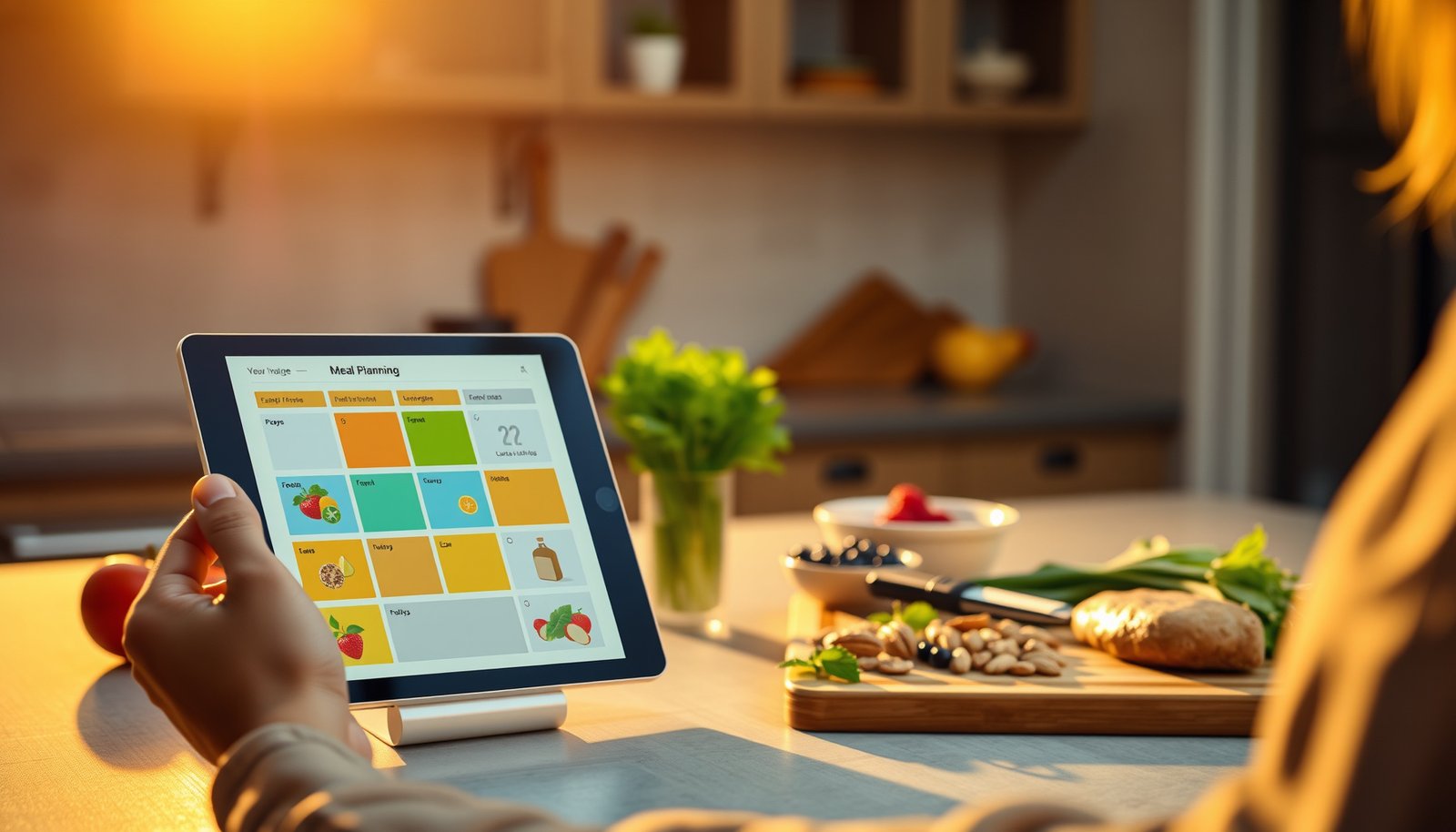
A weekly meal grid works best when it reuses a small set of repeatable meals with consistent serving size definitions.
Sanity-checking daily carb totals before you start cooking prevents “small portion drift” from compounding over the week.
As of 2026, most diabetes meal-planning apps work better with a favorites-first approach than with first-time searching every day.
– Start with your real targets (from your care plan): Enter your per-meal carb limits or the clinician-recommended approach—don’t guess if you’ve been given specific guidance. If your diabetes meal-planning app has separate breakfast/lunch/dinner goals, set them now rather than improvising later.
– Build a “favorites” list of meals: Add 6–10 meals you already eat (or would eat again). Focus on recipes where the serving size and carb numbers are consistent. In my own planning routine, the biggest time saver is keeping the serving size stable across weeks—so your app becomes a memory aid, not a math problem.
– Plan, then sanity-check totals: Create your week (even a simple Mon–Sun grid), then review daily carb totals before you rely on it—small portion differences can add up fast.
Practical 30-minute structure (repeatable):
1) Set carb method (total vs net) and per-meal targets
2) Save 6–10 meals/recipes in your favorites
3) Drag or schedule meals into a Mon–Sun grid
4) Check each day’s carb total vs your target
5) Adjust only the outliers (usually one or two meals)
What can go wrong (and how to avoid it)
If your app-based plan becomes unreliable, it’s usually because the app number isn’t the number you actually eat. The fixes are straightforward: verify portion size, confirm carb method, and treat database entries as starting points.
Nutrition databases can contain errors at the brand or portion level, so apps should support editing and serving-size correction.
Net carb calculations may differ by app method, so consistency with your care plan matters more than the label you see.
If you use CGM, remember that glucose response includes delays and variability—meal logging accuracy affects your interpretation, not just your totals.
– Over-trusting a database entry: Nutrition information can be wrong for a specific brand/portion. Treat app entries as a starting point and verify when possible ().
– Portions drifting over time: “One serving” in an app doesn’t automatically match how you portion food. Always adjust serving size when you plate differently. A good rule: if you changed brands, cooking method, or portion weight, re-enter with the correct serving.
– Confusing net carbs vs total carbs: Some apps emphasize “net carbs.” If your plan uses total carbs, set your workflow accordingly so you’re not unintentionally switching methods. If your clinician uses total carbs, you want your diabetes meal-planning app to follow that same convention—every day.
Quick “failure modes” to watch in weekly planning
– Swapping a recipe but keeping the old serving size
– Copying last week’s plan without re-checking carb totals after target changes
– Recording “looks close” portions instead of updating serving size
– Relying on one food’s database entry for an entire week without confirming the label
Verdict: start with one app, then streamline
The best approach for most people is: pick one carb-first tracker to log accurately, then add a recipe/weekly planner habit (or a second app) only if it helps you stick with the plan. In practice, all-in-one “perfect meal planner” setups often cost more time upfront than they save—especially when your meals don’t match the database.
Carb-first trackers generally reduce daily friction by focusing on portion-based carb totals and quick edits.
Recipe-first planners tend to improve consistency when you reuse the same meal set and schedule it into a weekly grid.
Before relying on meal-planning automation, confirm that the app’s carb method (net vs total) matches your clinician guidance.
The easiest path for most people is: pick one carb-first tracker to log accurately, then add a recipe/weekly planner habit (or a second app) only if it helps you stick with the plan. The downside of all-in-one meal-planning apps is that they can require more upfront setup (and the “perfect recipe” may not match your usual brands/portion sizes).
Skip this approach and talk with your diabetes care team first if you’re not currently comfortable counting carbs, you don’t have a clear target method, or your meal plan is highly medication-dependent and your clinician hasn’t given you guidance on carb-based adjustments.
VS table: which workflow fits your weekly reality?
(Choose the column that matches how your days usually go.)
Quick checklist + scan/save table
If you’re deciding in under 2 minutes, use the checklist to confirm your app supports the exact carb workflow you follow. Then choose the app that makes weekly planning feel easier, not heavier.
A good diabetes meal-planning app makes carb totals visible and editable at the serving level.
The fastest systems store your usual meals as favorites so you’re not repeatedly searching nutrition entries.
Weekly totals should match your method (total carbs vs net carbs) so your plan doesn’t silently drift.
Save this checklist
– [ ] Can you set your carb goals (per day or per meal)?
– [ ] Can you adjust serving size easily (not just “tap one option”)?
– [ ] Can you save meals/recipes and build a week without starting over daily?
– [ ] Are nutrition values clearly shown for the meal you’re planning?
– [ ] Do you have a plan to verify foods you eat often (brands/labels)?
At-a-glance comparison (what to verify in each app)
| App (example) | Best for | Verify first | Watch-outs |
|---|---|---|---|
| Carb Manager | Carb-focused tracking | Carbs display per serving + editing servings | Net vs total carb method |
| MyFitnessPal | Fast food lookup + diary | How nutrition data is sourced and editable | Manual portion accuracy |
| Lose It! | Simple meal diary | Scanning/search + serving-size tools | Carb details depend on entries |
| Diabetes meal-planner style app () | Building the week | Recipe serving sizes + carb counts consistency | Database quality varies by recipe |
Frequently Asked Questions
What are the best apps for diabetes meal planning that make it easy to track carbs?
The best diabetes meal planning apps combine recipe databases with accurate nutrition labels and built-in carb counting. Look for apps that let you log meals quickly, set daily carb targets, and view totals for the day so you can stay consistent with your diabetes meal plan. Popular features include barcode scanning, portion-size adjustments, and clear charts that show carb intake trends.
How can I use a diabetes meal planner app to build balanced meals for my glucose goals?
Start by entering your diabetes type, typical carb target per meal, and any dietary preferences so the app can suggest matching recipes. Use meal planning tools to create weekly menus, then adjust portions by tapping servings to fine-tune carbs and calories. Many apps also recommend fiber-rich, lower-glycemic options—helping you build meals that support steadier blood sugar rather than spikes.
Which meal planning apps for diabetes work best for grocery lists and reducing food waste?
Choose apps that sync recipes to a one-tap grocery list and allow you to categorize items by aisle or store section. The best diabetes meal planning apps also let you reuse “favorites,” so you’re not rebuilding meals from scratch each week. Meal prep planning features—like saving planned meals and tracking what you already have—can cut down on last-minute decisions and leftover waste.
Why do some diabetes meal planning apps struggle with carb accuracy, and how can I verify results?
Carb estimates can vary because nutrition data may come from different brands or serving sizes, and some foods are entered manually. To improve accuracy, verify labels on packaged foods and compare the app’s nutrition details with the product nutrition facts when possible. For homemade meals, weigh ingredients when cooking (or choose recipes with consistent measurements) to keep carb counts reliable for your diabetes meal planning.
Best way to choose the right diabetes meal planning app if I’m using insulin or other meds?
If you use insulin or other diabetes medications, pick an app that supports detailed nutrition breakdowns (carbs, fiber, and sometimes glycemic impact) and allows you to customize targets. It’s also helpful if the app lets you plan by meal timing and track trends over days rather than only logging one meal at a time. Always use your clinician’s guidance for medication adjustments, and use the app for meal planning and nutrition tracking—not as a substitute for medical advice.
📅 Last Updated: October 23, 2026 | Topic: best apps for diabetes meal planning | Content verified for accuracy and freshness.
References
- https://www.cdc.gov/diabetes/managing/eat-well/meal-planning.html
- https://www.niddk.nih.gov/health-information/diabetes/overview/eating-diet-nutrition
- Simple Diabetes Meal Plan: Manage Blood Glucose with the Diabetes Plate
- Diabetes
- https://www.mayoclinic.org/diseases-conditions/diabetes/in-depth/carbohydrate-counting/art-20048484
- mobile apps diabetes food logging carbohydrate counting systematic review – Search Results – PubMed
- Carbohydrate counting
- https://scholar.google.com/scholar?q=diabetes+meal+planning+mobile+app+carbohydrate+counting Google Scholar
- https://scholar.google.com/scholar?q=mobile+health+apps+food+logging+type+2+diabetes+systematic+review Google Scholar
- https://scholar.google.com/scholar?q=diabetes+mobile+app+nutrition+behavior+change+randomized+trial Google Scholar