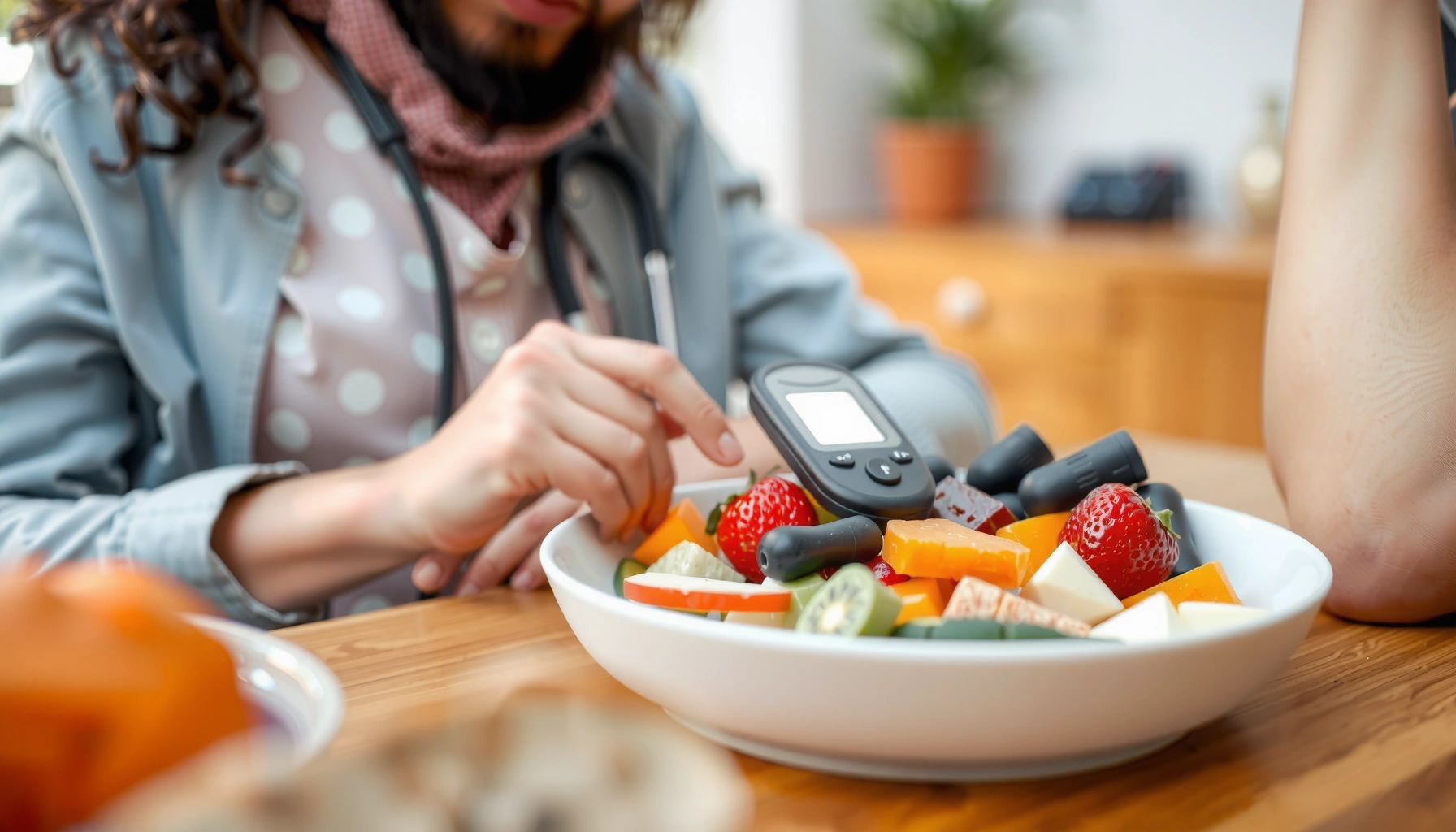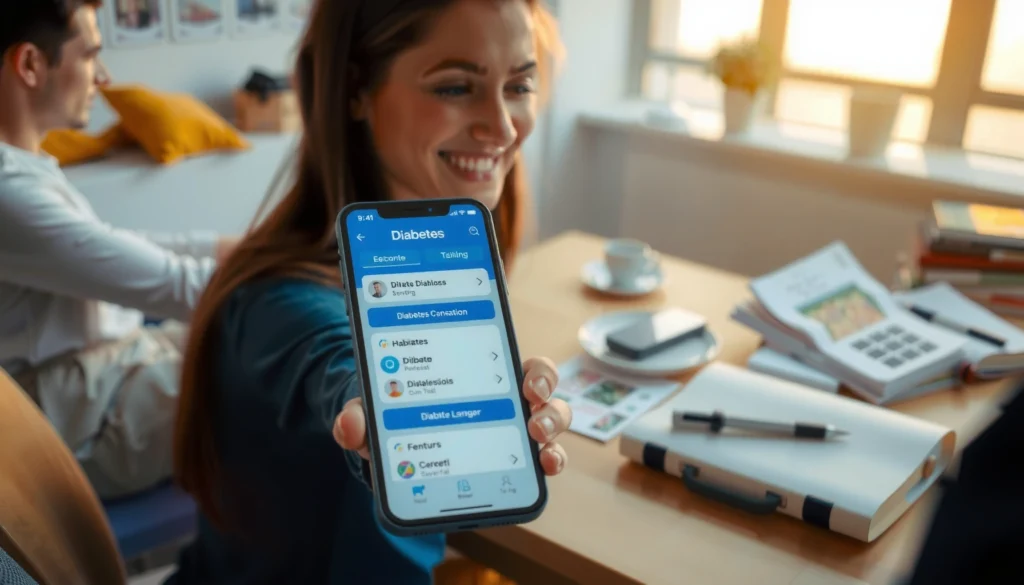

Finding the right diabetes app can be a true game-changer for effective self-management. The best app for you will seamlessly integrate into your daily life, offering features tailored to your unique needs, whether that’s advanced glucose tracking, intuitive meal logging, or robust medication reminders. Navigating the myriad of options for diabetes management can be overwhelming, but finding the right diabetes app is a game-changer for many. The “best” app isn’t a one-size-fits-all solution; it depends on your individual needs, whether it’s comprehensive blood sugar tracking, seamless integration with devices, or robust meal planning. This guide highlights top choices and essential features to help you select the ideal app to support your diabetes journey.



Why Diabetes Apps Are Essential for Modern Management

In today’s fast-paced world, managing a chronic condition like diabetes requires tools that are not only effective but also convenient and empowering. Diabetes apps have emerged as an indispensable ally, transforming traditional pen-and-paper logging into dynamic, insightful, and accessible data management. They offer a multitude of benefits that extend beyond simple record-keeping, fundamentally enhancing the way individuals interact with their health.
* Enhanced Blood Sugar Control: At its core, managing diabetes revolves around maintaining optimal blood glucose levels. Apps provide a centralized, easy-to-access log for glucose readings, transforming raw numbers into meaningful visual data. Imagine seeing your blood sugar trends laid out in clear charts and graphs; this immediate feedback helps you and your healthcare providers quickly identify patterns—what triggers a spike, what helps stabilize levels, and how your lifestyle choices truly impact your numbers. This clarity empowers you to make proactive, informed adjustments to your diet, exercise, and medication, ultimately leading to more consistent and effective blood sugar control. By understanding these patterns, you can anticipate potential issues and make real-time decisions that prevent complications and foster a greater sense of control over your health.
* Improved Adherence & Education: One of the biggest challenges in diabetes management is consistency – remembering medications, tracking meals, and understanding the “why” behind recommendations. Diabetes apps tackle this head-on with smart features designed to boost adherence and education. Medication reminders ensure you never miss a dose, whether it’s insulin, oral medications, or other treatments. Carb counting tools simplify meal planning, taking the guesswork out of estimating carbohydrate intake, which is crucial for insulin dosing. Beyond just reminders, many apps offer a wealth of educational content right at your fingertips, explaining topics like glycemic index, the importance of hydration, or exercise benefits. This accessible knowledge empowers users to stay on track, make healthier choices, and develop a deeper understanding of their condition, fostering greater self-efficacy and confidence in managing their diabetes day-to-day.
* Streamlined Communication with Healthcare Teams: Gone are the days of trying to recall weeks of readings during a quick doctor’s appointment. Many diabetes apps offer sophisticated reporting features that allow patients to share their comprehensive data directly with their doctors, nurses, or dietitians. This means no more guessing or relying on fragmented memories; your healthcare team gets a clear, accurate, and holistic view of your blood sugar trends, meal logs, medication adherence, and activity levels. This wealth of information leads to significantly more productive appointments, enabling providers to offer highly personalized care plans, adjust medications precisely, and provide targeted advice based on real-world data. It fosters a collaborative partnership, ensuring that your management plan is always optimized for your specific needs, ultimately leading to better health outcomes and a more efficient healthcare experience.
Key Features to Look For in a Diabetes App
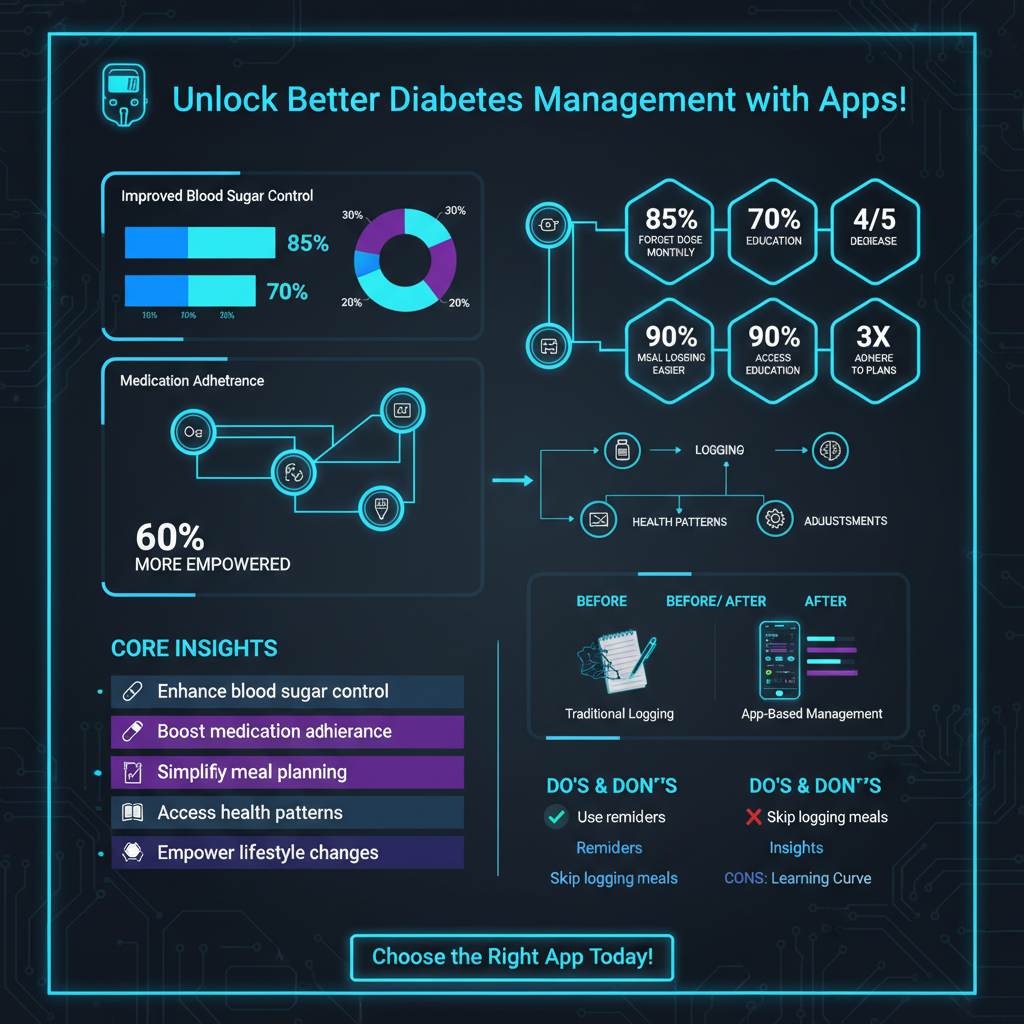

When diving into the world of diabetes apps, it’s easy to get overwhelmed by the sheer number of options and features. To help you make an informed choice, focusing on a few core functionalities that are truly essential for effective management is key. These features form the backbone of a great diabetes app, providing the tools you need to track, understand, and proactively manage your condition.
* Blood Glucose Tracking & Analysis: This is arguably the most crucial feature of any diabetes app. Beyond simply logging your readings, a top-tier app should offer robust analysis capabilities. Look for an app that allows you to easily input your blood glucose numbers, ideally with options for pre-meal, post-meal, bedtime, and custom entries. The real power comes from its ability to transform this raw data into insightful trends and patterns. Customizable dashboards, interactive charts, and clear graphs should highlight highs, lows, and average readings over various timeframes (daily, weekly, monthly). Advanced apps might even offer predictive analytics or flag patterns that indicate a need for a medication adjustment. The goal is to not just record, but to understand what your numbers mean, empowering you to make more informed decisions about your diet, exercise, and medication.
* Meal & Activity Logging: Understanding how food and physical activity impact your blood sugar is fundamental to diabetes management. A comprehensive app will provide intuitive tools for tracking both. For meal logging, look for features like extensive food databases with nutritional information (especially carbohydrate counts), barcode scanners for quick entry, and the ability to add custom foods. Some apps even allow you to track portion sizes and link meals directly to subsequent blood sugar readings, helping you identify specific food triggers. Similarly, an activity log that allows you to record different types of exercise, duration, and intensity can help you understand its effect on your glucose levels. The best apps will integrate these logs, allowing you to see the direct correlation between what you eat, how active you are, and your blood sugar fluctuations, giving you a holistic view of your daily health journey.
* Medication Reminders & Adherence Tracking: Staying on schedule with medications is vital for stable blood sugar levels, and even the most diligent individuals can occasionally forget a dose. A reliable diabetes app acts as your personal assistant, offering automated alerts for insulin doses, oral medications, and any other treatments you might be on. Look for customizable reminder schedules that can be set for specific times or intervals. Beyond just reminding you, the app should also provide a simple way to confirm that you’ve taken your medication, building a comprehensive log of your adherence. This tracking is invaluable not only for your own peace of mind but also for your healthcare team, as it provides a clear picture of your medication consistency, which is critical when evaluating the effectiveness of your treatment plan and making necessary adjustments.
Top Picks for Comprehensive Diabetes Management
When it comes to all-in-one solutions that aim to cover multiple aspects of diabetes management, certain apps stand out for their comprehensive features and user experience. These platforms are designed to be central hubs for your health data, often integrating with devices and offering a wealth of tools to empower your journey.
* Dario Health: Dario Health offers a unique and highly integrated approach to diabetes management. At its core is an all-in-one smart glucose meter that conveniently plugs directly into your smartphone, instantly syncing your blood glucose readings with the companion app. This seamless integration means no manual entry for readings, significantly reducing the chances of errors and making tracking incredibly efficient. The app itself is robust, providing real-time data visualization through clear graphs and trends, allowing you to quickly spot patterns. Beyond just tracking, Dario Health often includes personalized coaching from certified diabetes educators, offering tailored advice and support directly through the app. It also features meal logging with a food database, activity tracking, and medication reminders, creating a truly comprehensive ecosystem for managing your diabetes with minimal fuss.
* MySugr: Known for its incredibly user-friendly interface and a touch of “gamification,” MySugr makes diabetes tracking feel less like a chore and more like an engaging journey. Its vibrant, intuitive design encourages consistent logging of blood glucose, meals, and activity. Users often praise its easy-to-read dashboard, which provides a quick overview of daily stats and trends. MySugr also offers a bolus calculator (for insulin users), which helps with precise insulin dosing based on carb intake and current blood sugar levels. What truly sets it apart is its fun approach; the app includes challenges and feedback, often turning tracking into a rewarding experience and helping users stay motivated. For many, MySugr transforms the often-tedious task of diabetes management into something manageable and even enjoyable, fostering better adherence through its friendly and encouraging tone.
* One Drop: One Drop is another powerhouse in comprehensive diabetes management, offering a holistic platform that combines tracking with personalized support. The app provides robust blood glucose tracking, allowing for easy input of readings from various meters (and often integrating directly with One Drop’s own smart meter). It also excels in medication reminders and food logging, featuring a vast food database and the ability to easily track carbohydrate counts. A standout feature of One Drop is its personalized coaching program, which connects users with certified diabetes educators and coaches who provide tailored guidance and support, often in real-time. This human element, combined with its strong data visualization and trend analysis, empowers users to make significant strides in their diabetes management. One Drop often integrates with other smart devices, pulling in activity data and further enriching the insights available to both the user and their coach.
Specialized Apps for Specific Needs
While comprehensive apps are fantastic, sometimes you need a tool that excels in a very specific area. These specialized apps don’t aim to be an all-in-one solution but rather provide unparalleled functionality for a particular aspect of diabetes management, making them excellent complements to your overall strategy.
* Dexcom G6 App: For individuals using a Dexcom G6 Continuous Glucose Monitor (CGM), the official Dexcom G6 App is an absolute game-changer. This app is specifically designed to work seamlessly with the Dexcom G6 sensor and transmitter, providing real-time glucose readings directly to your smartphone every five minutes. It’s not just about seeing your current number; the app also displays trend arrows, indicating whether your glucose is rising, falling, or stable, allowing for proactive decisions. Customizable alerts for high and low glucose levels (and even rapidly rising or falling levels) provide crucial safety nets, while the “Share” feature allows you to remotely share your glucose data with up to 10 followers, offering peace of mind to family members or caregivers. This app is indispensable for anyone relying on Dexcom’s cutting-edge CGM technology to manage their diabetes with precision.
* Carb Manager / MyFitnessPal: While not exclusively diabetes apps, Carb Manager and MyFitnessPal are incredibly powerful tools for detailed carbohydrate counting, meal planning, and tracking overall nutritional intake – all crucial components of diabetes management. Carb Manager, as its name suggests, is particularly adept at tracking macros, providing detailed breakdowns of carbs, fats, and proteins for almost any food you can imagine. MyFitnessPal offers a massive user-generated food database, making it easy to log meals and track calories, macronutrients, and micronutrients. Both apps feature barcode scanners and recipe builders, simplifying the process of understanding the nutritional impact of your diet. For individuals who primarily need robust food logging and detailed carb counting beyond what a typical diabetes app offers, these platforms serve as excellent companions, helping to fine-tune dietary choices and understand their direct correlation with blood glucose levels.
* Medisafe: Managing multiple medications, especially for those with complex diabetes regimens or co-occurring conditions, can be daunting. Medisafe shines as a highly-rated app focused purely on medication management and reminders. It’s designed to ensure you never miss a dose, offering customizable alerts for different medications, times, and dosages. You can set reminders for pills, injections, and even appointments. The app features a user-friendly interface where you can log each dose, track your adherence history, and receive progress reports. Medisafe also offers a “Medfriend” feature, allowing a trusted family member or friend to be alerted if you miss a dose, adding an extra layer of support. For anyone looking for a dedicated, robust solution to organize and adhere to a complex medication schedule, Medisafe offers unparalleled reliability and peace of mind.
Important Considerations: Cost, Privacy & Support
Before you commit to a diabetes app, it’s crucial to look beyond the flashy features and consider some practical aspects that can significantly impact your long-term experience. Investing a little time upfront to evaluate these factors can save you headaches down the road and ensure the app truly serves your needs.
* Subscription Models & Hidden Costs: Many excellent diabetes apps operate on a “freemium” model, offering a basic version for free but locking advanced features behind a subscription. While a free version might suffice for initial exploration, it’s essential to evaluate if the premium features are truly worth the investment for your specific needs. Ask yourself: Does the free version provide enough functionality for my daily management, or do I really need the advanced analytics, personalized coaching, or unlimited data storage that comes with a paid plan? Understand the subscription tiers, monthly or annual costs, and any potential hidden fees. Some apps might offer a free trial period for their premium features, which is an excellent opportunity to test drive the full functionality before committing financially. Don’t let cost deter you from a truly valuable tool, but always ensure the value proposition aligns with your budget and requirements.
* Data Security & Privacy: Your health data is incredibly sensitive, making data security and privacy paramount when choosing a diabetes app. Before downloading, always take the time to carefully review the app’s privacy policy. Understand how your personal health information (PHI) is collected, stored, used, and shared. Look for apps that explicitly state they are HIPAA compliant (in the US) or adhere to similar regional health data privacy regulations. Strong encryption protocols for data transmission and storage are non-negotiable. Be wary of apps that seem overly vague about their data practices or that appear to sell user data to third parties. Prioritize apps from reputable developers with a clear commitment to protecting your information, ensuring that your sensitive health journey remains confidential and secure. Your peace of mind is worth the extra scrutiny.
* Customer Support & Resources: Even the most intuitive app can sometimes present a challenge or require troubleshooting. That’s why good customer support and access to helpful resources are vital. Before committing, check what kind of support the app developer offers: Is there an easily accessible FAQ section, a dedicated help center, or responsive email/chat support? Knowing that you can get assistance if you encounter a bug or have a question about a feature can significantly enhance your user experience. Additionally, many high-quality apps offer educational resources within the app itself or link to credible external sources. These might include articles on nutrition, exercise tips, or explanations of diabetes concepts. Such resources can empower you with knowledge, help you maximize the app’s features, and provide continuous learning opportunities to better manage your condition.
Choosing the best diabetes app can significantly empower you to take control of your health. By prioritizing features like robust tracking, seamless integration, and strong data privacy, you can find an invaluable tool to simplify daily management and improve your overall well-being. Start exploring the options mentioned and consider a free trial to see which app truly aligns with your lifestyle and diabetes management goals.
Frequently Asked Questions
What are the primary benefits of using a diabetes app for daily management?
A dedicated diabetes app streamlines various aspects of diabetes care, offering benefits like accurate blood glucose logging, medication reminders, and detailed food tracking. These tools help users maintain consistent routines, identify patterns in their blood sugar levels, and provide valuable data for healthcare providers to optimize treatment plans. Ultimately, using a diabetes app can lead to better health outcomes and a greater sense of control over one’s condition.
Which essential features should I look for when choosing the best diabetes app?
When selecting a diabetes app, prioritize features such as intuitive blood glucose tracking with customizable logging options. Look for comprehensive food logging capabilities, ideally with a large database or barcode scanner, and reliable medication reminders for insulin or oral medications. Additionally, consider apps that offer activity tracking, data visualization (charts/graphs), and the ability to export or share data with your healthcare team for collaborative care.
How do diabetes apps help in understanding and controlling blood sugar levels more effectively?
Diabetes apps significantly aid in blood sugar control by providing a centralized platform for logging glucose readings, meals, medication, and activity. By analyzing this comprehensive data, the app can highlight trends and patterns in your blood sugar responses to different foods, exercise, or stress. This insight empowers users to make informed daily decisions, adjust lifestyle habits, and communicate more effectively with their doctor to fine-tune their diabetes management plan.
Are there reliable free diabetes apps available, or are premium versions always necessary?
Yes, many reliable free diabetes apps offer excellent core functionalities, including basic blood glucose tracking, manual food logging, and medication reminders. While free options are great for getting started, premium versions often provide advanced features like automatic data syncing with continuous glucose monitors (CGMs) or smart devices, larger food databases, in-depth analytics, and personalized insights. The necessity of a premium version depends on individual needs and desired level of detail in managing diabetes.
How can I choose the best diabetes app that truly fits my specific type of diabetes and lifestyle?
To find the best diabetes app for you, start by assessing your specific needs: consider if you have Type 1 or Type 2 diabetes, your comfort level with technology, and whether you use devices like a CGM or insulin pump that require integration. Research apps that cater to these specific requirements, read user reviews, and ideally, try out a few free versions or trials. Discussing options with your endocrinologist or diabetes educator can also provide tailored recommendations, ensuring the chosen app complements your overall care plan.
References
- https://diabetesjournals.org/care/article/43/Supplement_1/S1/36555/8-Diabetes-Technology-Clinical-Review
- https://www.cdc.gov/diabetes/ndep/health-professionals/digital-health.html
- https://www.niddk.nih.gov/health-information/diabetes/managing-diabetes/mobile-apps-track-your-blood-sugar
- https://www.bbc.com/news/health-42353347
- https://www.ncbi.nlm.nih.gov/pmc/articles/PMC7381014/
- https://www.who.int/publications/i/item/9789240009204
- Diabetes management software
- https://www.thelancet.com/journals/landia/article/PIIS2213-8587(23)00004-8/fulltext