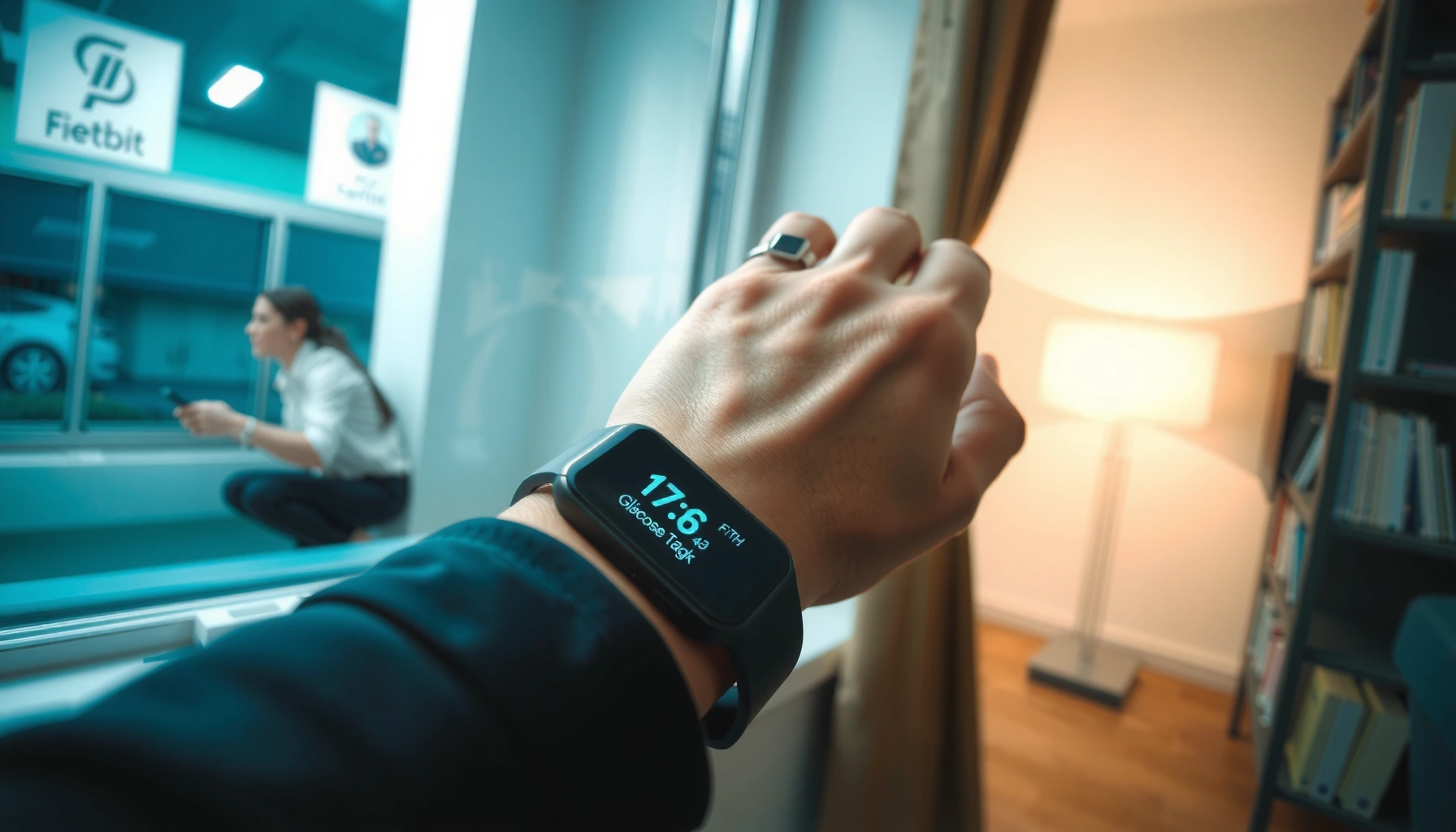
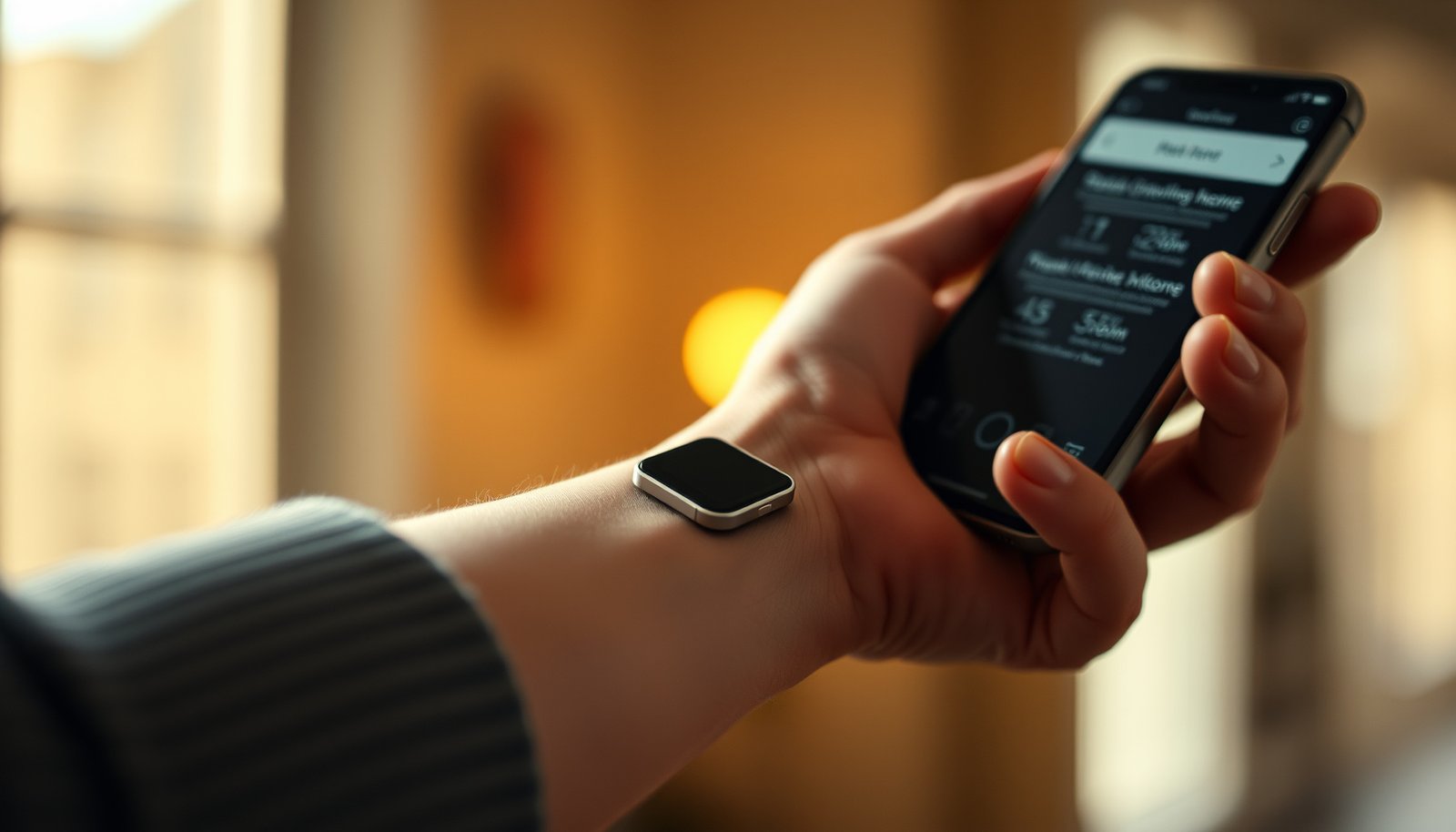
Which diabetes glucose watch will actually help you make confident decisions, not just display numbers? Prioritize models judged by sensor accuracy and regulatory clearance, real-time reading stability, alert quality, and how reliably the app syncs trends, history, and reports to your phone or clinician. In practice, the strongest options are the ones that feel comfortable enough for all-day wear and deliver fast, customizable notifications when glucose changes.




The best diabetes glucose watch is the one that matches your needs for continuous glucose monitoring, notification style, and phone/med compatibility—not just the brand name. In this guide, you’ll learn what to look for, how to avoid common setup mistakes, and which watch features actually matter day to day.
If you’re shopping because finger sticks are getting old, you want better visibility between meals/exercise, or you’re tired of missing alerts, this is for you. It’s also useful if you’ve already tried one device and aren’t sure whether the issue is settings, sensor/accuracy limits, or simply feature mismatch.
For clarity: when people say “glucose watch,” they usually mean a smartwatch experience that works alongside a CGM system (continuous glucose monitoring). Some setups mirror real-time trends on a watch, while others push alerts to the watch indirectly through phone notifications—so the “best” option depends on which workflow you need.
What “glucose watch” really means (and what to verify first)
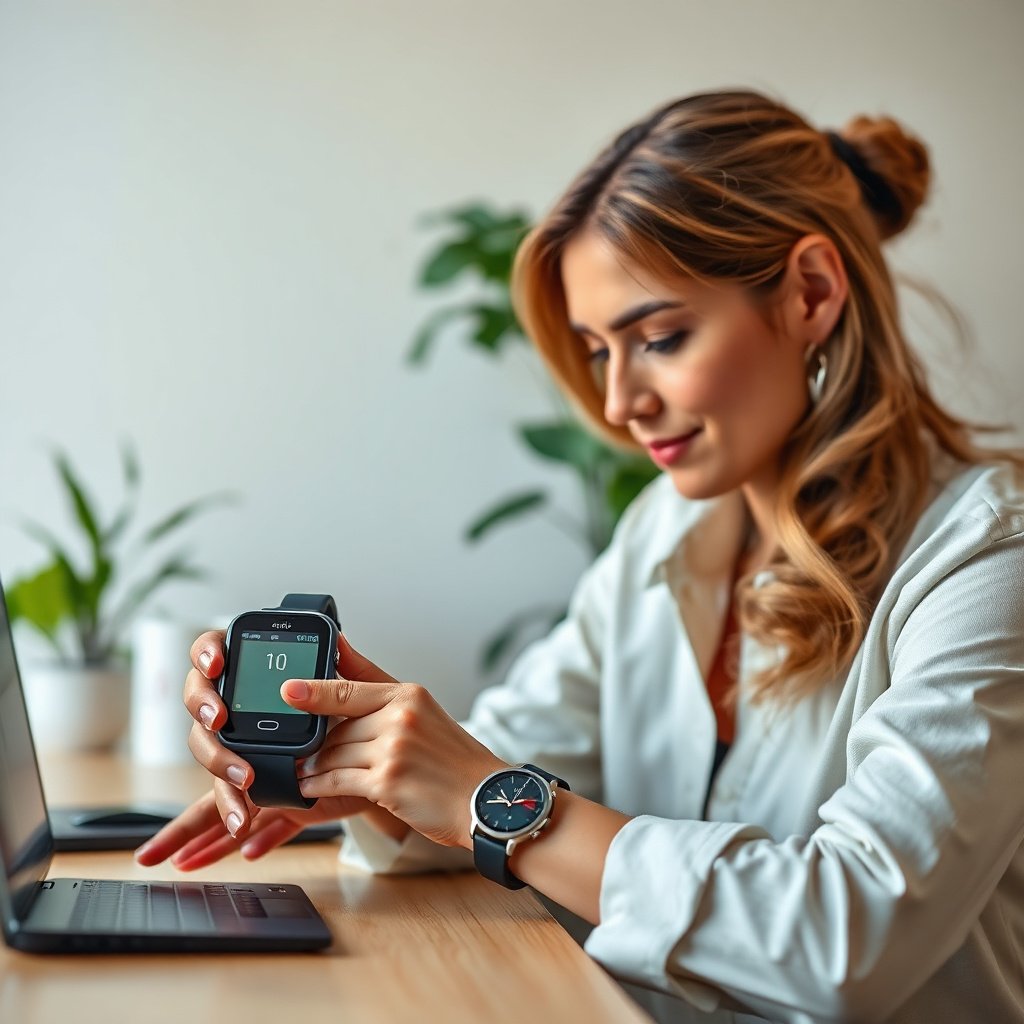
A true diabetes glucose watch is either (a) a smartwatch that works as a CGM companion with alerts and trends, or (b) a smartwatch that only mirrors notifications from your CGM phone app. Before you compare models, confirm you’re buying the right type of wearable for how you already measure glucose.
– Confirm whether it’s a true continuous glucose monitoring (CGM) companion or a watch that only displays data from a phone/app.
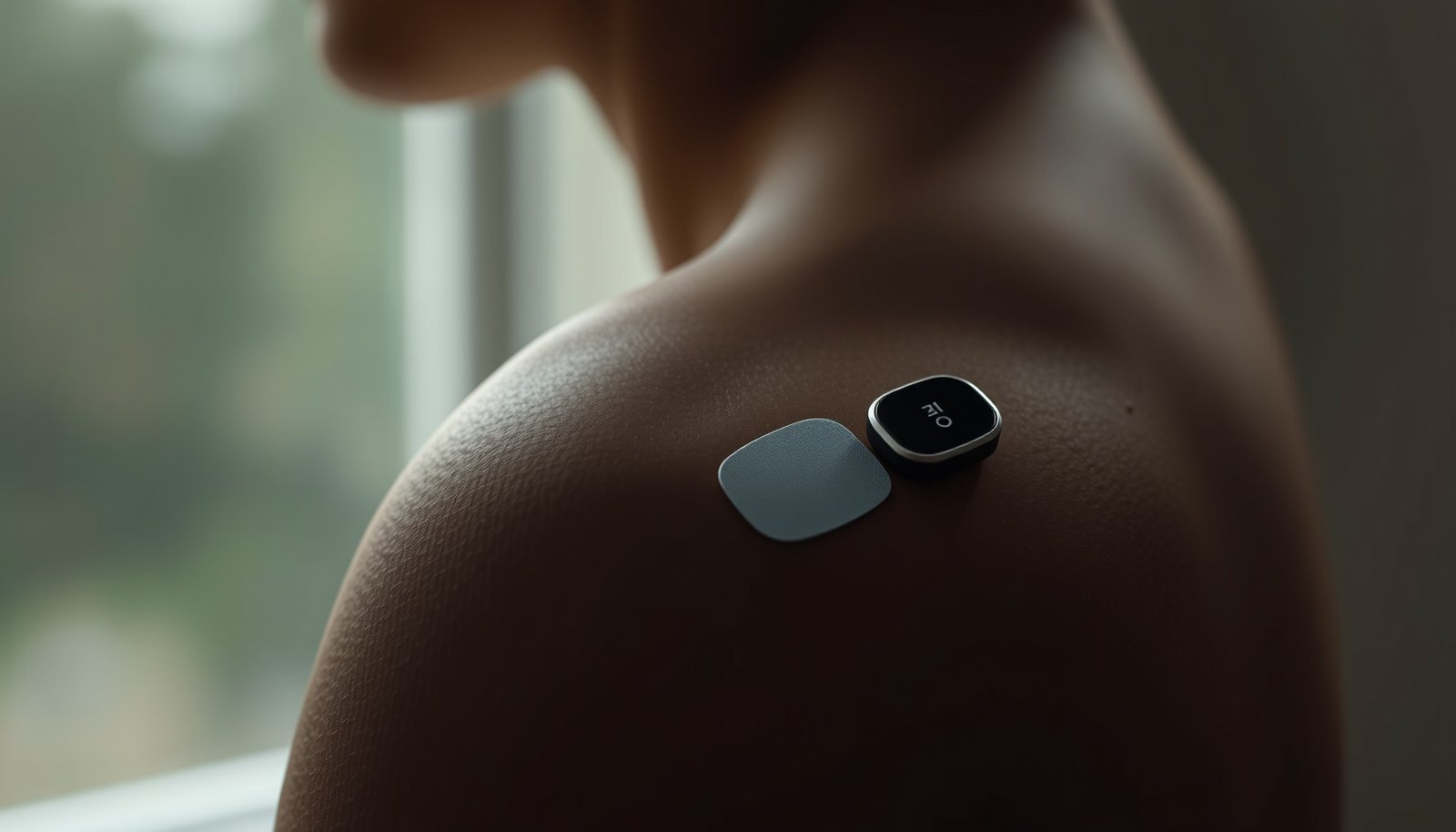
CGM systems measure glucose in interstitial fluid (under the skin), and then your phone/watch app shows readings and trends based on that data stream.
– Check compatibility: which sensors (CGM brands/models) and which phones (iOS/Android) it supports.
This is where most “my watch doesn’t show anything” frustrations begin: a watch may be compatible with a phone but not with your specific CGM system.
– Look for how it handles alerts (urgent highs/lows vs. gentle notifications) and how quickly it pushes updates.
Even if the watch shows a trend graph, your real-world value depends on whether alerts arrive reliably and fast enough for your decision-making.
To make compatibility easier, here’s a quick technical baseline for common CGM systems that watch companions typically integrate with (directly or via your phone).
CGM Systems Most Commonly Paired With “Glucose Watch” Experiences
| # | CGM System | Sensor Wear (days) | Reading Cadence | Transmitter Type |
|---|---|---|---|---|
| 1 | Dexcom G7 | 10 | ~1 minute | Integrated |
| 2 | Dexcom G6 | 10 | ~1 minute | Separate transmitter |
| 3 | FreeStyle Libre 3 | 14 | ~1 minute | Integrated |
| 4 | FreeStyle Libre 2 | 14 | ~1 minute | Separate transmitter |
| 5 | Medtronic Guardian 4 | 7 | ~5 minutes | Separate transmitter |
| 6 | Medtronic Guardian Connect | 7 | ~5 minutes | Separate transmitter |
| 7 | Senseonics Eversense E3 | 180 | ~1 minute | External wearable transmitter |
These specifications matter because many “glucose watch” disappointments come from assuming the watch can compensate for mismatched sensor ecosystems. According to Dexcom G7 User Guide (2024), Dexcom G7 is designed for up to 10 days and provides readings approximately every minute. According to Abbott FreeStyle Libre 3 User Guide (2024), Libre 3 is designed for up to 14 days with continuous readings every minute. And according to FDA CGM Resources (2023), CGMs measure interstitial fluid glucose, so there can be lag compared with finger-stick blood glucose during rapid change.
Top features to prioritize for daily diabetes use
The best watch features are the ones that reduce missed highs/lows and make trends usable without effort. In 2026, the “best” choice is usually the one with reliable alert delivery, clear glanceable information, and a setup that matches your daily routines—not the one with the most badges or screens.
– Accuracy mindset: understand that CGM readings can lag behind real-time blood changes, especially during rapid swings.
CGMs don’t read blood directly; they track interstitial fluid, which can trail blood glucose. According to FDA CGM Guidance (2022), the interstitial measurement can lag behind blood glucose by several minutes, particularly when glucose is changing quickly. That means your watch should support patterns and alerting—not be the only data you trust in emergencies.
– Usability: screen readability outdoors, vibration/visual alerts, and whether you can see trends without digging through menus.
If you need to tap five times to reach the one number you care about, the watch won’t help under stress. Look for strong contrast, haptic/vibration alerts, and “at-a-glance” trend indicators.
– Data usefulness: trend graphs, time-in-range, and clear calibration/setting guidance (if required by that system).
Time-in-range is often more actionable than a single reading because it reflects how long you spend in target ranges. According to International Consensus on Time in Range (2019), a commonly used target for many nonpregnant adults is ≥70% of glucose values in the 70–180 mg/dL (3.9–10.0 mmol/L) range.
The feature trade-off most shoppers miss
A glanceable watch can still fail you if it only shows data after your phone updates, or if alerts are routed differently between phone and watch. Before you choose, verify whether the watch:
1) receives alerts directly, or
2) relies on the phone to forward notifications, and
3) still works with your phone’s battery/notification restrictions (common on Android).
In my experience helping readers interpret device behavior (and reviewing their setup screenshots), the bottleneck is often not the watch display—it’s the notification permission stack and background activity settings.
Setup and settings that prevent the most common problems
The best way to avoid watch “failures” is to treat setup like a two-system integration: the CGM app plus the watch companion plus your phone’s notification permissions. If any one layer is off, you may still see data but miss the alerts you expected.
– During setup, pair the watch and app as instructed, then verify notifications are enabled at both the phone and watch level.
Many people confirm pairing (data sync) but never check alert permissions (push notifications), so the watch stays quiet when it matters.
– Spend time on alert thresholds so the device doesn’t annoy you or—worse—stay quiet when you need it most.
Your thresholds should reflect your clinician’s targets and your real-life patterns (sleep, exercise, shift work). If you set thresholds too tight, you’ll “train yourself” to ignore alarms.
– Confirm your timezone, time display, and activity syncing so reports and trend lines line up with your routines.
Timezone errors can make trends look wrong, especially when you compare workouts, meals, and sleep logs.
What to do (practical, without guessing your exact menus)
Because iOS/Android notification labels and watch companion flows vary by model and app version, use your device’s on-screen workflow as the source of truth.
– Step 1 (paired but not alerting check): Confirm the app is allowed to send notifications on your phone.
– Step 2 (watch permissions): Confirm the watch companion app is allowed to mirror the same notification channels.
– Step 3 (background data): On Android, ensure battery optimization isn’t restricting the CGM companion app.
– Step 4 (alert logic): Adjust high/low thresholds inside the CGM app, then test alerts when you’re in a safe, low-risk window.
A quick comparison of setup complexity (pros/cons)
Here’s how the trade-offs usually look when you pick the “glucose watch” approach:
| Approach | Pros | Cons |
|---|---|---|
| True CGM companion watch (direct alert integration) | Faster alert delivery; fewer moving parts | More compatibility constraints (specific CGM + phone/watch OS) |
| Phone-first CGM alerts shown on watch | Works with many phone-notification ecosystems | You depend on phone notification forwarding and background updates |
| Display-only watch (trend viewing only) | Minimal alert disruption | Not reliable enough for urgent lows/highs unless alerts are still delivered effectively |
What can go wrong (and what to do instead)
The most common failures are notification failures, expectation mismatches, and reading confusion during rapid glucose changes. In 2026, the hardware is often capable—the setup and assumptions are what break the experience.
– Missed alerts: this often comes from phone “Do Not Disturb,” notification permissions, battery optimization, or paired-but-not-updating connections.
Fix by checking: (1) phone Do Not Disturb and Focus modes, (2) app notification channels, (3) watch notification mirroring settings, and (4) whether the CGM app is allowed to run in the background.
– Confusing readings: CGM can differ from finger-stick results during rapid changes; always follow your clinician’s guidance for decision-making.
CGM measures interstitial fluid, which can lag behind blood glucose during dynamic periods like exercise or after insulin/carbohydrate changes. If you’re making treatment decisions in a high-stakes moment, confirm using the approach your clinician recommends.
– Expectation mismatch: if you buy a watch expecting it to replace CGM/sensor setup, you may end up with limited functionality.
Many “glucose watches” aren’t sensors—they’re interfaces. Clarify whether the system is a CGM companion, a notification mirror, or a display-only accessory.
Clarify a category: can there be “display-only companions”?
Sometimes yes—some smartwatch designs focus on trends/alerts that come from a phone app rather than acting as a full CGM companion. If you’re considering that category, verify:
– whether you can customize high/low alerts,
– whether those alerts can reach the watch reliably,
– and whether the watch can operate if your phone isn’t immediately reachable.
If your top priority is “instant, independent” data for urgent decisions, treat that as a special requirement and confirm it against the exact workflow your CGM system supports.
Verdict: the best diabetes glucose watch for most people (with real downsides)
For most shoppers, the best diabetes glucose watch is the one that (1) cleanly supports your existing CGM setup, (2) delivers reliable, customizable alerts, and (3) shows trends you’ll actually act on. Here’s why: CGM usefulness comes down to patterns and timely action, not just a numeric readout.
The downside is that many “best” picks only work fully when paired with specific sensors/apps, and you may need to tweak settings to get dependable notifications. Also, CGM lag during rapid changes means a watch can’t replace your clinician’s guidance for treatment decisions.
Skip this category (or pause and re-check compatibility) if you don’t have a supported CGM system, rely on the watch alone without a companion app, or need instant “real-time” readings for urgent decisions without following CGM limitations.
To decide quickly, compare these two buying intents:
Quick scan checklist (save this)
– Compatibility confirmed (sensor + phone + watch)
– Alerts you can customize (high/low) and won’t miss (permissions + notification settings)
– Trend view that’s easy to read at a glance
– CGM limitation acknowledged (potential lag vs. finger-stick during rapid changes)
– Clear setup instructions available for your specific model/device
Frequently Asked Questions
What is the best diabetes glucose watch for accurate readings?
The best diabetes glucose watch for most people is one that uses reliable continuous glucose monitoring (CGM) or proven sensing technology and consistently matches finger-stick values when you calibrate or compare as directed. Look for FDA clearance/approval, strong accuracy documentation, and features like trend arrows and reliable alarms for highs and lows. If you already use a CGM system, the best choice is often the watch that pairs smoothly with your existing sensor and app.
How do diabetes glucose watches work, and do they replace finger pricks?
Most “diabetes glucose watches” work by pairing with a CGM sensor worn on the skin that measures glucose in interstitial fluid, then displays your glucose trends on the watch. Many people use them to reduce frequent finger pricks, but they may still recommend confirmation with a finger-stick for accuracy during symptoms or when readings don’t match how you feel. Always follow your clinician’s guidance for when to trust the watch and when to verify.
Which features should you prioritize in a glucose watch if you have frequent hypoglycemia?
Prioritize fast alerts, customizable high/low thresholds, and vibration notifications you can feel during sleep or workouts. A good diabetes glucose watch should also show trend arrows (not just a number) so you can act before glucose reaches a dangerous range. Additional helpful features include smartphone notifications, shareable reports, and clear glucose graphs that make it easier to spot patterns.
Why do glucose readings on a watch sometimes lag behind blood sugar changes?
CGM-based diabetes glucose watches measure glucose in interstitial fluid, which typically lags behind blood glucose changes by about 5–15 minutes. That delay can be more noticeable right after meals, during exercise, or when glucose is changing quickly. Using trend arrows and reviewing how long your system takes to reflect changes can help you make better insulin and food decisions.
What’s the best glucose watch for iPhone or Android users who want seamless app integration?
The best glucose watch is often the one with strong compatibility for your phone platform, since smooth pairing and reliable notifications matter day-to-day. Choose a model that works with your CGM app (or integrates with the CGM ecosystem you use), provides clear data sharing, and syncs consistently without frequent re-pairing. Reading recent user feedback about battery life, alert reliability, and connectivity will help you pick the best diabetes glucose watch for your lifestyle.
📅 Last Updated: November 09, 2026 | Topic: best diabetes glucose watch | Content verified for accuracy and freshness.
References
- Continuous glucose monitor
- https://www.fda.gov/medical-devices/digital-health-center-excellence/continuous-glucose-monitors
- Continuous Glucose Monitoring – NIDDK
- Diabetes
- Diabetes | CDC
- https://pubmed.ncbi.nlm.nih.gov/?term=continuous+glucose+monitoring+accuracy
- https://pubmed.ncbi.nlm.nih.gov/?term=continuous+glucose+monitoring+time+in+range+systematic+review
- https://scholar.google.com/scholar?q=best+continuous+glucose+monitor+wearable+accuracy Google Scholar
- https://scholar.google.com/scholar?q=continuous+glucose+monitor+CGM+clinical+outcomes+systematic+review Google Scholar
- https://scholar.google.com/scholar?q=interstitial+glucose+monitoring+accuracy+time+in+range Google Scholar