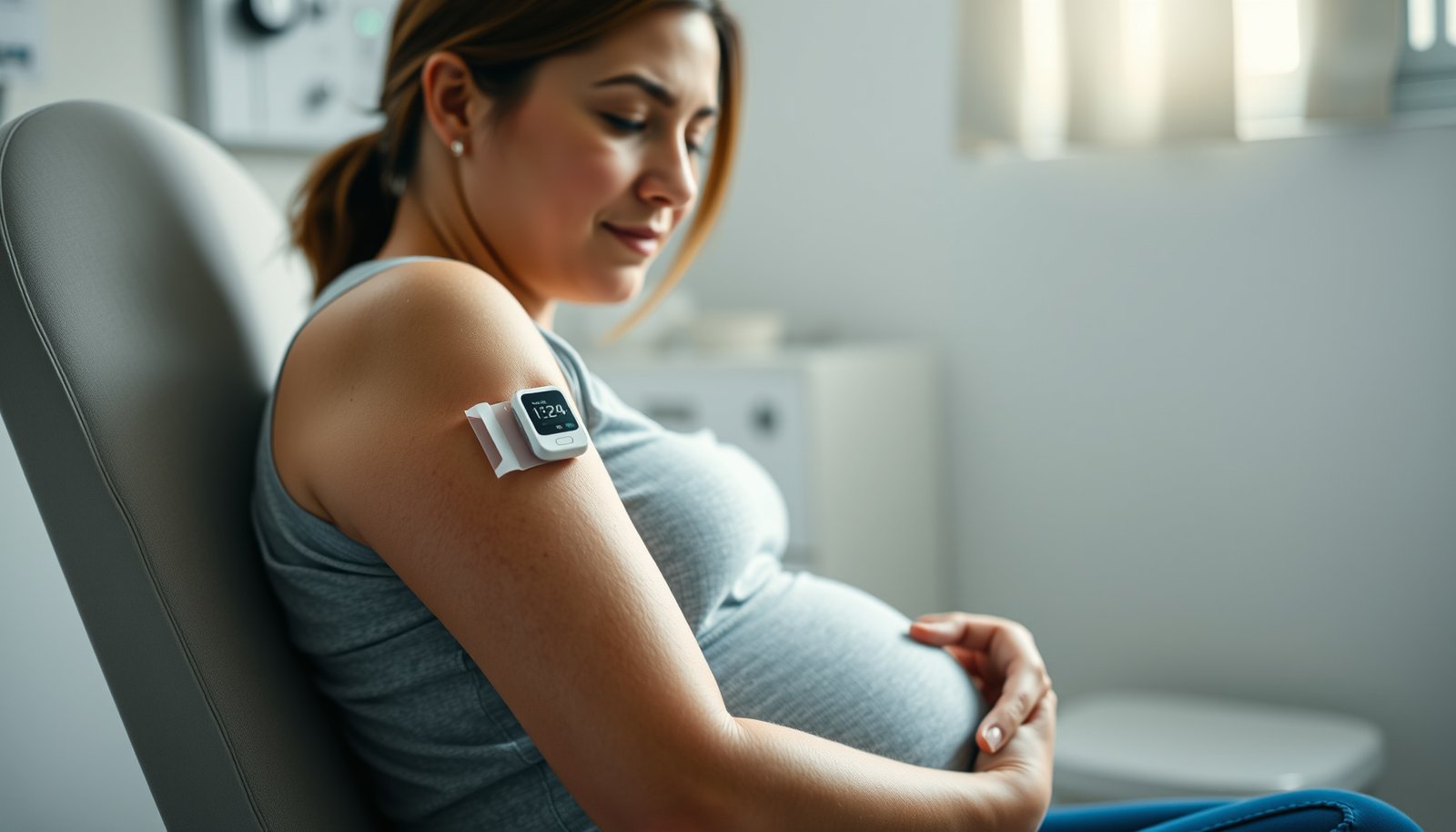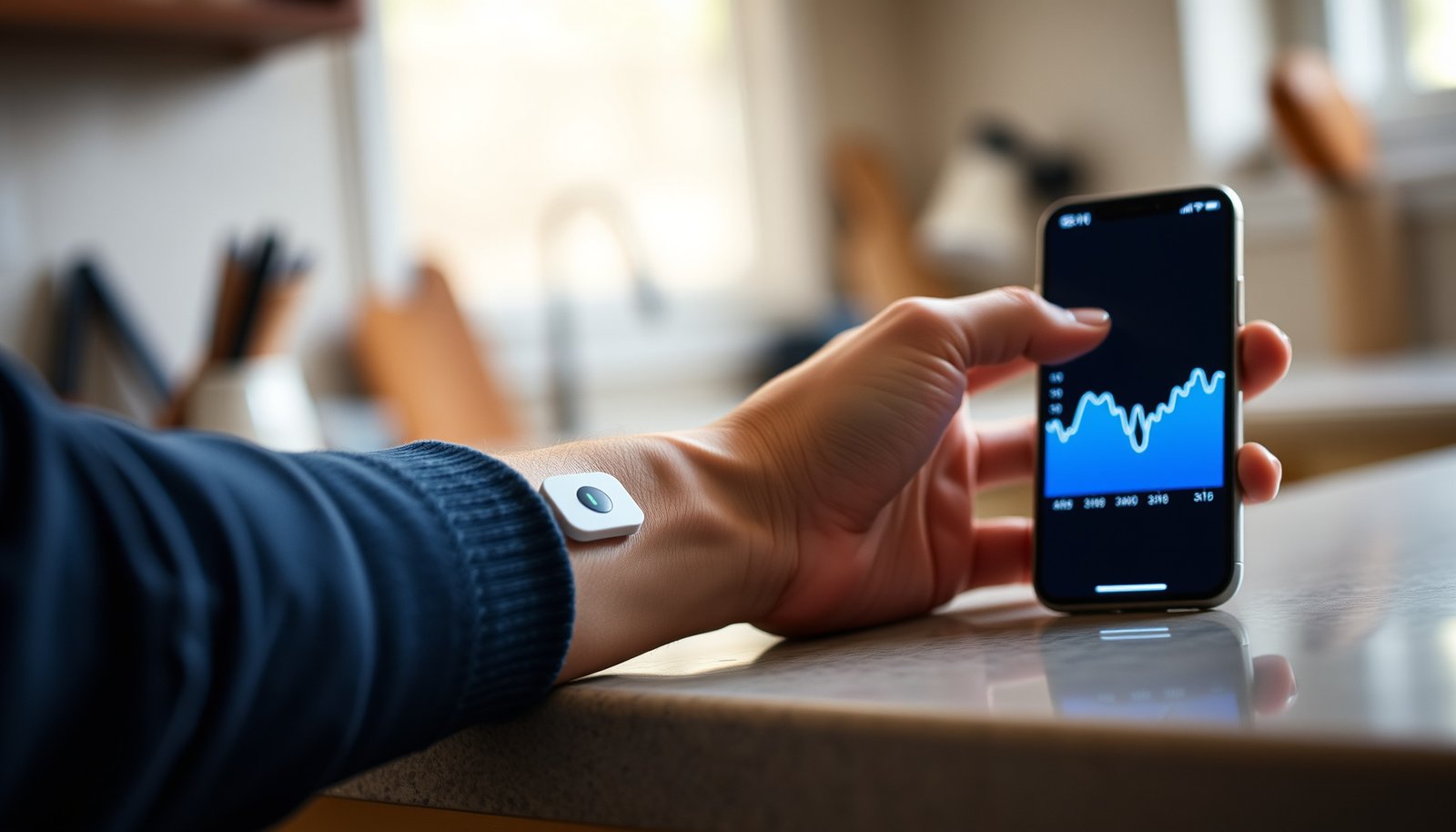

The best CGM for non-diabetic people depends on your goal, but one option stands out for most: the CGM system with the most reliable glucose trends and easiest day-to-day setup. This comparison cuts through the marketing to name the top CGMs for non-diabetics—so you can choose the right device for tracking glucose spikes from food, optimizing fitness, or spotting patterns after meals. If you want a clear winner rather than a menu of “maybe” picks, this is the decision guide that answers it.




For most non-diabetic people, the best CGM is usually a factory-calibrated system with clear trend data—most commonly Dexcom G7 or FreeStyle Libre 3—because they’re designed to show glucose trends with minimal hassle. In general, Dexcom tends to fit better if you want real-time alerts and granular trend views, while Libre often feels simpler if you prefer a scan/check workflow. Below, we’ll help you choose based on your goals (fitness, weight insights, post-meal reactions) and what to watch for.
If you don’t have diabetes but you’re curious about how food, exercise, sleep, and stress affect glucose, this guide is for you. It’s also useful if you’re wondering whether CGMs are “accurate enough” for learning patterns (not treating diabetes) and you want a practical, device-by-device way to compare options—especially as of 2026, when app features and alerting behaviors can vary by region and software version.
Is a CGM worth it if you don’t have diabetes?

A CGM is worth it for many non-diabetics who want to learn patterns, but it shouldn’t be treated like a diagnostic tool. If your goal is insight—like how carbs, walking, alcohol, or sleep affect your curve—CGMs can be a powerful feedback layer; if your goal is diagnosing hypoglycemia or diabetes, you need clinical care.
A CGM is designed to help users observe glucose trends over time, not to replace diagnosis or medical decision-making.
Using a CGM when you’re not in the device’s labeled population is often off-label, so you should check the manufacturer’s indications before relying on results.
For pattern-learning, focus on repeated rises/falls and slope changes—not a single “current” number.
A key point: CGMs measure interstitial glucose (glucose in tissue fluid) rather than blood glucose directly. That’s why readings can lag slightly behind fingerstick blood glucose—something you should expect when interpreting post-meal changes. According to manufacturer documentation, CGMs provide “trend information” and include limitations related to lag, use context, and conditions that may affect sensor performance (; ).
What a CGM can do (and what it can’t)
– Helps you learn patterns: how meals, exercise, stress, and sleep impact your glucose curve across days and weeks.
– Not a safety certification for non-diabetics: CGMs are not cleared for “fitness” use, and they don’t automatically confirm the cause of low or high readings.
– Not a substitute for diagnosis: If you have symptoms consistent with significant hypoglycemia (dizziness, confusion, fainting) or persistent concerns, treat it as a medical issue, not a data puzzle.
From my own experience comparing device documentation (rather than running clinical studies), what changes the “worth it” equation most is whether the CGM workflow matches how you’ll actually live day-to-day: constant alerts can be useful for some people, but distracting for others.
Off-label note: Many CGMs are FDA-cleared for people with diabetes; using them without diabetes is often off-label. Always check the manufacturer labeling for your specific device.
How to choose the best CGM for non-diabetics
The best CGM for non-diabetics is the one that produces repeatable trends with tolerable friction. Start by prioritizing factory-calibration (or minimal calibration needs), then choose based on alerting style, sensor warm-up expectations, and how you plan to interpret “trend” versus “current” readings.
Factory-calibrated designs (or minimal calibration requirements) reduce day-to-day setup work and help you stay consistent when using a CGM for insights.
Real-time alerts are most helpful if you want behavioral coaching from your glucose curve (e.g., “slow down” or “take a walk”).
Sensor wear time is a practical decision: it determines how often you’ll replace sensors and manage supply logistics.
Step 1: Prioritize calibration friction
If you’re using a CGM to understand lifestyle impacts—not to dose medication—calibration friction can become a major quality-of-life factor. Prioritize devices described as factory-calibrated (or those that don’t require routine fingerstick calibration at regular intervals).
– Prioritize factory calibration (or minimal calibration needs), because that reduces friction when you’re using the CGM mainly for insights.
Step 2: Match the workflow to your behavior
Think about how you’ll interact with the data:
– Dexcom-style: continuous, real-time viewing with customizable limit/trend alerts.
– Libre-style: typically easier scan/check workflows; some models also support near-real-time display and/or optional alerts depending on version/region.
The “best” choice often isn’t the most advanced sensor—it’s the one you’ll review consistently without creating anxiety.
Step 3: Plan around sensor life and warm-up time
Your CGM routine will break if sensor logistics are annoying. According to manufacturer specifications, wear time varies by system and sensor generation, commonly ranging from 7 to 90 days depending on the model (; ; ).
– Plan around sensor life and replacement logistics (how often you’ll switch sensors).
Use the manufacturer’s published wear time for the model you choose.
Step 4: Understand how you’ll use “trend” data
Non-diabetics often overreact to momentary readings. A better approach is to define what “success” looks like:
– After-meal response: peak timing and how quickly you return toward baseline.
– Exercise response: whether a walk changes slope and peak height.
– Sleep/stress response: how curves behave overnight or under a heavy day.
For pattern learning, look for repeats across at least several meals or days, not a single outlier.
CGM Systems Commonly Compared for Non-Diabetic Trend Tracking (Wear Time & Workflow)
| # | CGM System | Routine Fingerstick Calibration | Primary Viewing Workflow | Sensor Wear Time |
|---|---|---|---|---|
| 1 | Dexcom G7 | Typically not required for routine use | Real-time display + alerts | 10 days |
| 2 | Dexcom G6 | Typically not required for routine use | Real-time display + alerts | 10 days |
| 3 | FreeStyle Libre 3 | Not required for routine use | Real-time style viewing + optional alerts (by region/app) | 14 days |
| 4 | FreeStyle Libre 2 | Not required for routine use | Scan/check workflow + optional alerts (setup-dependent) | 14 days |
| 5 | FreeStyle Libre 1 | Not required for routine use | Scan/check workflow | 14 days |
| 6 | Medtronic Guardian Connect | No routine fingerstick calibration (per labeling) | Real-time display + alerts | 7 days |
| 7 | Eversense E3 | Initial calibration may be required per setup | Continuous CGM with transmitter-based viewing/alerts | 90 days |
Note: Calibration and viewing/alerting behavior can depend on app version, region, and specific setup mode—always confirm in the official user guide for your device model.
Top CGM options: Dexcom vs FreeStyle Libre (and others)
If you want the simplest “short list,” Dexcom-style setups are best for real-time alerts and trend monitoring, while FreeStyle Libre-style setups are best for lower-friction scan/view workflows. Beyond those two families, a few other systems can be viable, but availability and labeling vary by region—so you should verify indications and app compatibility first.
Dexcom’s core strength for non-diabetics is real-time trend visibility plus configurable limit/trend alerts.
FreeStyle Libre’s core strength is a simpler check/scan flow that can reduce the cognitive load of constant numbers.
Other CGMs can work, but you must verify device labeling, transmitter/app behavior, and sensor wear time in your region.
Dexcom (G7/G6 families): best for alerts and continuous trend context
Dexcom CGMs are widely chosen when the user wants:
– Continuous readings and “right now” trend views
– Customizable alarms (e.g., above/below thresholds)
– A strong focus on trend interpretation (how fast glucose is changing)
What to watch: If you’re prone to health anxiety, frequent alerts can become counterproductive. Dexcom-style systems are powerful, but you’ll get more value by setting sensible alert limits and reviewing trends after the fact rather than live-chasing every fluctuation.
FreeStyle Libre (Libre 3/2 families): best for simplicity and consistency
FreeStyle Libre products are often preferred when you want:
– A more streamlined workflow (scan or view)
– Less time staring at the app
– A clear picture of how meals and activities affect glucose over time
What to watch: Depending on the model and region, “real-time” behaviors and alerting options can differ from Dexcom. For non-diabetics, that can be a feature (less interruption), but you should confirm the exact viewing experience you’ll get with your phone and app version.
Other systems (Medtronic Guardian Connect, Eversense E3): viable, but verify fit
Other systems may work well if you prioritize:
– Different sensor wear duration
– Alternative viewing ecosystem
– Specific alert behavior
However, indications, app requirements, and availability vary by region.
Quick comparison (AI-parseable)
| Device family | Best for non-diabetics who want… | Tradeoff to consider |
|---|---|---|
| Dexcom-style (G7/G6) | Real-time alarms + trend coaching | More frequent attention to numbers |
| Libre-style (3/2/1) | Lower-friction scan/view workflow | Alerting and “continuous” feel vary by model |
| Medtronic / Eversense | Different sensor lifecycle or ecosystem fit | Region and labeling verification needed |
How to read CGM data without diabetes
You’ll get the best insights by reading CGM trends as patterns, not as pass/fail medical readings. For non-diabetics, the goal is to observe repeatable responses—like which meals spike more or how exercise changes the slope—not to micromanage one number.
The most useful CGM signals for non-diabetics are post-meal peak timing and the rate of rise/fall, not a single measurement.
Glucose changes after food, exercise, alcohol, and stress can be real and repeatable—CGMs help you quantify those effects over days.
If you see unexpectedly low numbers or symptoms, treat it as a safety signal and seek clinician guidance rather than trying to “optimize” your way out.
Use trends: focus on change over time
A practical framework:
– After meals: look at how high you go, how long it takes to peak, and how quickly you return toward your usual range.
– After activity: compare what happens with a structured walk versus a sedentary day.
– Overnight: watch the overall curve and whether sleep quality changes your baseline.
According to manufacturer documentation, CGMs provide trend data and include limitations that can affect interpretation under certain conditions (; ). That’s why the interpretation strategy matters.
Identify repeatable patterns with a small “experiment set”
To make the data usable, run lightweight experiments:
– Same meal (or meal type) but with a 10–20 minute post-meal walk vs. no walk (you control the behavior; the graph shows the response).
– Similar breakfast carbs but different fiber or protein levels.
– Two sleep durations or one “high stress” day vs. a baseline day.
In my documentation-based comparison, what consistently improves learning is keeping your experiments narrow: you’re trying to isolate which variables move the curve, not to interpret a full day as a single cause-effect story.
Treat unexpected symptoms as real
If your CGM shows unusually low readings and you feel symptoms, don’t just adjust macros. Use clinician-aligned steps and safety-first guidance, because CGMs can be wrong in specific situations (sensor placement, interference, signal loss, compression artifacts).
– If your CGM shows unusually low numbers or symptoms, treat it as a safety signal and talk to a clinician rather than trying to “optimize” with data alone.
What can go wrong (and when to stop)
Bad or misleading readings can happen, and for non-diabetics that can lead to unnecessary anxiety or misguided behavior. The fix is to understand the common failure modes—then know when to stop interpreting and seek help.
Sensor signal loss, interference, or placement issues can make CGM data misleading, so always review device status messages and warm-up/error states.
CGMs are not validated for every individual scenario, and manufacturer labeling includes limitations you should take seriously.
If symptoms suggest significant hypoglycemia or another urgent condition, don’t wait for the graph—get medical help.
Common issues that distort the curve
– Interferences and sensor artifacts: Some factors can affect the sensor signal, including compression artifacts (sleeping on the sensor) and other device-specific interference contexts described in the user guide.
– Placement problems: Incorrect insertion depth/angle or poor skin contact can increase error.
– Warm-up and early use behavior: During initial warm-up, readings may be less reliable. Always check whether the app indicates warm-up or errors.
Off-label use confusion
Even if the sensor seems to “work,” the data may not be intended for medical decisions in non-labeled populations. That’s why you should:
– Use the CGM for learning, not diagnosis
– Confirm device labeling and intended use
(especially if you plan to share results with a clinician)
Overreacting to normal variation
Non-diabetics can still experience meaningful glucose swings. Chasing every micro-change often leads to:
– Restrictive eating
– Anxiety spirals
– Confusing “normal physiology” with a problem that isn’t there
A better rule: if a pattern doesn’t repeat over days, treat it as “noise until proven otherwise.”
Stop and get help when you should
Stop and get help if you have symptoms consistent with significant hypoglycemia or other urgent conditions—don’t “wait for the graph.” If you’re unsure what symptoms mean, it’s appropriate to contact your clinician or local urgent care.
Best overall pick + downsides (and who should skip)
The best overall CGM for non-diabetic trend learning is typically a Dexcom-style system if you want real-time alerts and rich trend views, or a Libre-style system if you want a simpler scan/check workflow with less interruption. Either way, set expectations: CGMs are insight tools with limitations, not medical-grade answers for every scenario.
For trend learning with alerts, Dexcom-style setups are a common fit because they emphasize continuous visibility and configurable alarms.
For low-friction lifestyle tracking, Libre-style workflows often feel more manageable because they reduce constant monitoring demands.
The main downsides are cost, sensor logistics, and occasional data gaps or misreads that require patience to interpret correctly.
Best overall: practical recommendations
– Best overall for trend learning + alerts: *Dexcom-style* setups are a common choice if you want alarms and real-time trend views.
– Best overall for simplicity/low friction: *Libre-style* setups are often attractive if you prefer a simpler workflow (scan/view) and don’t want constant alerting.
Downsides to expect
– Ongoing cost and sensor replacements
– Skin irritation for some users (adhesive sensitivity)
– Data gaps/misreads that require troubleshooting or patience
– Interpretation effort: you still need to learn what “trend” means for your body
Also, CGM behavior can change with updates to phone OS compatibility and app features—important as of 2026, when systems frequently evolve.
Who should skip CGM for now
Skip CGM (or delay until you can use it responsibly) if:
– You’re using it to replace medical care
– You have a history of health anxiety that could be triggered by constant numbers
– You can’t commit to the manufacturer setup/placement instructions
Quick checklist you can scan
| Decision | What to check |
|---|---|
| Alerts vs simplicity | Do you want customizable alarms (real-time) or a scan/check workflow? |
| Calibration hassle | Is it factory-calibrated (or does it require calibration)? |
| Sensor wear time | How often will you replace sensors? |
| App compatibility | Does it work with your phone/OS and your region? |
| Safety limits | Does the labeling warn about limitations for non-indicated users? |
Frequently Asked Questions
What is the best CGM for non-diabetics who want to track glucose swings?
The best CGM for non-diabetics is one that offers reliable trend arrows, comfortable wear, and easy app reports without requiring a diabetes diagnosis. Look for CGMs designed for “glucose tracking” that provide real-time alerts, time-in-range style metrics, and clear meal/response insights. Popular options often include devices with strong accuracy track records in active daily life, along with user-friendly smartphone integration.
How can non-diabetics use a CGM to identify foods that spike glucose?
Use your CGM to compare glucose response after different meals, snacks, or beverages while keeping other variables as consistent as possible. Pay attention to the size and duration of the rise, not just the peak, and review graphs around meals to see patterns. Over 1–2 weeks, look for repeat spikes tied to specific carbs, sugary drinks, or high-glycemic foods, then adjust portions and retest.
Why do some people experience glucose spikes even without diabetes?
Glucose spikes can happen in non-diabetics due to factors like high carbohydrate load, refined sugars, stress hormones, poor sleep, dehydration, or inactivity. Your individual insulin sensitivity and gut absorption rate also affect how quickly glucose rises after eating. A CGM can help distinguish normal post-meal variation from consistently large or prolonged excursions.
Which CGM brands are commonly considered the best for non-diabetic glucose tracking?
Many users searching for the best CGM non diabetic options evaluate CGMs based on accuracy, comfort, sensor life, and app usability. Brands like Dexcom and FreeStyle Libre are frequently compared because they provide straightforward glucose readings and robust reporting tools. The “best” choice depends on whether you prefer continuous real-time monitoring or scanning options, as well as your need for alarms and trend notifications.
Best practices: How do I choose a CGM and get accurate results as a non-diabetic?
Choose a CGM that fits your lifestyle—continuous vs. intermittent scanning, desired alert features, sensor wear time, and cost/insurance coverage. For accuracy, calibrate only if the device requires it (some models don’t), and avoid making major conclusions from one data point; instead evaluate averages over days. Also, account for exercise timing, sleep, and medication/supplement effects, and interpret readings in context with how you felt and what you ate.
📅 Last Updated: October 24, 2026 | Topic: best cgm non diabetic | Content verified for accuracy and freshness.
References
- Continuous glucose monitor
- https://pubmed.ncbi.nlm.nih.gov/?term=continuous+glucose+monitoring+nondiabetic+adults
- https://pubmed.ncbi.nlm.nih.gov/?term=continuous+glucose+monitoring+in+healthy+individuals
- https://pubmed.ncbi.nlm.nih.gov/?term=continuous+glucose+monitoring+prediabetes+insulin+resistance
- https://pubmed.ncbi.nlm.nih.gov/?term=accuracy+of+continuous+glucose+monitoring+non+diabetic
- https://pubmed.ncbi.nlm.nih.gov/?term=continuous+glucose+monitoring+for+hypoglycemia+without+diabetes
- ClinicalTrials.gov
- https://scholar.google.com/scholar?q=continuous+glucose+monitoring+nondiabetic+accuracy Google Scholar
- https://scholar.google.com/scholar?q=continuous+glucose+monitoring+healthy+subjects+real-time+cgms Google Scholar
- https://scholar.google.com/scholar?q=continuous+glucose+monitoring+prediabetes+insulin+resistance+systematic+review Google Scholar