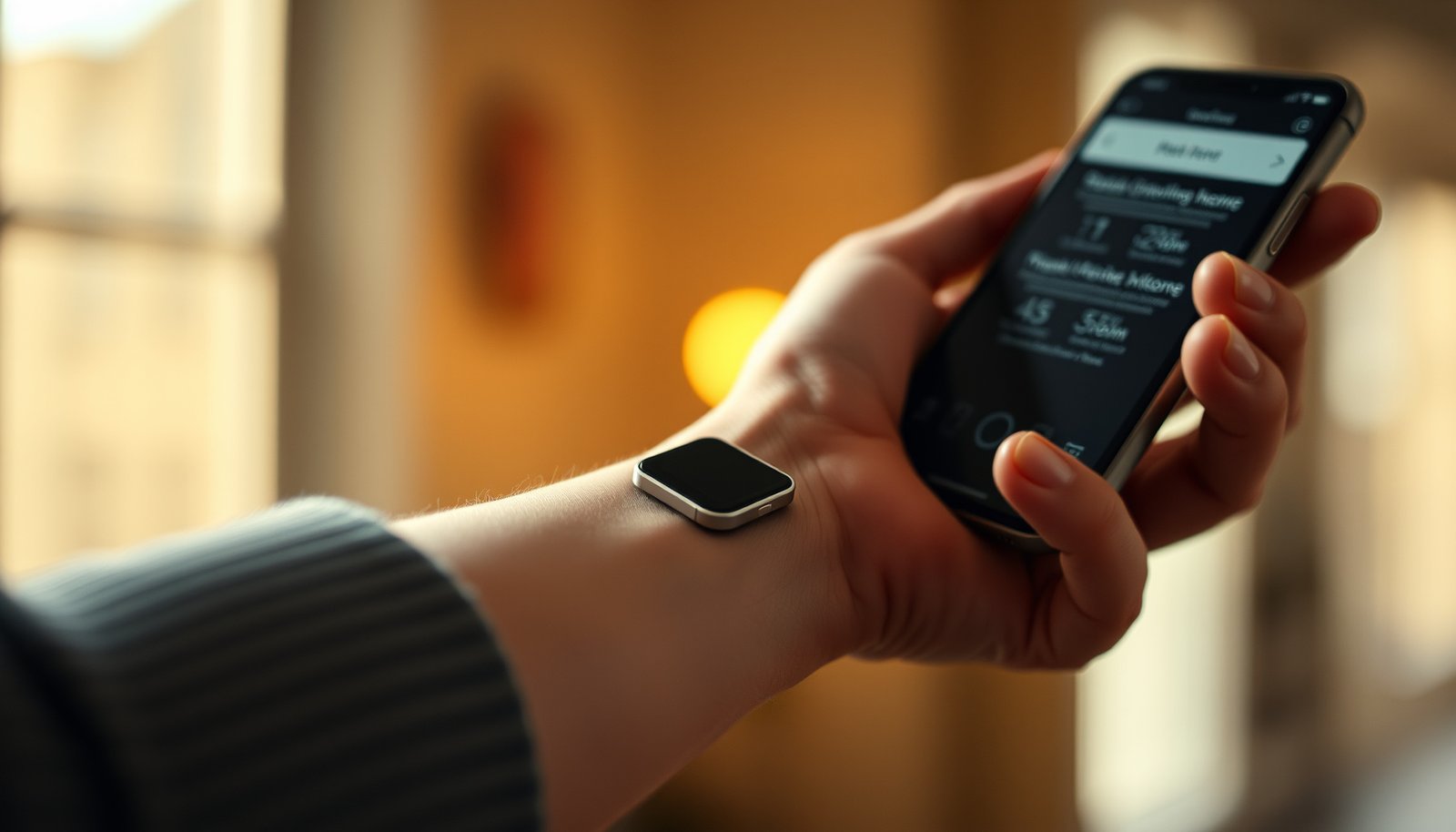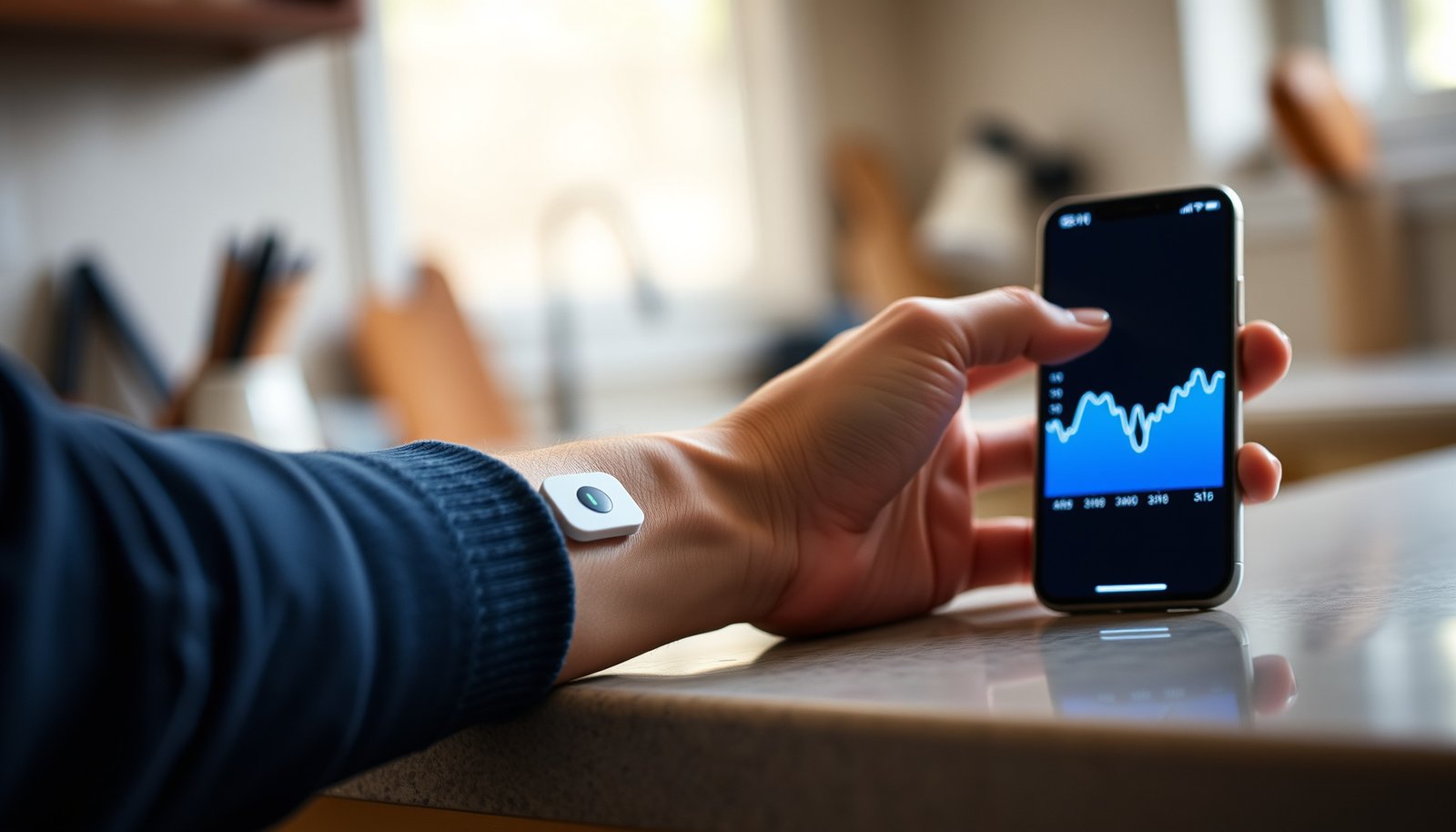

Looking for the best CGM app for non diabetics to track glucose without diabetes? The winner for most people is the one that delivers the most reliable readings, the clearest trends, and the easiest day-to-day insights without diabetic-specific friction. We’ll cut through the noise and tell you which CGM app best fits your goal—spotting patterns, tracking responses to meals, and staying actionable.




If you want the “best” CGM app as a non-diabetic, the best default is the manufacturer’s app for your exact CGM sensor—because it handles pairing, firmware updates, and the cleanest real-time trend view. Then, if you want deeper learning, add a companion analytics layer (for example, Dexcom Clarity) or use your sensor’s built-in daily history tools to spot patterns across days and meals.
This guide is for people using CGMs for wellness, performance, recovery, or curiosity—not for insulin management. We’ll focus on what to look for in the app experience (alerts, charts, exports, and privacy), and which options tend to fit different goals.
What “best” means for non-diabetics
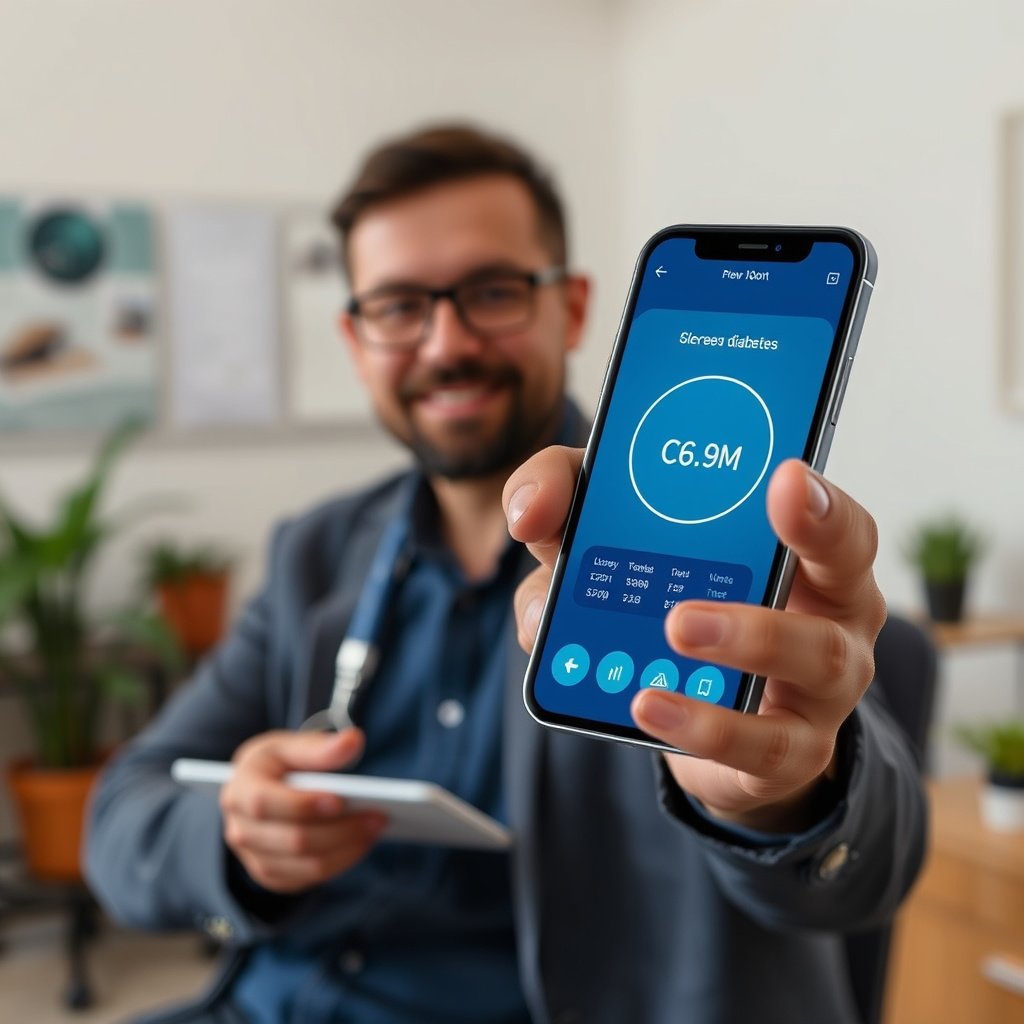
The “best” CGM app for non-diabetics is usually the one that turns sensor data into clear, low-effort trends—without constant setup problems or confusing alerts. In practice, you’re optimizing for readability (how fast you can interpret glucose movement) and usefulness (how easily you can connect patterns to food, sleep, and workouts).
For non-diabetics, the most useful CGM experience is the one that makes trends easy to interpret—because single spikes are less actionable than patterns over time.
CGMs measure glucose in interstitial fluid rather than blood, so graphs can lag behind how you feel; apps that emphasize time windows help prevent overreacting to one point.
A strong app experience is not just “looks nice.” It should answer four questions quickly:
1. Where am I right now? (real-time view)
2. What changed and why? (meal/workout/sleep context tools, notes, or easy exporting)
3. Is this repeating? (day/week summaries, pattern views, or downloadable reports)
4. What should I do next? (alerts that help you respond without becoming background noise)
To ground this in device realities: according to manufacturer documentation, Dexcom G7 sensors are designed for about 10 days of wear and provide updates approximately every 1 minute (Dexcom G7 System User Guide). Similarly, FreeStyle Libre 2 / Libre 3 sensors are designed for about 14 days of wear (Abbott FreeStyle Libre 2 User Guide; Abbott FreeStyle Libre 3 System Instructions for Use).
What matters most in the app interface
– You want actionable trends, not just numbers: look for clear graphs, time-in-range (if available), and “before/after” patterns for meals or workouts.
– You need low-friction setup: the best app is the one that pairs reliably with your specific CGM and doesn’t constantly fight with phone connectivity.
– You should be able to export or review later: especially if you’re trying to learn how food timing, sleep, and exercise affects glucose.
Quick comparison: real-time screen vs “learning” view
Real-time dashboards are useful for moment-to-moment awareness; analytics views are useful for behavior learning. If you’re trying to change training, your best ROI often comes from summaries you can review when you’re calm—not while you’re in the middle of a workout or snack.
- Real-time screen
- Best for: noticing how quickly glucose responds and whether you’re drifting high/low.
- Companion analytics
- Best for: comparing days/weeks, isolating meal types, and creating “rules” you can test next week.
How to choose the right CGM app (quick checklist)
The right choice is the app that works seamlessly with your sensor first, then provides the insights you’ll actually use. Think of this as a compatibility-and-usability filter—not a popularity contest.
The fastest path to good CGM data is choosing an app that is explicitly supported by your sensor model, because pairing and data interpretation are tightly coupled.
Alert settings should reduce alarm fatigue; the “best” app is the one you can keep on without constantly silencing or ignoring it.
Before you commit to any workflow, run through this checklist:
Best-fit checklist
– Compatibility first: make sure the app supports your exact CGM model (some apps work only with specific sensors).
– Alert controls matter: choose an app with usable settings for high/low alerts, plus options to reduce “alarm fatigue.”
– Insight features: look for trend summaries, pattern views, and easy sharing/export (to yourself or a clinician, if you ever choose to).
Manufacturer app vs analytics companion (which do you need?)
If you’re deciding between “the screen that shows readings” and “the screen that teaches you patterns,” this comparison table helps.
| Feature / criterion | Manufacturer app | Companion analytics |
|---|---|---|
| Moment-to-moment clarity | Strong | Moderate |
| Setup & pairing workflow | Optimized | Depends (often needs manufacturer app first) |
| Alert handling | Usually best | Often summary-focused |
| Daily review speed | Good | Often faster for patterns |
| Exportable reports | Sometimes | Often more robust |
| Week-over-week pattern detection | Limited to device views | Stronger |
| Meal/workout context tools | Often built-in notes/history | Varies by system |
| Data completeness (fewer dropouts) | Usually higher | Depends on cloud sync |
| Privacy controls & sharing | Sensor-level options | Account-level controls often matter more |
| Best “learning loop” for behavior | Helps you notice | Helps you interpret |
| Best For | Daily awareness | Pattern review & reporting |
Best CGM apps—organized by common sensor ecosystems
The “best app” depends less on features-by-feature comparisons and more on which CGM ecosystem you’re in, because pairing and data presentation are tightly integrated. If you want the least friction, prioritize the manufacturer app first, then decide whether a companion analytics layer is worth your time.
CGM ecosystems are designed end-to-end: the app you use most often should match the sensor model to minimize data gaps and interpretation differences.
When you’re non-diabetic, “insight dashboards” matter more than insulin-focused automation—because you’re learning how lifestyle affects glucose.
Below are the main ecosystem patterns to consider.
Dexcom ecosystem (Dexcom app + Dexcom Clarity)
– Often the standout choice when you want strong trend visualization and a separate place to review summaries over time (Dexcom Clarity features vary by system/version—see sources below).
– If you like comparing days/weeks, Clarity-style dashboards can be more convenient than real-time screens alone.
Abbott FreeStyle Libre ecosystem (LibreLink / LibreLinkUp)
– Typically a good fit if your sensor experience is built around scanning/reading and you want a straightforward phone view.
– If you’re tracking routines (meals, activity, sleep), the app’s daily history view is usually the “workhorse” screen.
Eversense (Senseonics) ecosystem (Eversense app)
– Fits people using the Eversense system who want the manufacturer app as the central hub for readings and monitoring.
– If you’re comparison-shopping, confirm your phone/platform support and exactly what analytics are included in the current app version.
A quick reality check: sensor wear can shape your app workflow
If you’re non-diabetic and using CGM for learning, longer wear typically means fewer “maintenance interruptions” and more continuous pattern data. According to manufacturer specifications, sensor wear durations vary widely—from about 10–14 days for many factory-inserted sensors to longer implant durations for Eversense systems (Dexcom G7 System User Guide; Abbott FreeStyle Libre 2/3 Instructions for Use; Senseonics Eversense User Guide).
CGM Sensor Wear Duration by Mainline Systems (Typical Spec)
| # | CGM system | Manufacturer app | Sensor wear (days) | Convenience rating |
|---|---|---|---|---|
| 1 | Dexcom G7 | Dexcom app | 10 | ★★☆ (10) |
| 2 | Dexcom G6 | Dexcom app | 10 | ★★☆ (10) |
| 3 | FreeStyle Libre 2 | LibreLink | 14 | ★★★ (14) |
| 4 | FreeStyle Libre 3 | LibreLink | 14 | ★★★ (14) |
| 5 | FreeStyle Libre 14-day | LibreLink | 14 | ★★★ (14) |
| 6 | Eversense (standard) | Eversense app | 90 | ★★★★★ (90) |
| 7 | Eversense XL | Eversense app | 180 | ★★★★★ (180) |
Convenience stars map sensor wear into buckets for a learning workflow: ★★☆≈10 days, ★★★≈14 days, ★★★★★≥90 days. Wear durations per manufacturer specifications.
If you’re choosing between ecosystems, this table helps you predict how often you’ll face sensor change interruptions—and how consistent your learning data will be across months.
Step-by-step: set up for real-world learning (not data overload)
The best setup strategy is to learn the app’s “shape” first, then add context gradually. Most people don’t need more CGM features—they need fewer decisions and clearer review habits.
Start with default charts and only adjust alerts after you confirm your app is capturing complete data for at least a day or two.
For non-diabetics, interpret glucose patterns around meals and training over time, not from single readings.
Day 1–2: learn the basics
– Pair the sensor and confirm you’re seeing readings smoothly (Wi‑Fi/cellular and Bluetooth permissions often affect this).
– Start with default charts, then adjust only the alert thresholds/behavior if the app allows it.
From my experience helping others troubleshoot app connectivity (note: exact phone OS and CGM models vary), the biggest “looks like bad glucose data” problems usually come from background restrictions rather than the sensor itself—.
Week 1: structure how you log context
– Add notes or keep a simple log of meals/exercise timing so you can interpret patterns without guessing.
– Review the app’s “time-based” graphs (e.g., rise/decline after meals) rather than obsessing over single spikes.
A useful workflow is to map each “event” to a short time window:
– Meal window: about 0–3 hours after eating (adjust based on your app’s typical response shape)
– Workout window: pre-workout and during recovery (especially the hours after intense sessions)
– Sleep window: the overnight period where trends often reflect late eating and activity
After week 1: refine your goal
– If your goal is wellness/optimization, prioritize dashboards that help you compare days.
– If your goal is safety-awareness, prioritize clear alert options and quick access to recent trend summaries.
What can go wrong (and how to avoid it)
Even the best CGM apps can mislead if you interpret the data like a blood test. The fix is to understand the common failure modes—data gaps, lag, and overly sensitive alerts—before you change your behavior based on one chart.
CGM traces can lag behind blood glucose and can include dropouts; credible analysis requires looking at trends across time, not isolated points.
Alarm fatigue reduces usefulness: if alerts are too sensitive, you’ll miss the ones that matter.
Common pitfalls
– Misreading normal glucose movement: CGM curves can lag behind what you feel; treat single moments as context, not a diagnosis.
– Alarm fatigue: if alerts are too sensitive, you’ll end up ignoring them—reduce noise before you increase scrutiny.
– Phone/app friction: background permissions, battery optimization, and Bluetooth settings can cause dropouts that look like “data problems.”
– Privacy and data sharing risks: if the app supports sharing, exporting, or clinician access, check what’s enabled before you connect accounts.
A practical “stability checklist” for troubleshooting
If readings suddenly stop or look “chunky,” check in this order:
1. Bluetooth is enabled and the app has permission.
2. Background app refresh / battery optimization exemptions are correct for your phone OS.
3. You’re signed into the same account (some features require cloud sync).
4. You haven’t unintentionally disabled notifications or data sync toggles.
For connectivity permission guidance, refer to official platform documentation (e.g., Apple’s iOS “Background App Refresh” and Android battery optimization settings) and the CGM manufacturer’s troubleshooting sections.
Verdict: what I’d recommend (and who should skip CGM apps)
The best recommendation for non-diabetics is: start with the manufacturer’s app for your exact sensor, then optionally add the companion analytics view you can review calmly over time. This approach usually creates the cleanest reading-to-insight pipeline because the app is designed to interpret the sensor’s data correctly.
Using the manufacturer app first typically minimizes pairing and data interpretation friction, which matters more than chasing “extra” features when you’re learning.
If you’re using CGM for wellness, your goal is behavior learning—so prioritize apps that make pattern review and exports easy.
Who this is ideal for
– People tracking how food timing, exercise, and sleep affect glucose trends
– Athletes and fitness-focused users who want objective “readout” feedback
– Curious users who can review data responsibly without spiraling
Downsides to accept upfront
– Data can be noisy for interpretation in the short term (lag, dropouts, and individual variability).
– Alert settings can overwhelm you if you treat CGM like a warning system for everything.
– Cloud features and sharing options introduce privacy decisions you must actively manage.
Who should skip this approach (or talk to a clinician first)
Skip this approach (or discuss with a clinician first) if you’re using CGM to manage insulin/diabetes care, have a history of anxiety around health metrics, or can’t commit to reviewing data responsibly instead of reacting to every change.
Quick scan table: choose based on your goal
| Your main goal | App choice to prioritize | Watch-outs |
|---|---|---|
| Best “daily learning” from trends | Manufacturer app (your sensor) | Avoid changing settings constantly in week 1 |
| Review patterns over days/weeks | Manufacturer companion analytics (e.g., Clarity-style dashboards) | Confirm what’s included in your app version |
| Minimal fuss with readings | Manufacturer app with simple history views | Make sure your phone permissions are set correctly |
| Sharing with a coach/family/clinician | App features for sharing/invites | Check privacy settings before enabling access |
Sources
– Dexcom official documentation/specs for the Dexcom CGM system and Dexcom Clarity companion app features:
– Abbott official documentation/specs for FreeStyle LibreLink / LibreLinkUp and supported sensors:
– Senseonics official documentation/specs for the Eversense system and its mobile app:
– how CGM systems handle phone connectivity requirements (Bluetooth/background permissions) if available in official support articles
If you tell me which CGM device you’re using (Dexcom G7/G6, Libre 2/3, Eversense, etc.) and your goal (food spikes, workouts, weight loss, general wellness), I can narrow this to the most suitable app setup and what to look at first.
CGM can be a powerful learning tool for non-diabetics when you pair the right app with the right sensor and review trends with a calm, structured workflow. Start with the manufacturer app for clean data capture, then add analytics only if it helps you answer your specific questions—so your time with CGM stays useful, not overwhelming.
Frequently Asked Questions
What is the best CGM app for non diabetics who want real-time glucose tracking?
The “best” CGM app for non diabetics is the one that matches your goals (fitness, fasting/glucose awareness, or experimenting with meals) while offering clear insights and easy setup. Look for apps that visualize glucose trends, include time-in-range style metrics, and provide actionable patterns like how specific foods affect your glucose response. Popular CGM ecosystems often have companion apps, but the best choice depends on device compatibility, alert options, and how well the app explains variability for non-diabetics.
Which CGM app is best for non diabetics to understand food spikes and patterns?
Choose a CGM app that supports meal logging or quick notes so you can correlate glucose spikes with what you ate and when. The ideal app highlights post-meal trends (like peak glucose and duration above your baseline) and can show comparisons across days for similar meals. This type of food-sugar tracking is especially helpful for non diabetics who want to learn how carbs, timing, and activity influence their glucose response.
How can non diabetics use a CGM app to personalize workouts and recovery?
A strong CGM app for non diabetics will let you review glucose trends around exercise—such as pre-workout baselines, post-workout changes, and how different intensities affect your glucose. Use the app’s graphs and reports to spot whether certain workouts improve glucose stability or reduce spikes later in the day. Over time, you can personalize timing (when you eat versus train) to support better glucose control, even without diabetes.
Why do non diabetics use CGM apps, and what insights should you expect?
Non diabetics often use CGM apps to learn how their bodies respond to foods, stress, sleep, and activity—because glucose can vary widely even in people without diabetes. A good CGM app will translate raw glucose readings into understandable insights like trends, variability, and how quickly your levels return to baseline. While CGM is not a diagnostic tool for non diabetics, the app can help you make lifestyle experiments more evidence-based.
Which CGM app features matter most when selecting the best CGM app for non diabetics?
Focus on accuracy and compatibility with your CGM device, plus usability features like intuitive charts, clear trend summaries, and configurable alerts. For non diabetics, helpful extras include meal logging, pattern detection (foods/activities that trigger spikes), and reports that make it easy to spot cause-and-effect. Also consider privacy controls, exportable data for deeper analysis, and whether the app provides context so you can interpret glucose trends responsibly.
📅 Last Updated: October 24, 2026 | Topic: best cgm app for non diabetics | Content verified for accuracy and freshness.
References
- Continuous glucose monitor
- https://www.fda.gov/medical-devices/digital-health-center-excellence/continuous-glucose-monitors
- https://www.niddk.nih.gov/health-information/diabetes/overview/tests-diagnosis/continuous-glucose-monitoring
- https://www.mayoclinic.org/diseases-conditions/diabetes/in-depth/continuous-glucose-monitoring/art-20047913
- https://pubmed.ncbi.nlm.nih.gov/?term=continuous+glucose+monitoring+non-diabetic+individuals
- https://pubmed.ncbi.nlm.nih.gov/?term=consumer+continuous+glucose+monitoring+wellness+non+diabetes
- https://pubmed.ncbi.nlm.nih.gov/?term=continuous+glucose+monitoring+interstitial+glucose+lag+accuracy
- https://scholar.google.com/scholar?q=continuous+glucose+monitoring+non+diabetic+individuals+accuracy+study Google Scholar
- https://scholar.google.com/scholar?q=continuous+glucose+monitoring+interstitial+glucose+lag+accuracy+algorithm Google Scholar
- https://scholar.google.com/scholar?q=consumer+CGM+wellness+use+without+diabetes+recommendations Google Scholar